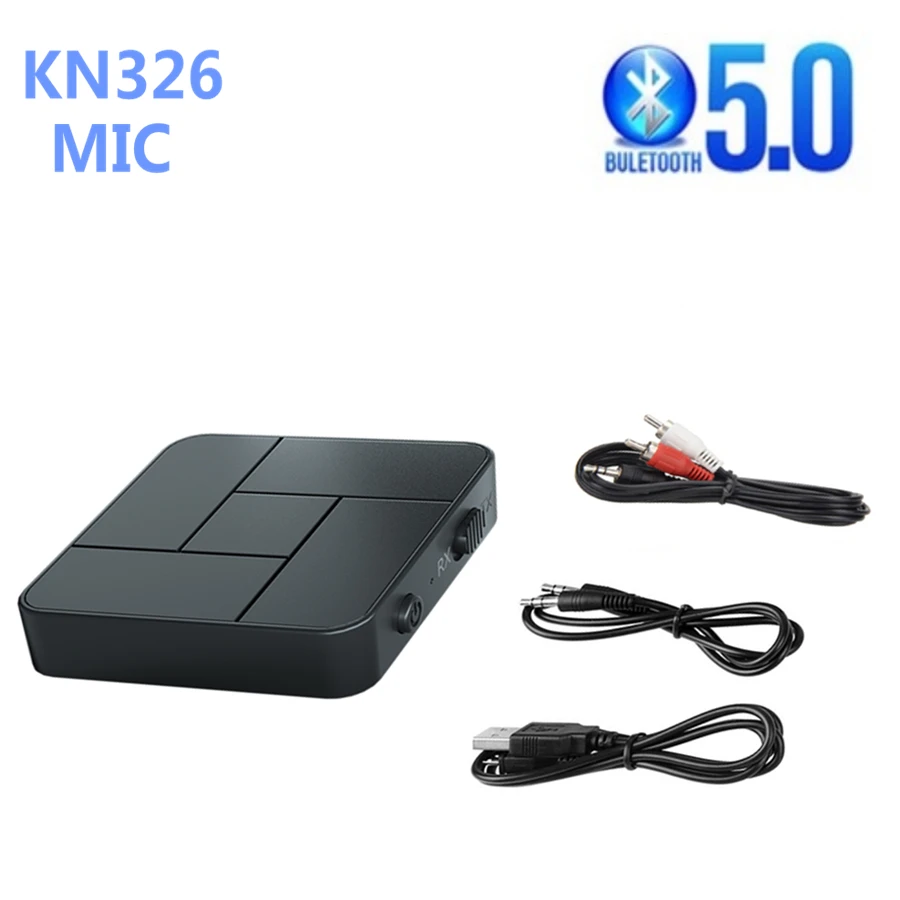
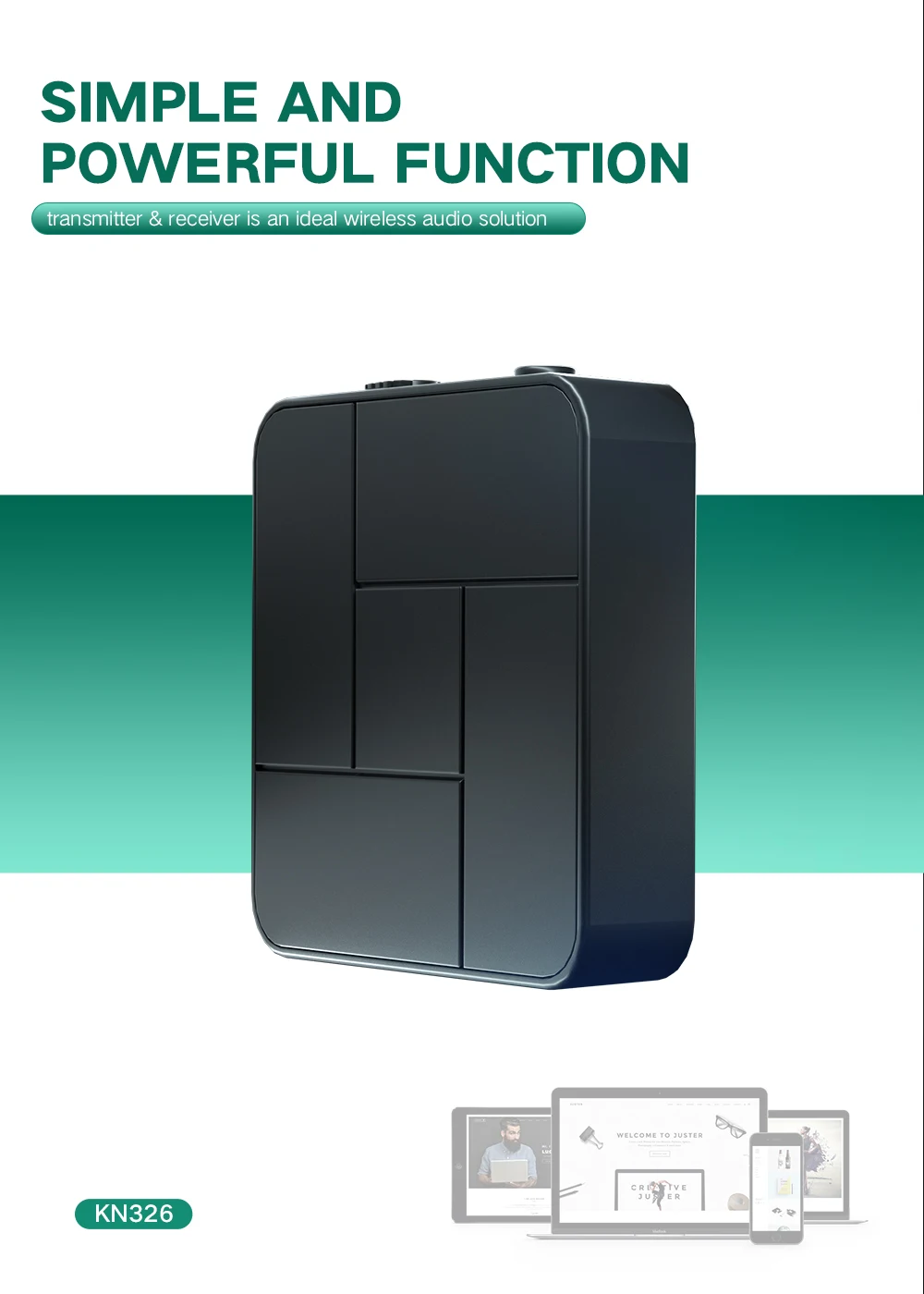
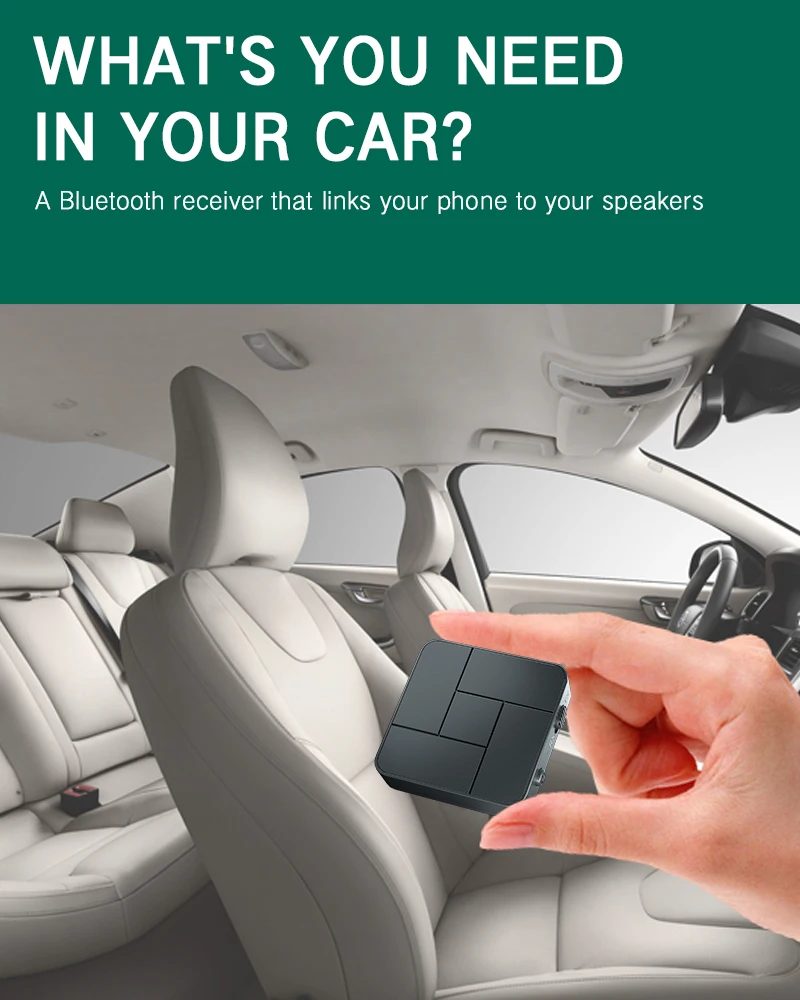
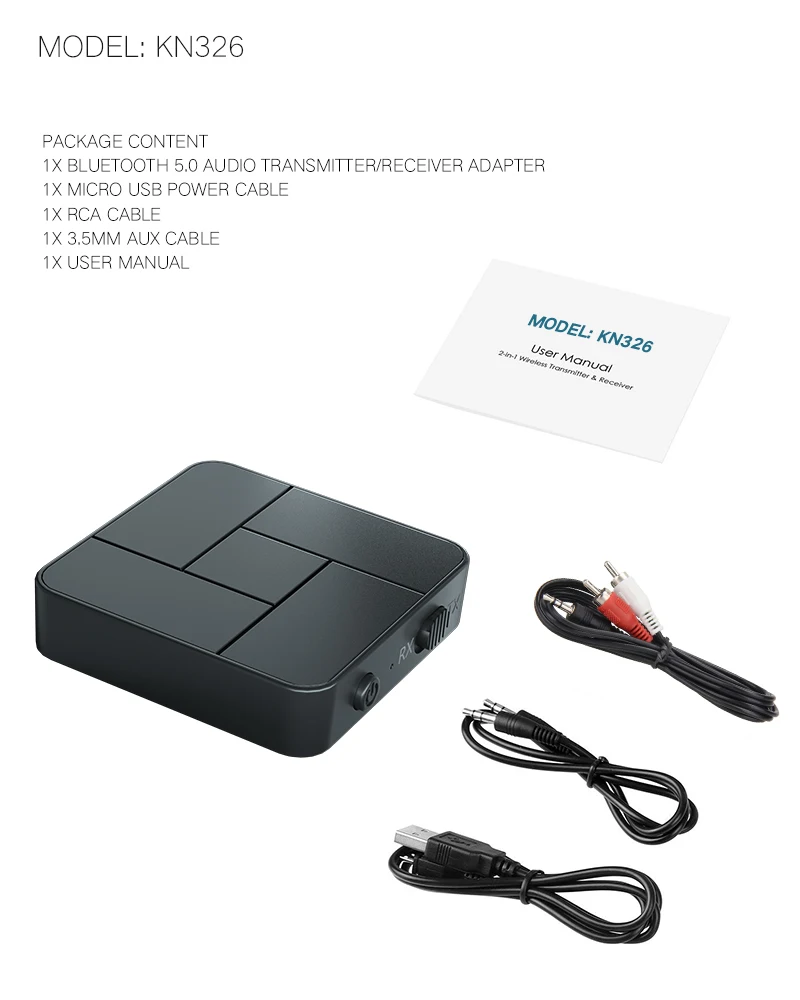
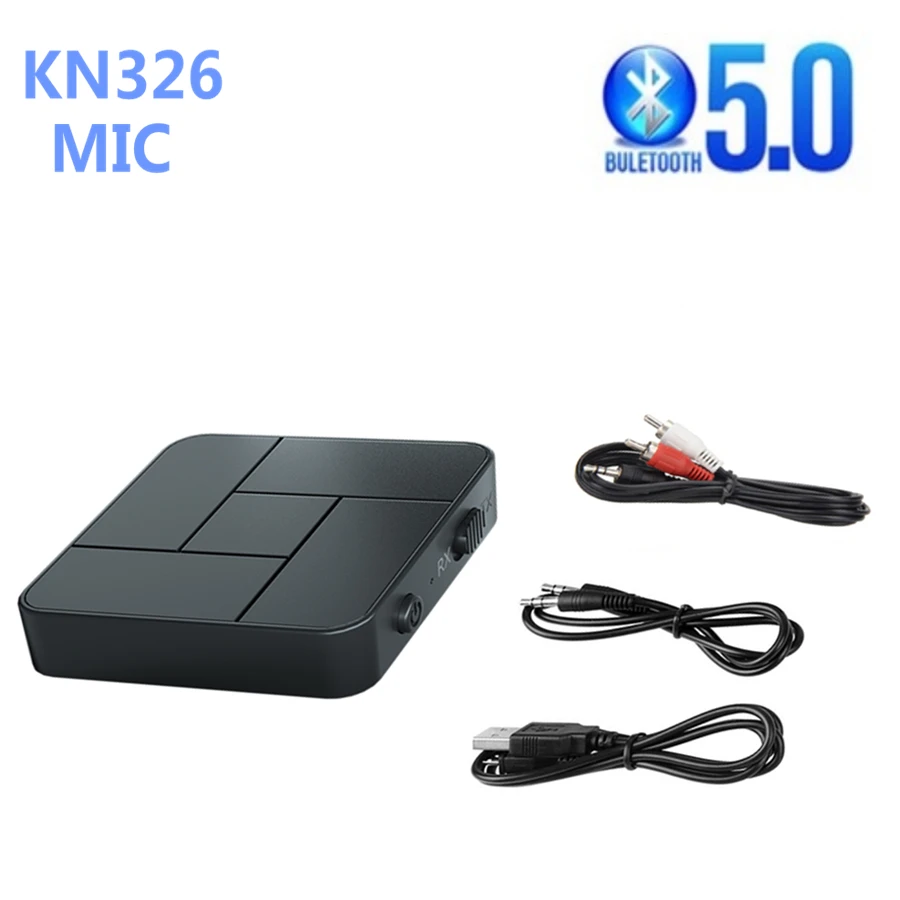
 KN326 BT 5.0 Receiver Transmitter 3.5mm AUX Jack RCA USB Dongle Wireless Audio Adapters Handsfree Call Microphone For Car TV
Product features
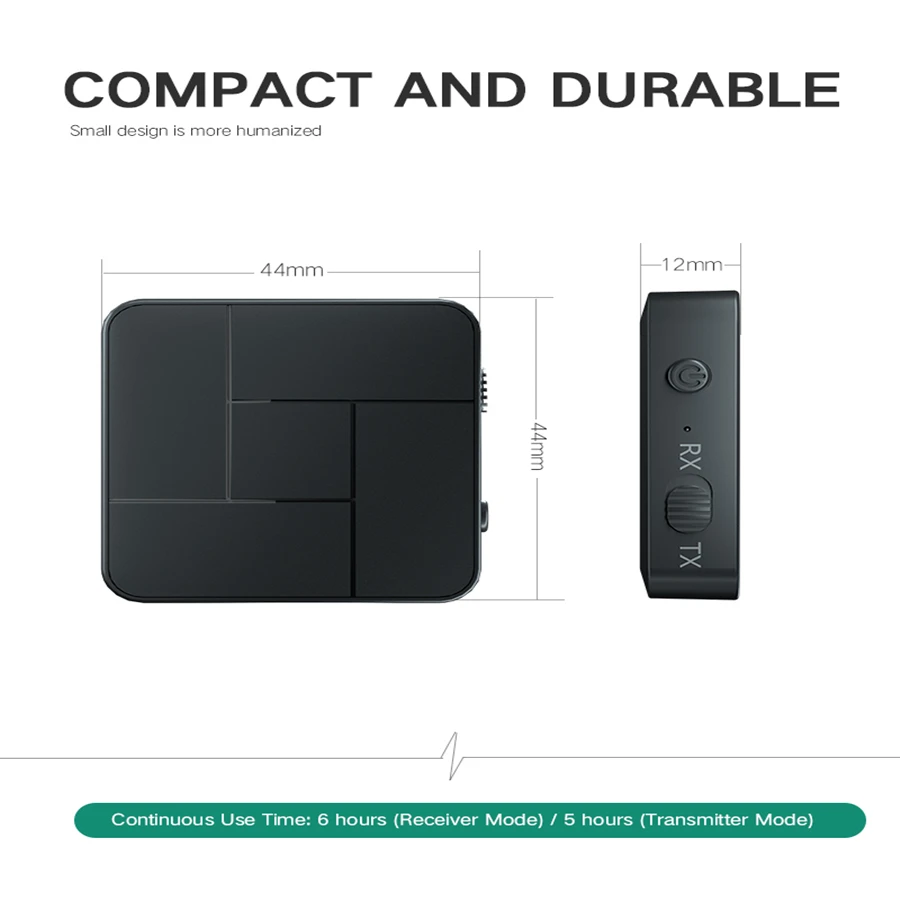
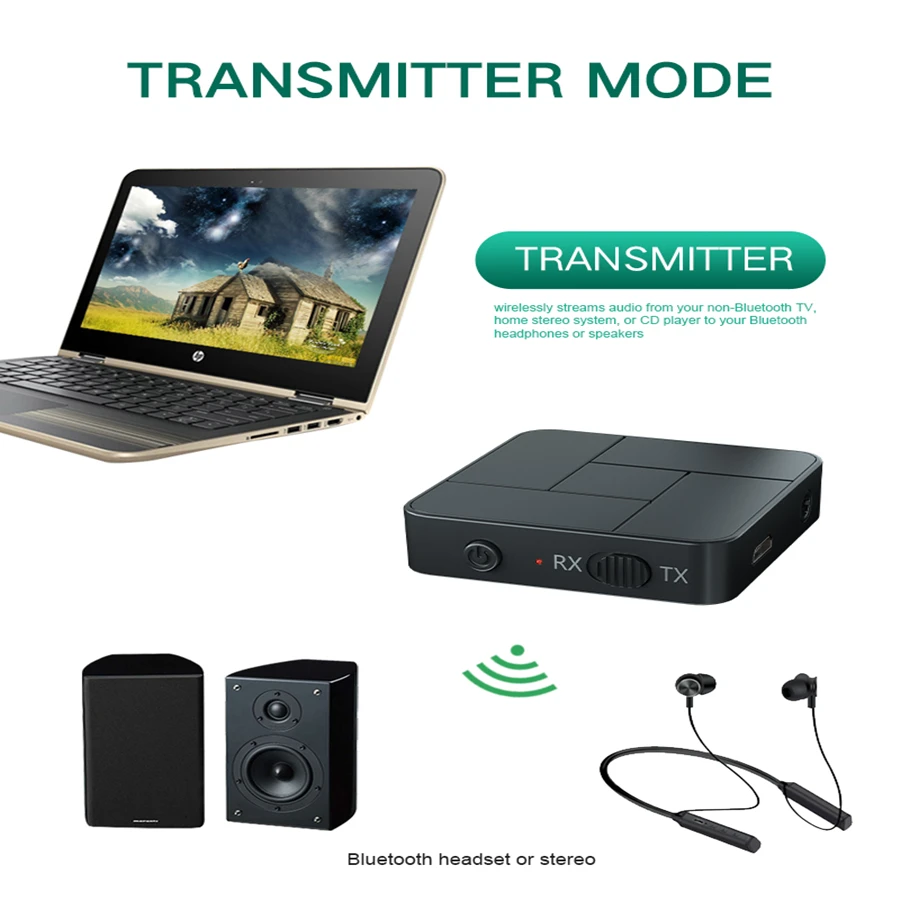
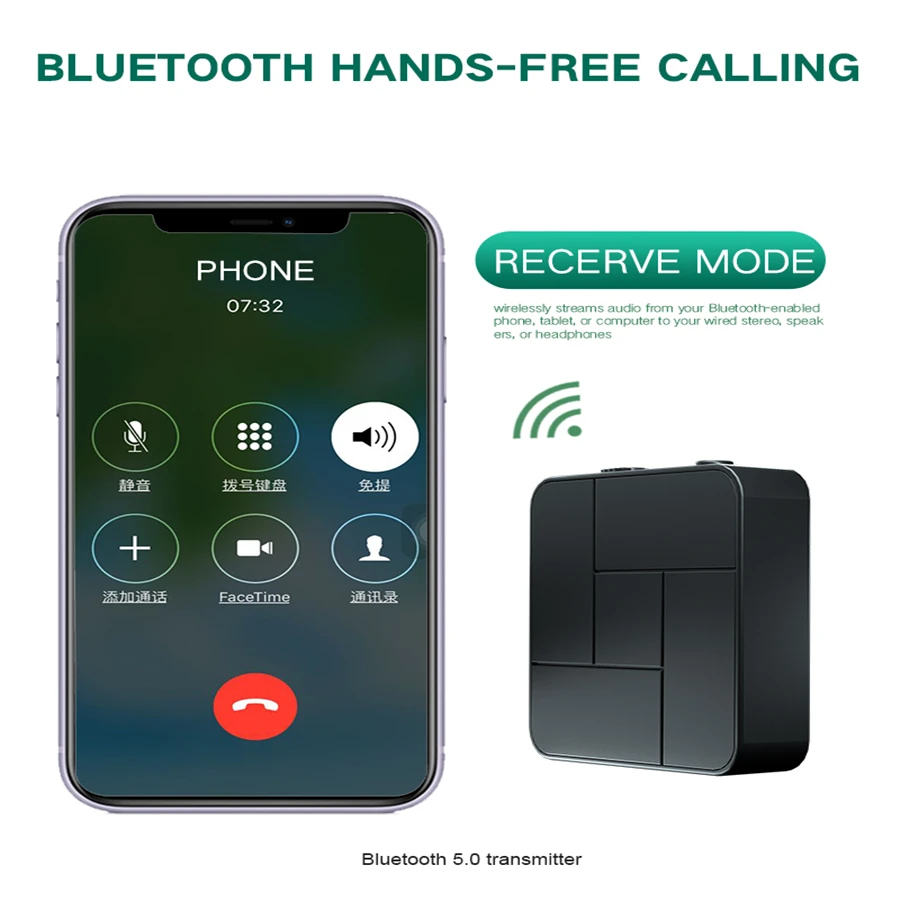
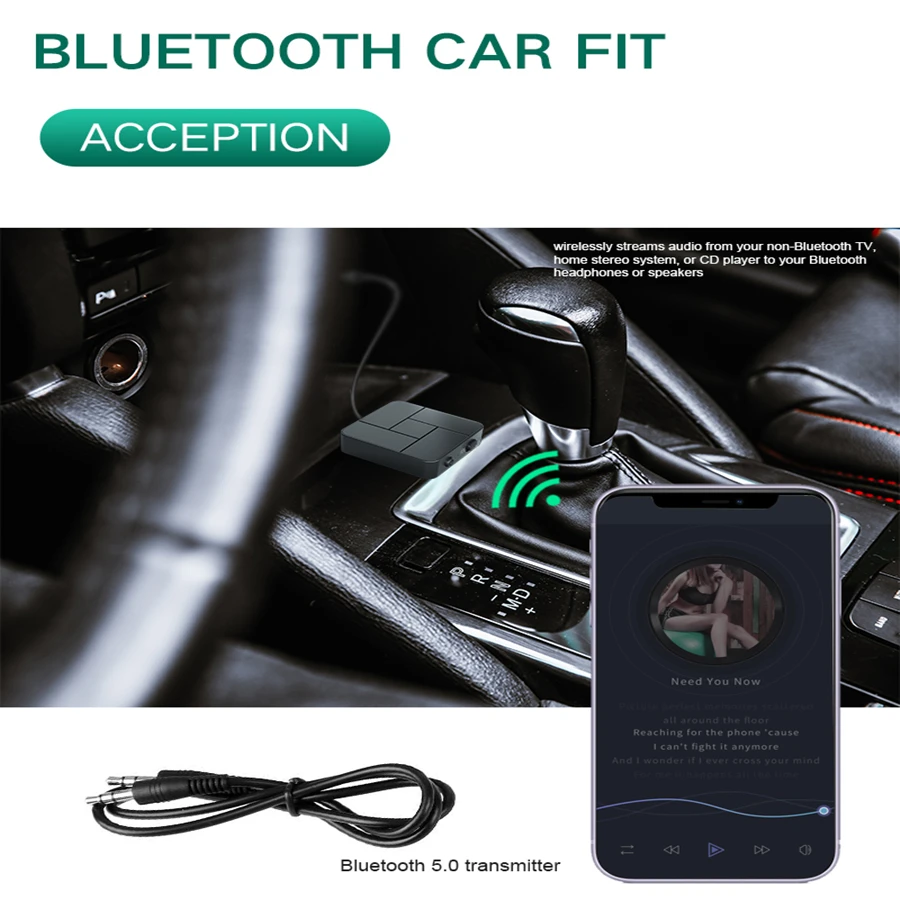
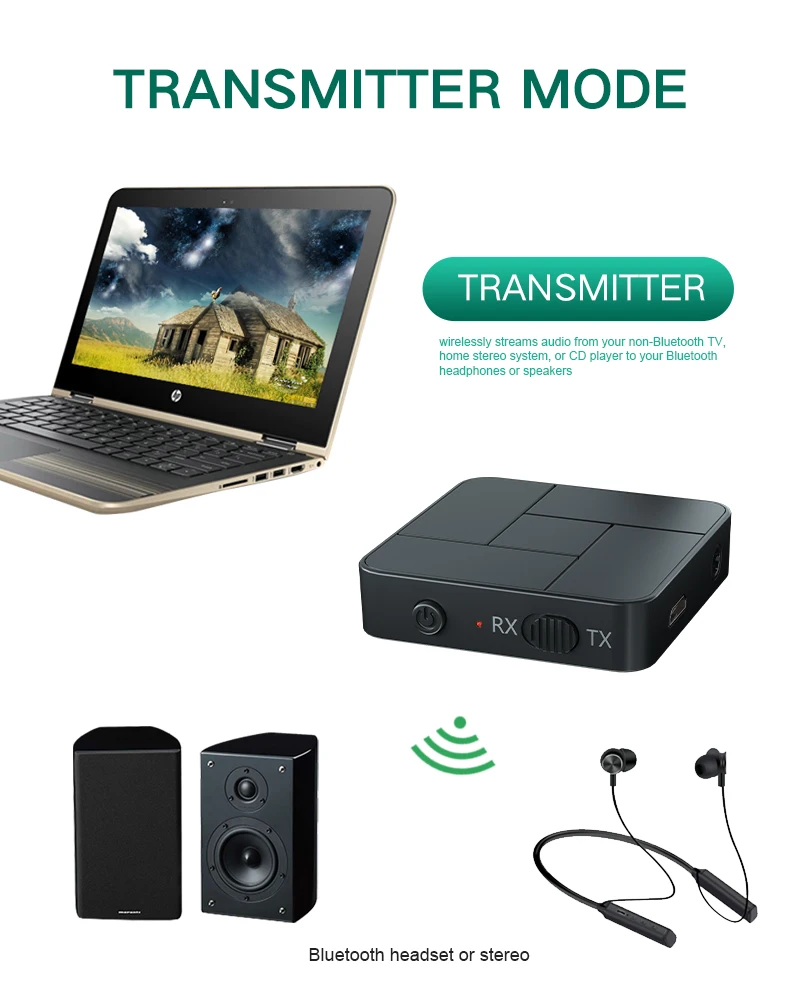
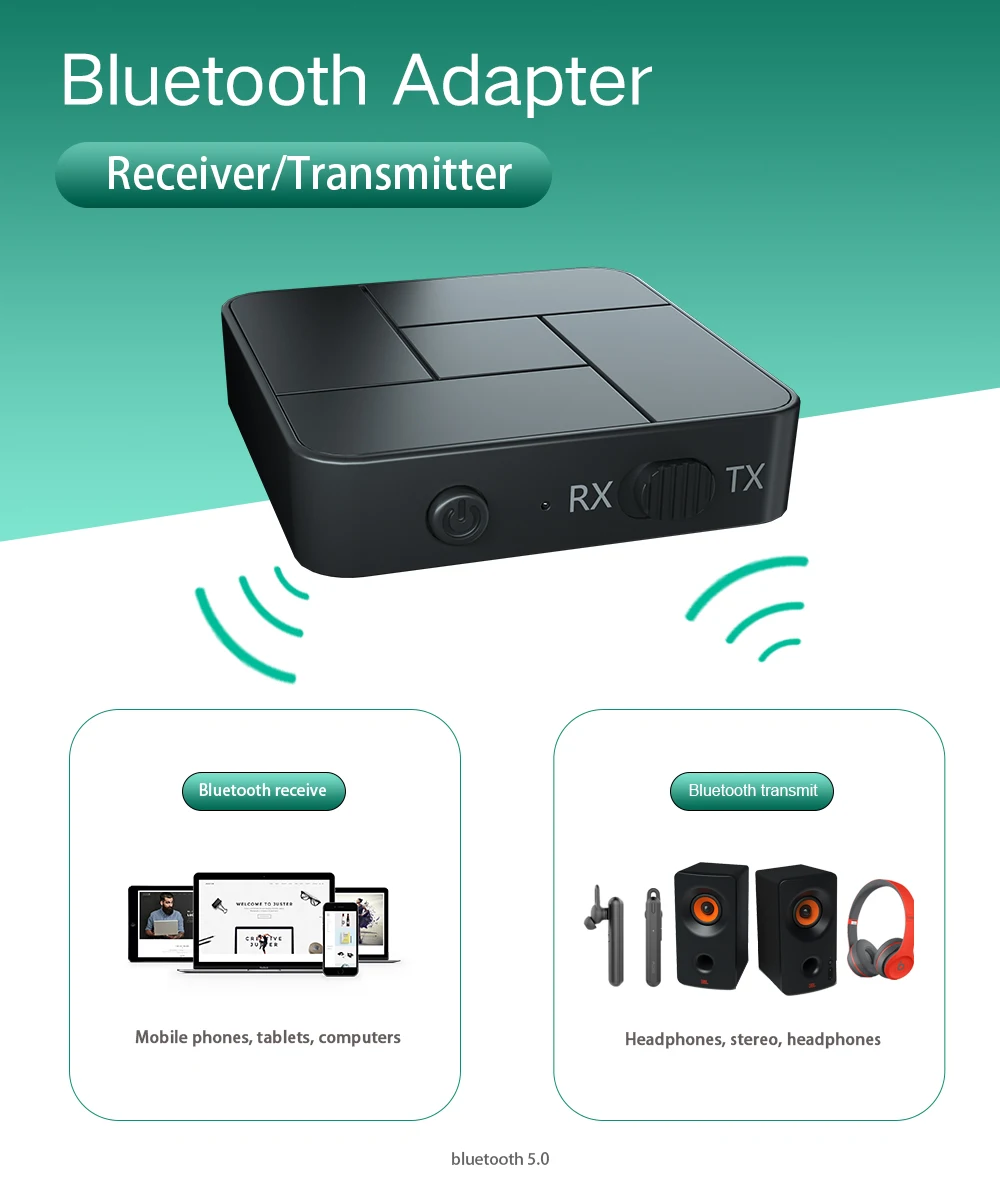
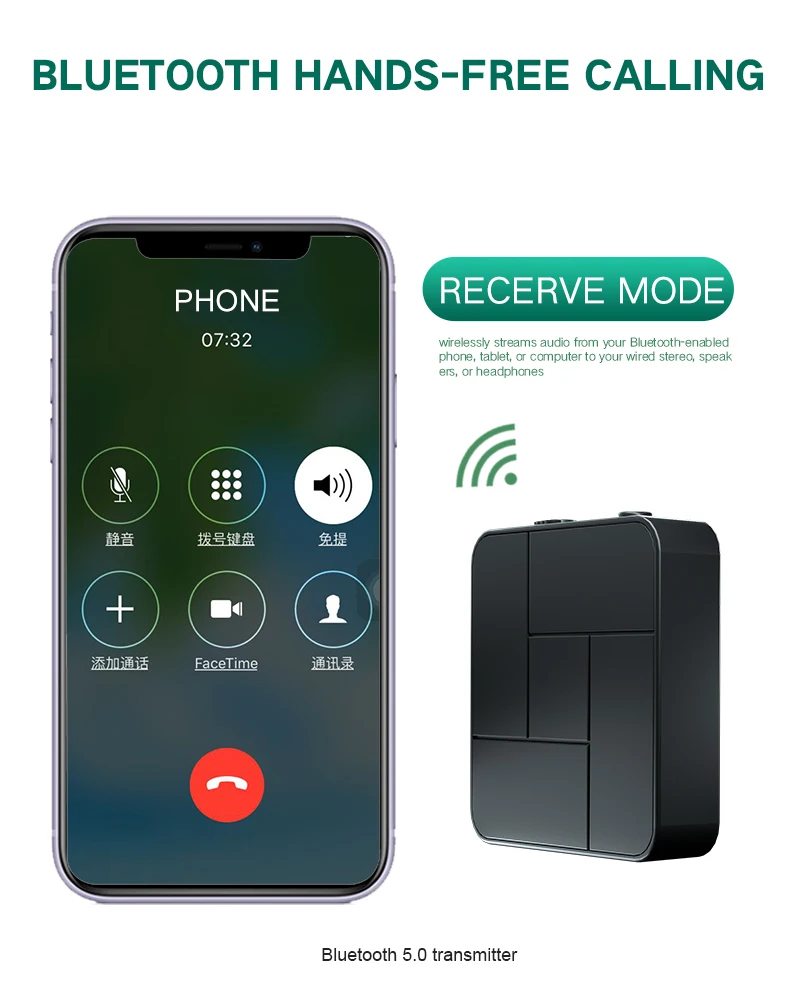
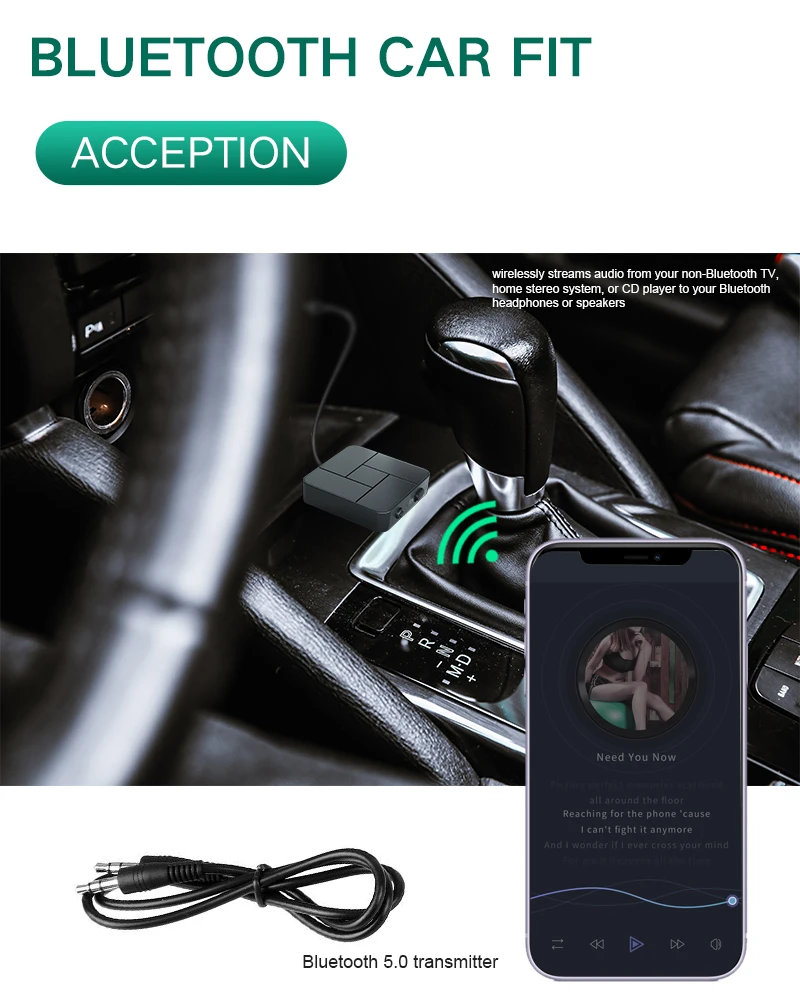
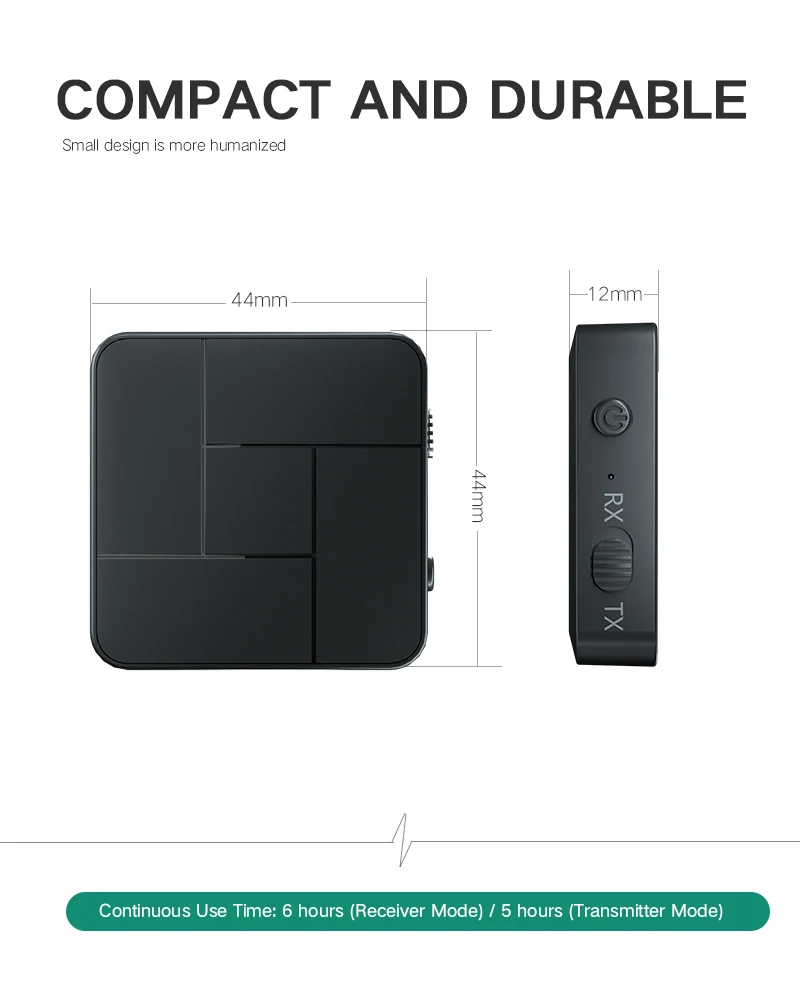
Model: KN326Technology: BT5.0, A2DP, AVRCP (receiver mode only)Operating range: maximum 10 meters / 33 feet (without any obstructing objects)Pairing name: KN326Charging time: 2 hoursWorking Time: RX:6 hours ; TX:5 hoursBattery type: lithium polymer (200mAh)Size: 44×44×12mmWeight: 18 gramsFeatures:1.Support Microphone: Handsfree call when you are busy.2.Transmitter mode:wirelessly streams audio from your non-BT TV, home stereo system, or CD player to your BT headphones or speakers3.Receiver mode: wirelessly streams audio from your BT-enabled phone, tablet, or computer to your wired stereo, speakers, or headphones4.Switch between transmitter and receiver modes with the simple flick of a switch. Effortlessly connect using advanced BT technology and 3.5mm audio cable (included).5.Super-Portable Audio-Streaming Power
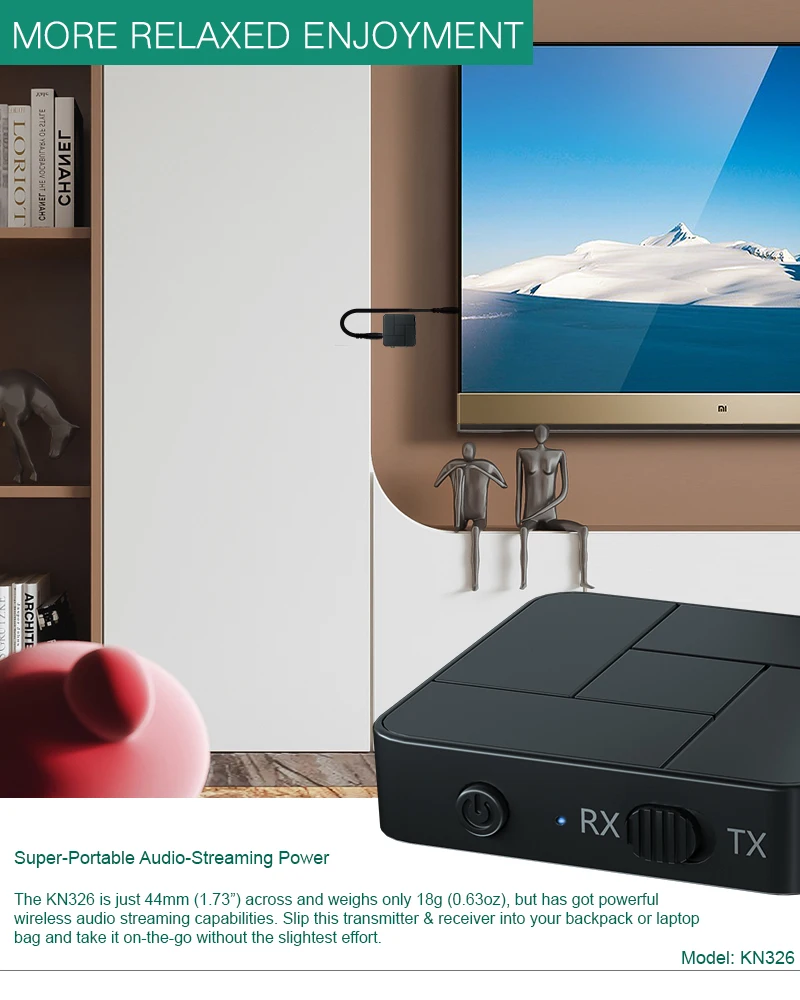
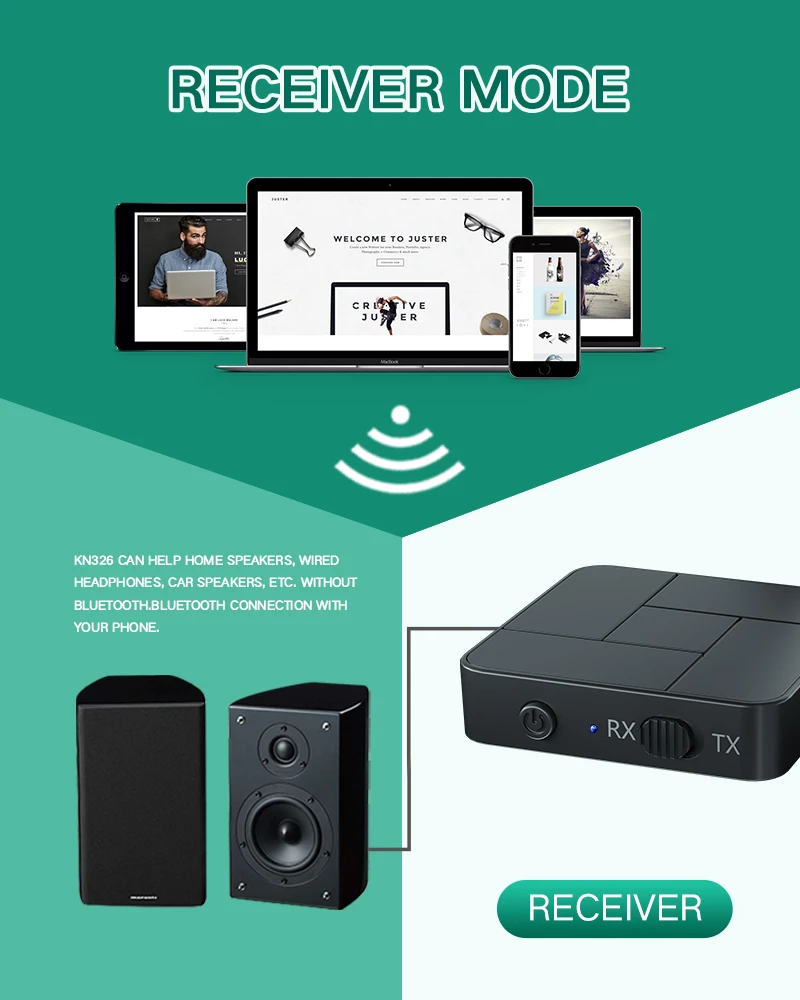
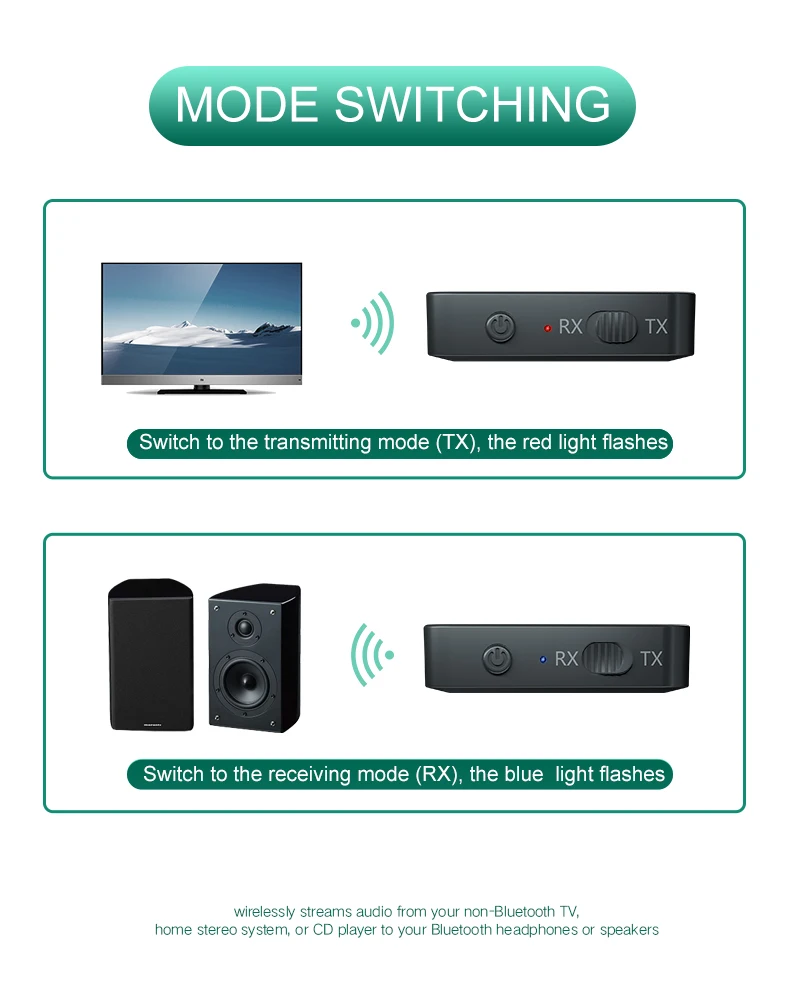
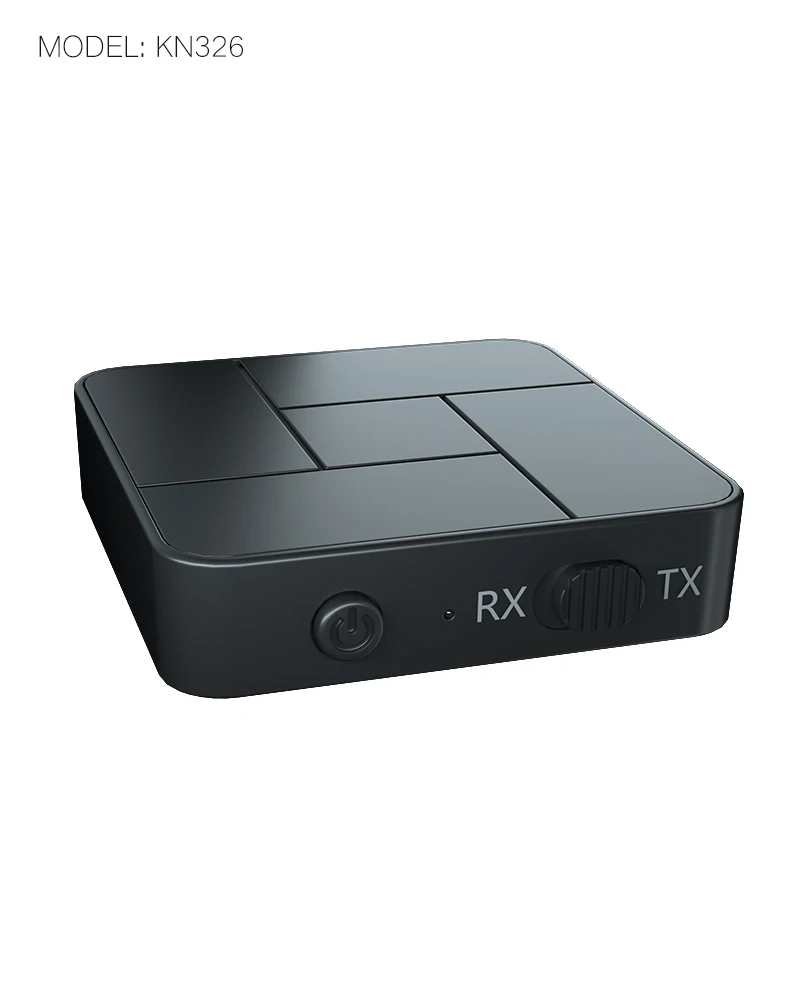
The KN326 is just 44mm (1.73") across and weighs only 18g (0.63oz), but has got powerful wireless audio streaming capabilities. Slip this transmitter & receiver into your backpack or laptop bag and take it on-the-go without the slightest effort.Power on: Press and hold the power on/off button until the LED lights upShutdown: Press and hold the power on/off button until the LED is off Charging: Use the DC-5V charger and micro usb charging cable. The red light is on during charging. When the battery is fully charged, the blue light is on.Switch mode:1)RX: Receive mode, indicator: blue LED2)TX: Transmit mode, indicator light: red LED
RX mode:Pairing name: KN326 in the Bluetooth settings of the phone to pair. The blue light flashes twice a second during the pairing process, and the blue light flashes once every three seconds after the pairing is successful.
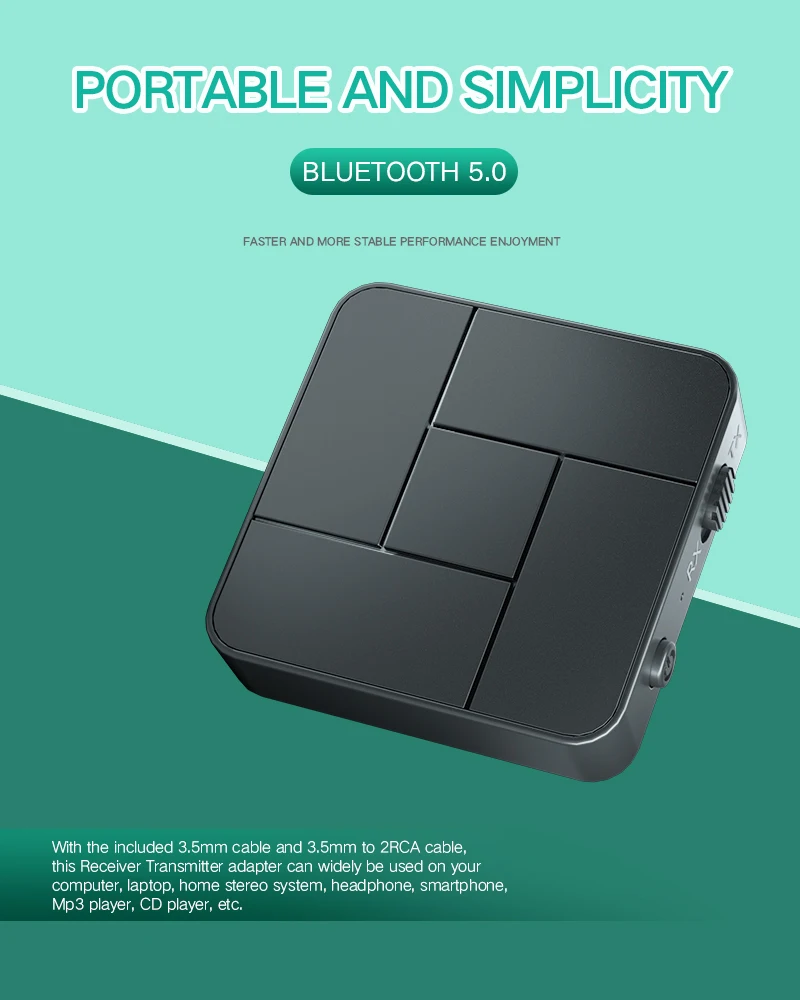
how to use:1)Plug one end of the audio cable into the audio input of the speaker and the other end into the audio of the KN3262)confirm that it is in RX mode (blue light flash). Find the pairing name in the BT settings of the phone: KN326 click to pair.
TX mode:TX mode will automatically search for other BT receiving devices (such as BT headset, BT speaker, BT receiver, etc.), The red light flashes twice a second during the pairing process, and the red light flashes once every three seconds after the pairing is successful.
How to use: 1)Plug one end of the audio cable into the audio output of the devices and the other end into the audio of the KN326.2)Confirm that it is in TX mode (red light flash). The KN326 will automatically search for BT headset or BT speaker pairing.
Detailed Images