BMQ new portable mini fabric mobile power subwoofer wireless bluetooth speaker
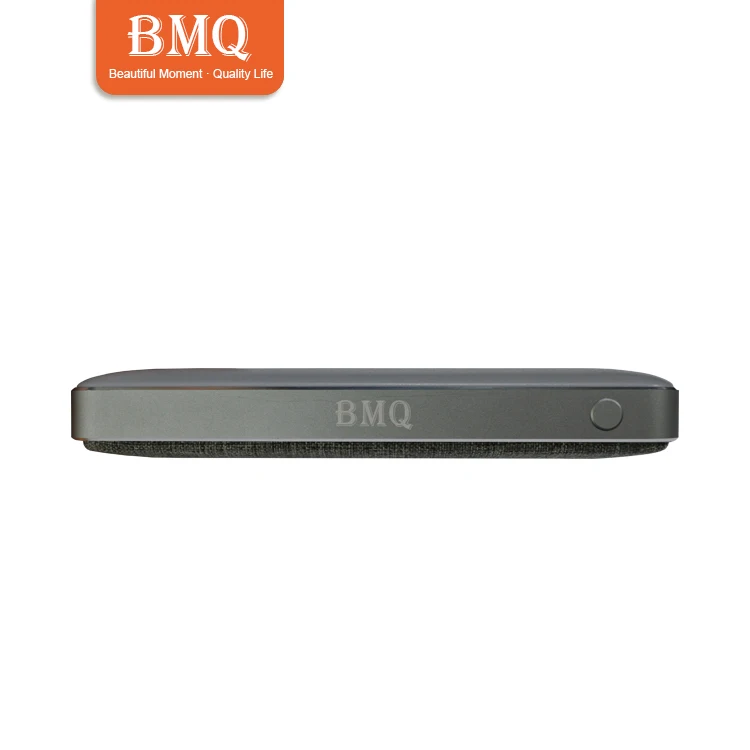
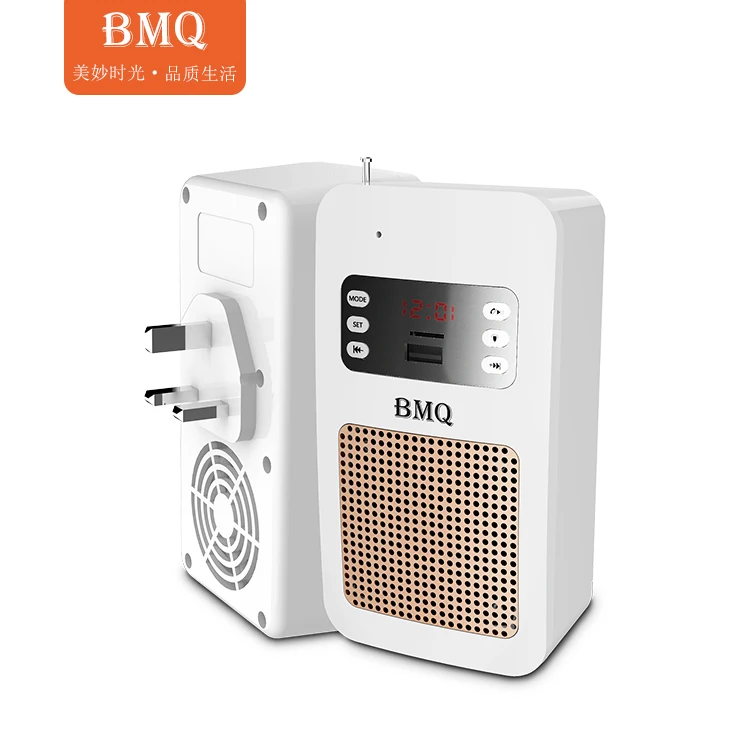
This product is positioned as a 2.0 portable stereo, to meet 30 square meters of room use, portable, play their favorite songs, sound, strong analytical power, good sound, listen to, when you press hands-free button can be easy to talk, but also to the external mobile device charging, as a temporary power bank.
Technical parameters
Material Steel body with ABS
Blue tooth version V4.2(BLE)/V2.1+EDR/V3.0/V4.0
Product size 138*71mm
Battery 2000mAh rechargeable lithium battery
Charging time 3-4 hours (input current 2.1A adapter)
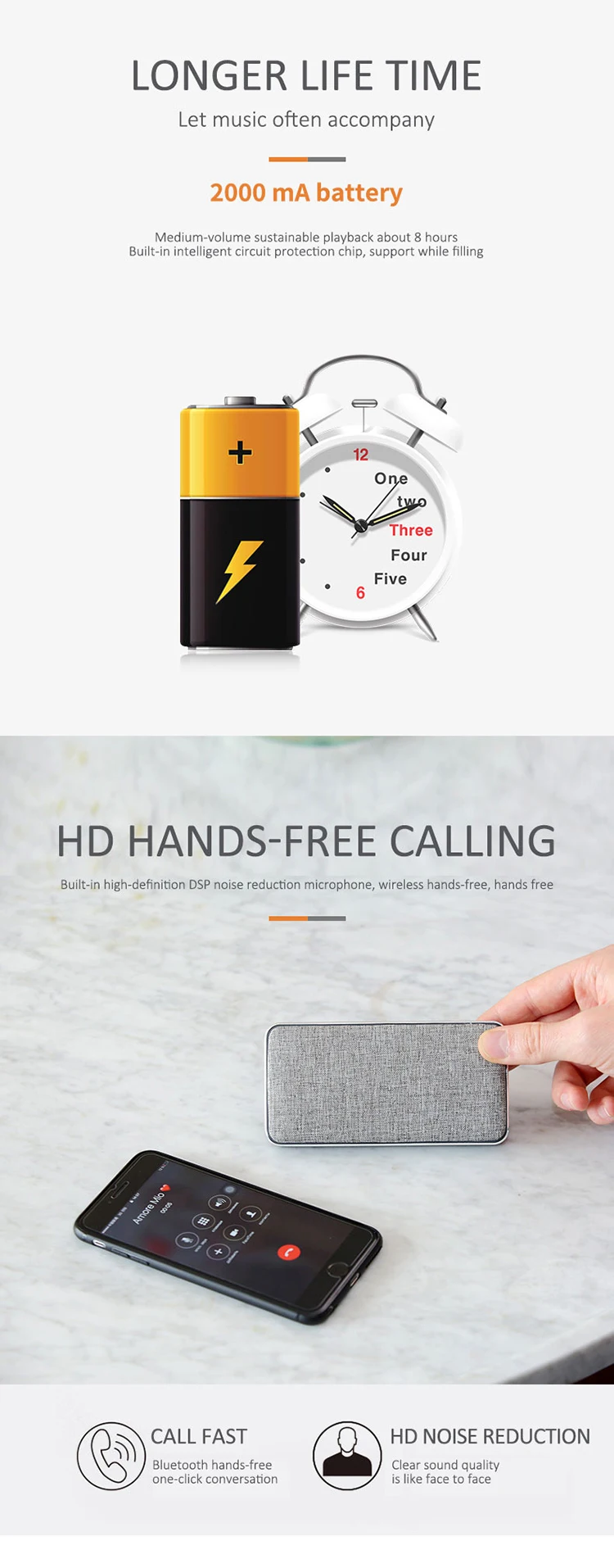
Working time 7-8 hours
Audio power 4Ω, 2*4W
USB output 5V 2A max
Blue tooth distance 20-30M
Response frequency range 100Hz-20kHz ±3dB
Distortion rate <1%
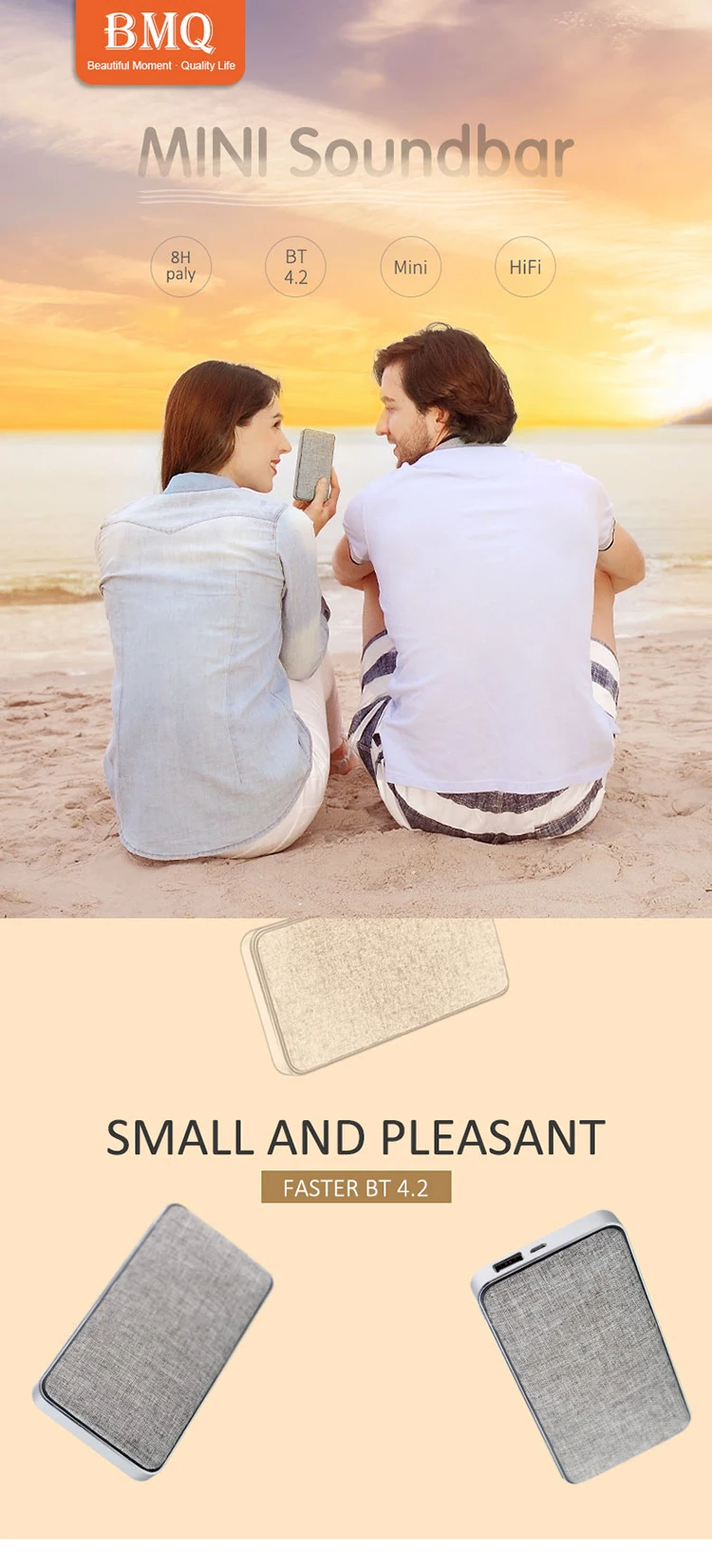
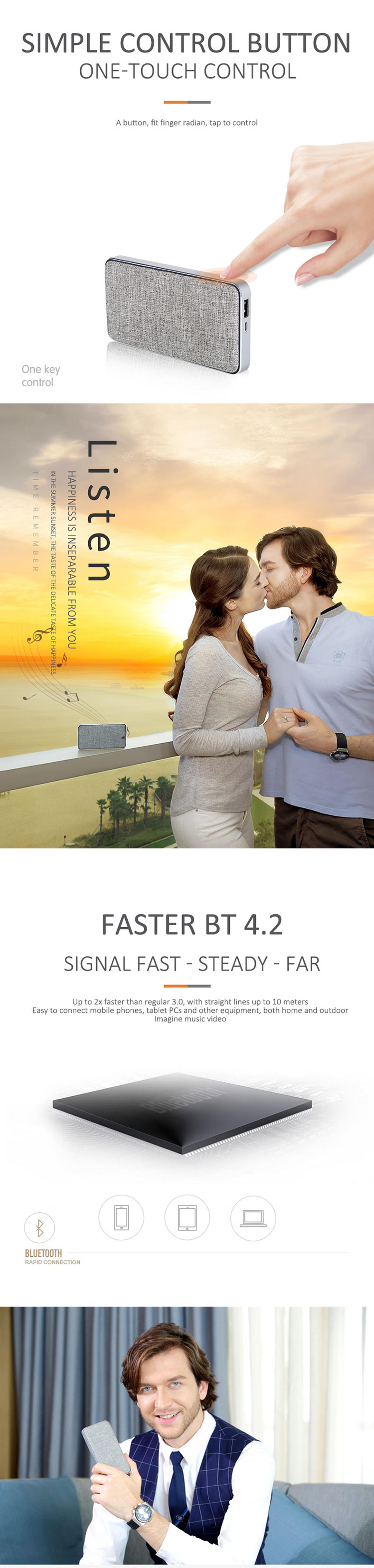
Product functional characteristicsThe wireless Blue tooth audio playbackIt is compatible with lossless audio format, double horn player, support 3D stereo surround music playback, gorgeous stereo sound, more sweetThe Blue tooth automatic memory connection, simple operation, convenient connectionThe Blue tooth 4.2 connection time, Blue tooth connection distance, more stable, low power consumptionIt is compatible with 99% intelligent mobile phone and tablet computerIt can be used as power bank to charge mobile devicesSupport PC audio input, through a data line, can be on the computer audio playback on the device, and charging equipment.
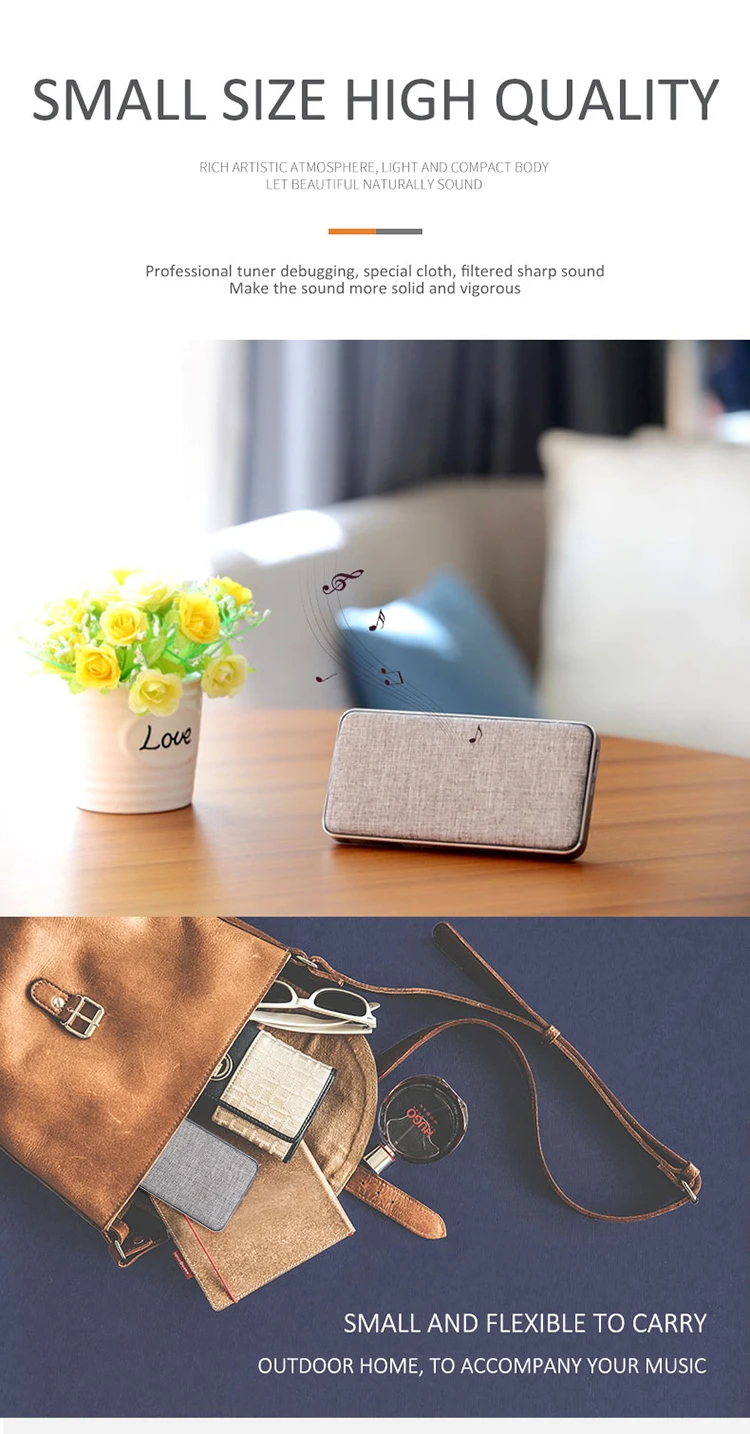
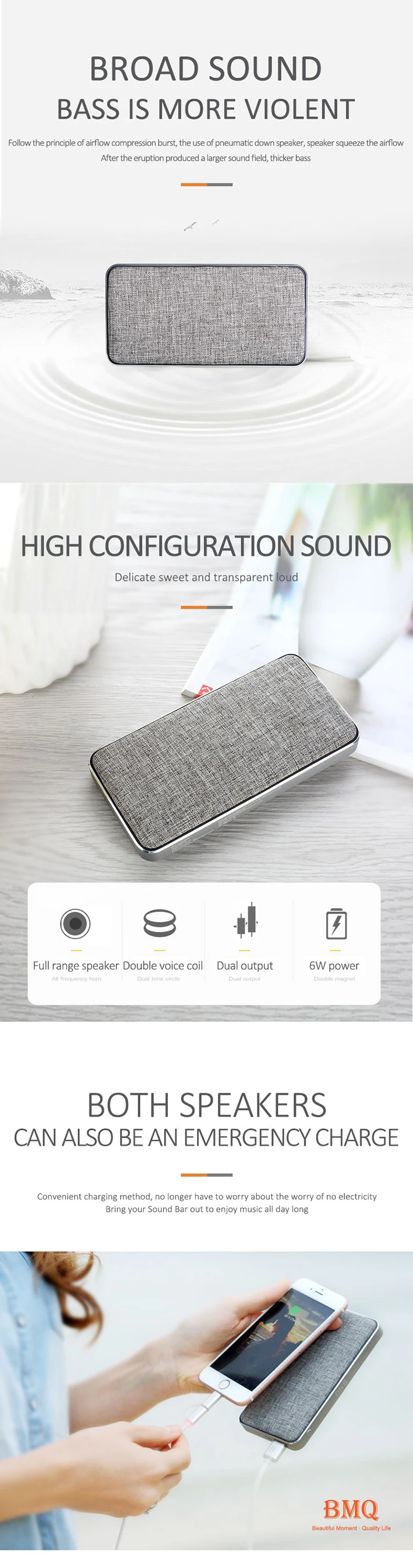
Working statusThe power switch opens, enters the Blue tooth pairing status, the red and blue lamp alternately fast flashes, the pair succeeds only then the blue lamp slow flashes.When charged, the red light is full and the red light is extinguished.After successfully connecting the device, a short press Start button is "pause/play", long press 3 seconds forcibly disconnect Blue tooth, long press 5 seconds shutdown.Just press the next two and play the next song. Operation method
Long press the power switch, observe the red and blue lights alternately and quickly flicker, then enter the Blue tooth pairing state. After the pairing is successful, the blue light slowly flashes, and there is the prompt tone with the connection successfully. It began to play the wonderful music.
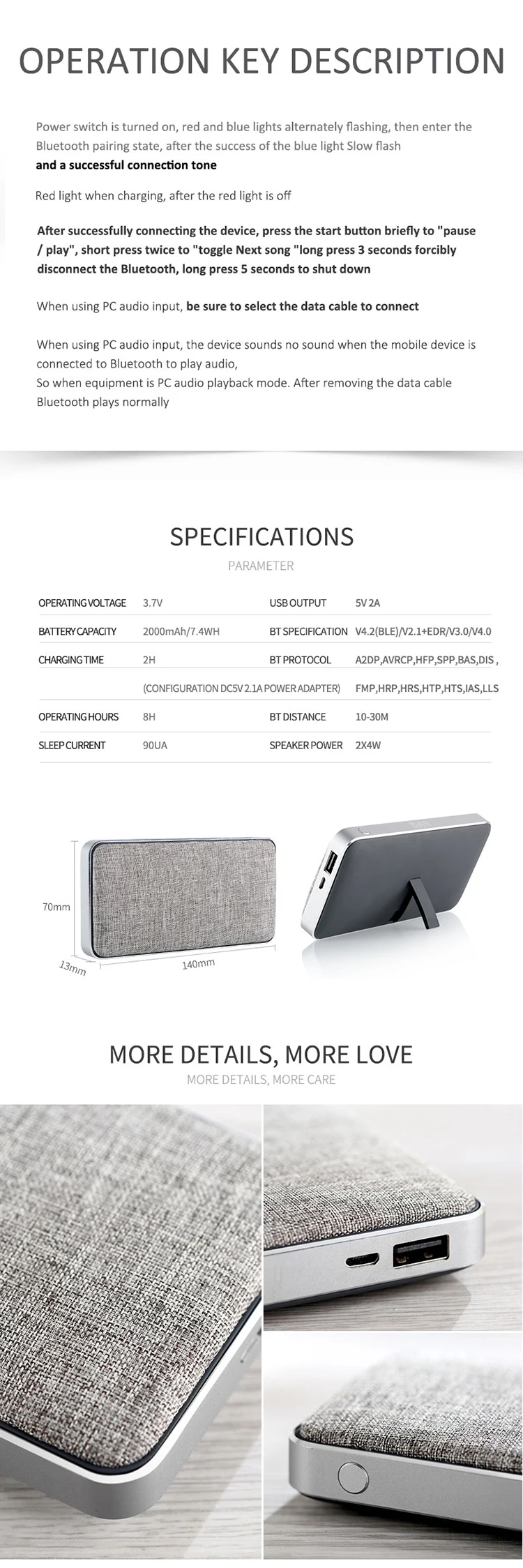
Considerations1, when using PC audio input, be sure to select the data cable to connect.2. When using PC audio input, the device will have no sound when the mobile device is connected to the Blue tooth playback audio, because the device is a PC audio playback mode at this time. When you remove the data cable, Blue tooth will play normally.