Title
Product Overviews
style=box-sizing:content-box; margin:0px; padding:0px; border:0px; font-style:inherit; font-weight:inherit; font-size:inherit; line-height:inherit; vertical-align:baseline;>
Products
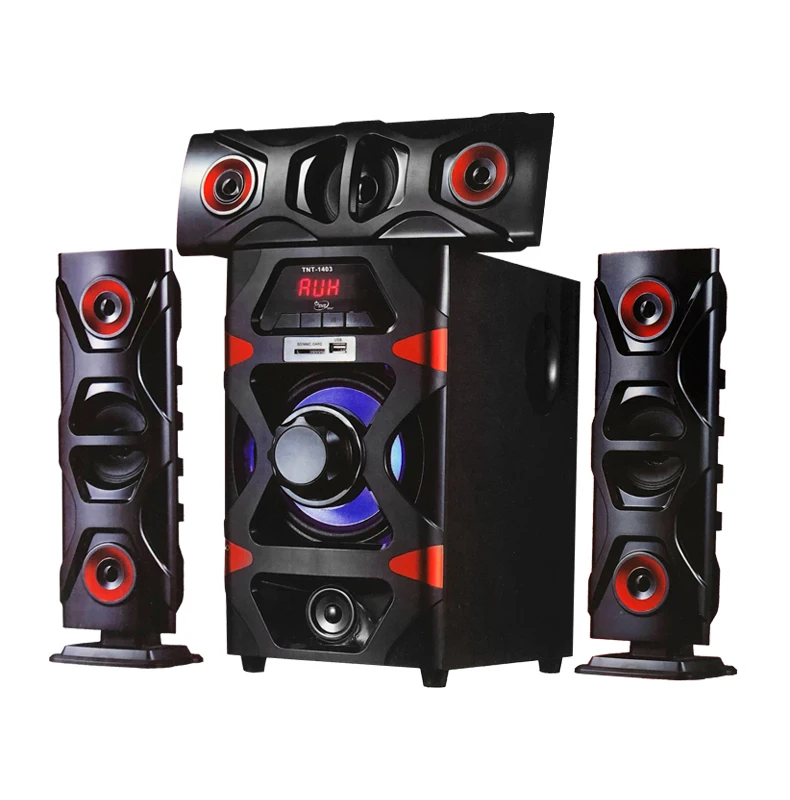
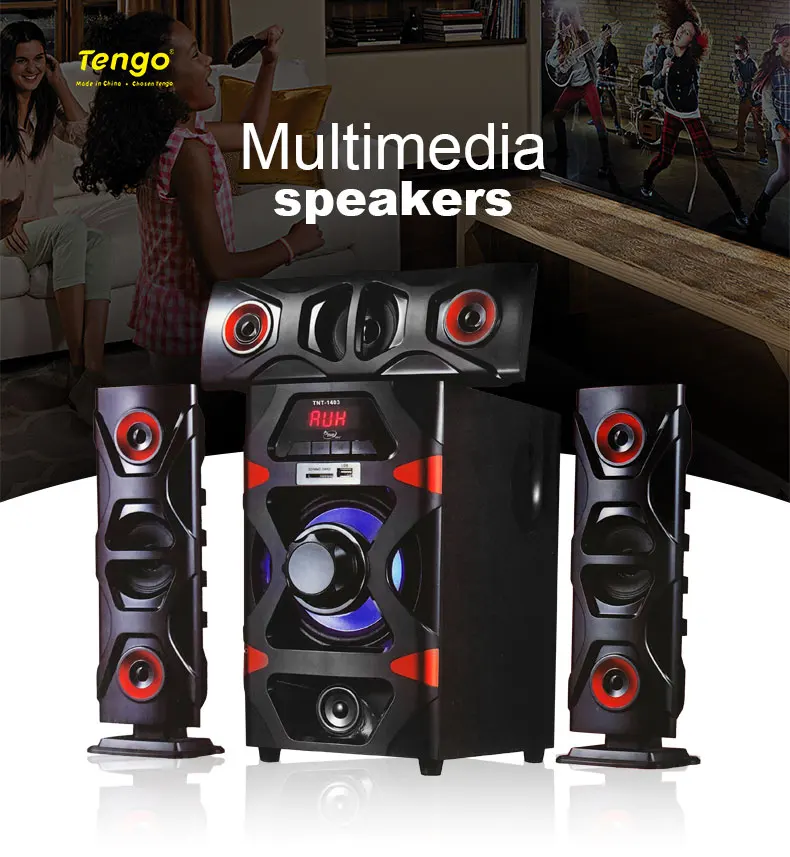
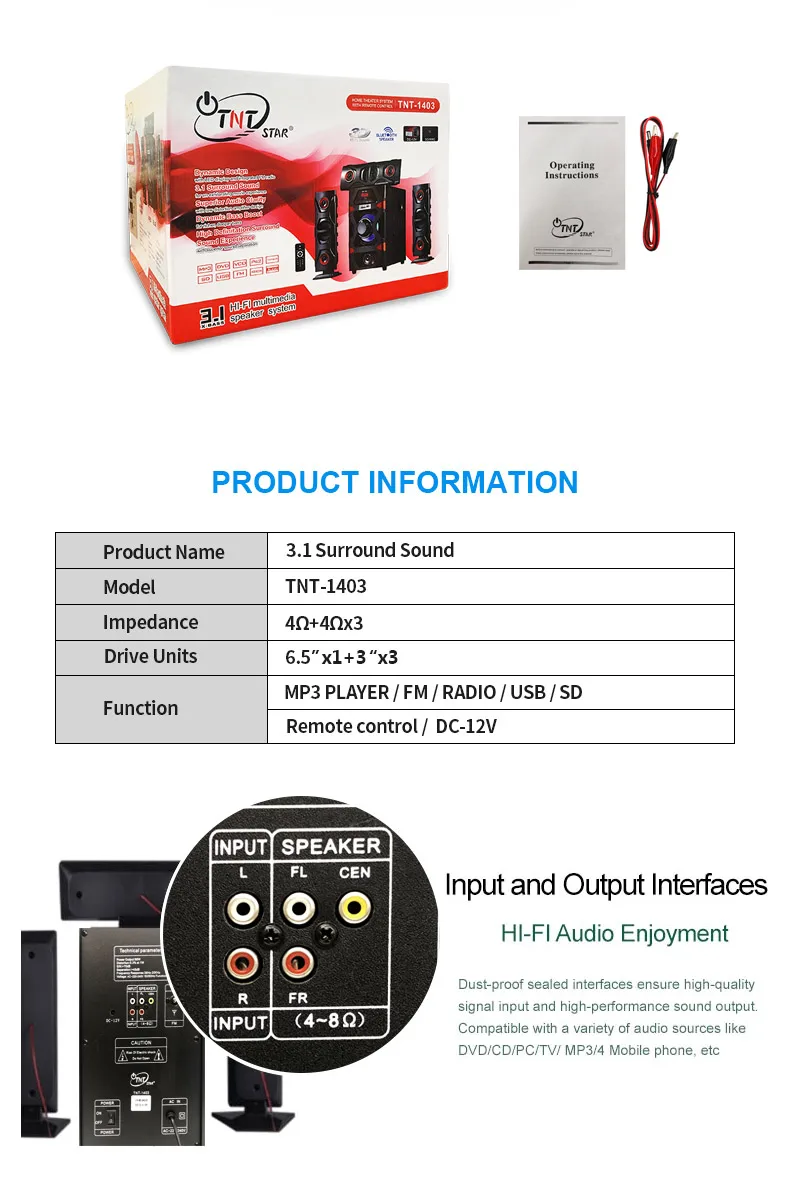
Name | TNT STAR TNT-1403 3.1 Home Theatre System Speaker |
| Warrant | 13 months |
| Accessories: | User manual, Remote control, Audio cable |
| MOQ | 1 PIECES |
| 40HQ | 1950 PIECES |
| Support | MP3/DVD/VCD/Ps2/TUNER/SD/USB/FM/XBOX/Audio |
| Features | ON/OFF Power Switch |
Function
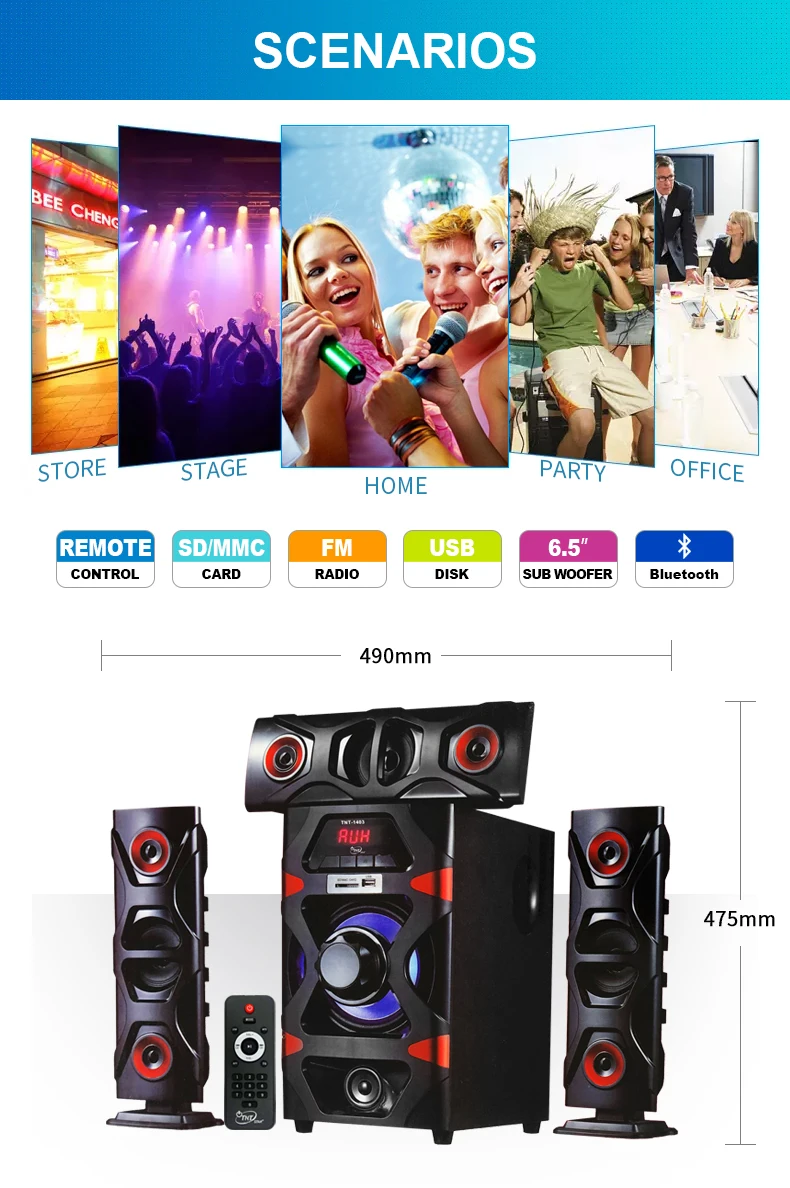
Description | 1.Dynamic Design with LED display and integrated FM radio.
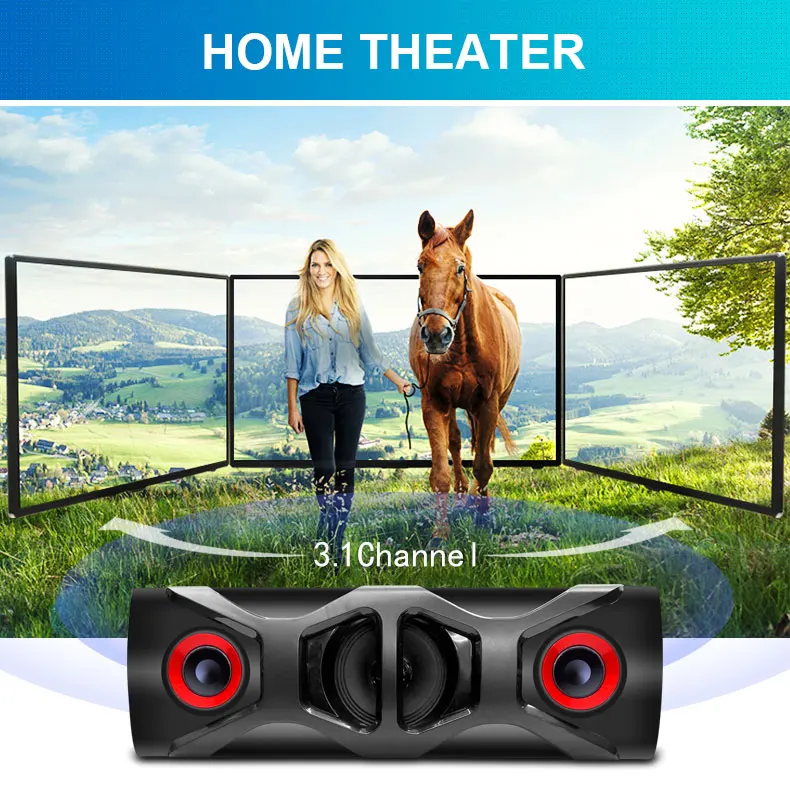
2.3.1 Surround Sound for an exhilarating movie experience.
3.Superior Audio Clarity with low distortion amplifier design
4.Dynamic Bass Boost for richer,deeper bass.
5.High Definitation Surround Sound Experience with superior sound separation. |

Installing & Using guide
1.
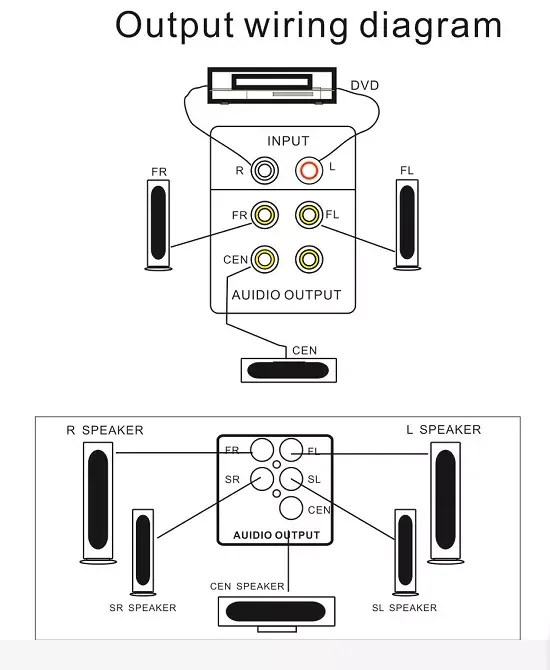
Place the main box in the middle,place the auxiliary box on both sides,connect it as shown,and connect the host signal input line according to the figure.Beware of a short circuit between the two joints.
2.
Insert the main box input signal line into the corresponding audio output of the personal computer or other audio equipment.
3.
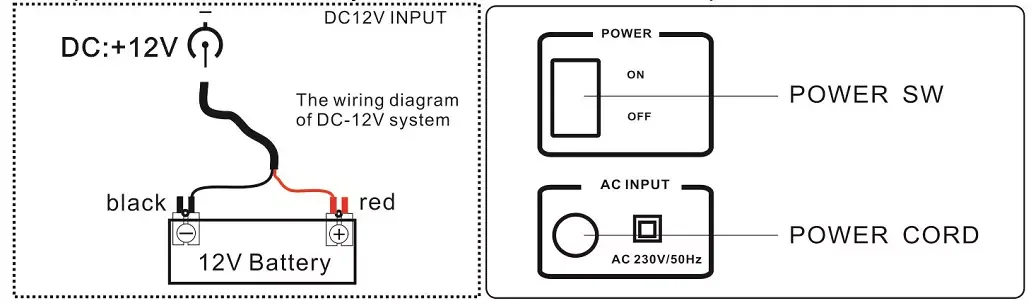
After checking the system connection,plug the power plug of the main box into the power socket of 220V 50Hz,and turn on the power switch.
4.
Adjust the volume according to your preferences until the desired effect is obtained.
5.
When using the end,turn off the power switch and pull off the power plug.
Performance characteristics
The host built-in power amplifier,the system can be directly connected with the personal computer and VCD,CD,DVD,TV/AV and any other equipment with audio signal output.
This product can be directly connected to the DC12V input.
Explanation of MP3"
s use
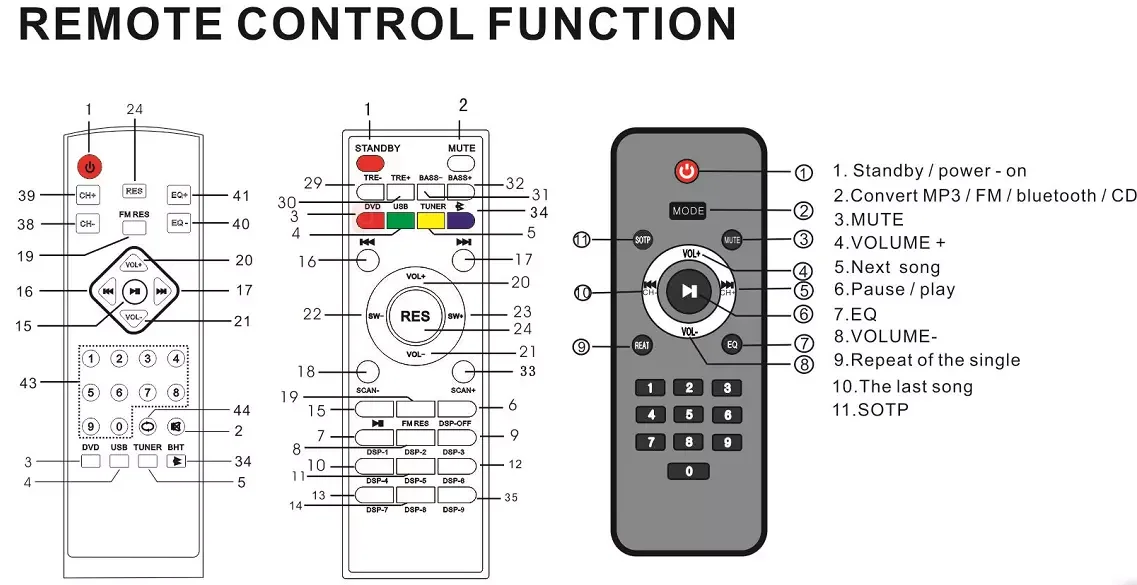
Host with USB and SD card interface ,support MP3 lossless format play back,inset USB flash disk into the USB interface input selection button(input) to MP3 player position until audio is obtained.
Input:MP3/FM/Bluetooth and external DVD conversion.
Note:1.If you do not play MP3,check whether input conversion(input)is converted to MP3.
2.
Insert the USB flash disk or SD card into the computer to check whether the USB disk or SD card file are all files in MP3 format.(If there are pictures and other files will be deleted,so as not to cause not reading or reading slowly)
3.
U disk or SD reformat,re-put into MP3 format audio file.
4.
Repalce the U disk and SD or power switch once again.