Specification
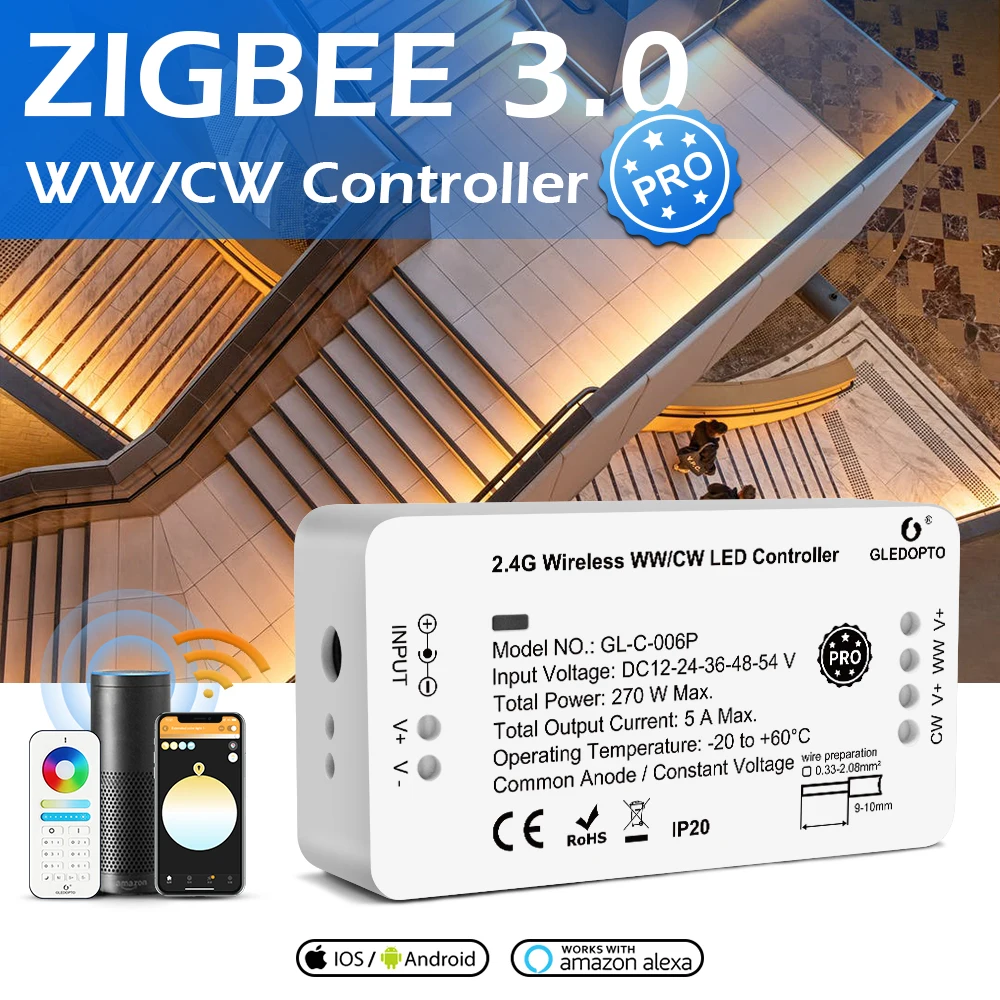
 ZigBee 3.0 WW/CW LED Lightstrip Controller ProWhat is Pro?
Pro= Zigbee3.0+RF? (RF control means that these ZigBee 3.0 LED Lights and controllers/receivers can be controlled by ours or Mi.Light/Miboxer 2.4GHz RF handheld remote control, no ZigBee bridge required)
Yes, but not only that.
First, we changed
IC: TI CC2530 have been changed as Silicon EFR32MG21A010F768Im32
Firmware: develop new firmware based on Silicon EFR32MG21A010F768Im32 with ZigBee 3.0 Protocol.
Second, thanks for the kind feedback or complaints in the last years. We have improved the user experience on the below details for the whole collection.
1. The remote range: up to 30m, for led strip controllers/receivers even better.
2. Mesh network: Much better than former ZigBee Light Link led lamps we have.
3. Standby power : GU10 spot light, MR16 spotlight, RGB+CCT led candle light≤0.3W; RGB+CCT/CCT/RGBW/Dimmer led strip controllers/receivers: 10mA.
4. Time for power on: less than 1 second.
5. Switch on/off many lights: almost went on/off at the same time.
6. The Min brightness: much darker than ZigBee LL/Plus version we have before.
7. The color under the low brightness: accurate.
8. Sleep/wake up: The transition time is accurate.
9.The transition between white and color: not suddenly to change, much smoother, however you change from CCT to RGB or RGB to CCT.
10. Dimming/color changing: much smoother, also improve based on different platforms including SmartThings, Amazon Alexa etc, not only Philips Hue.
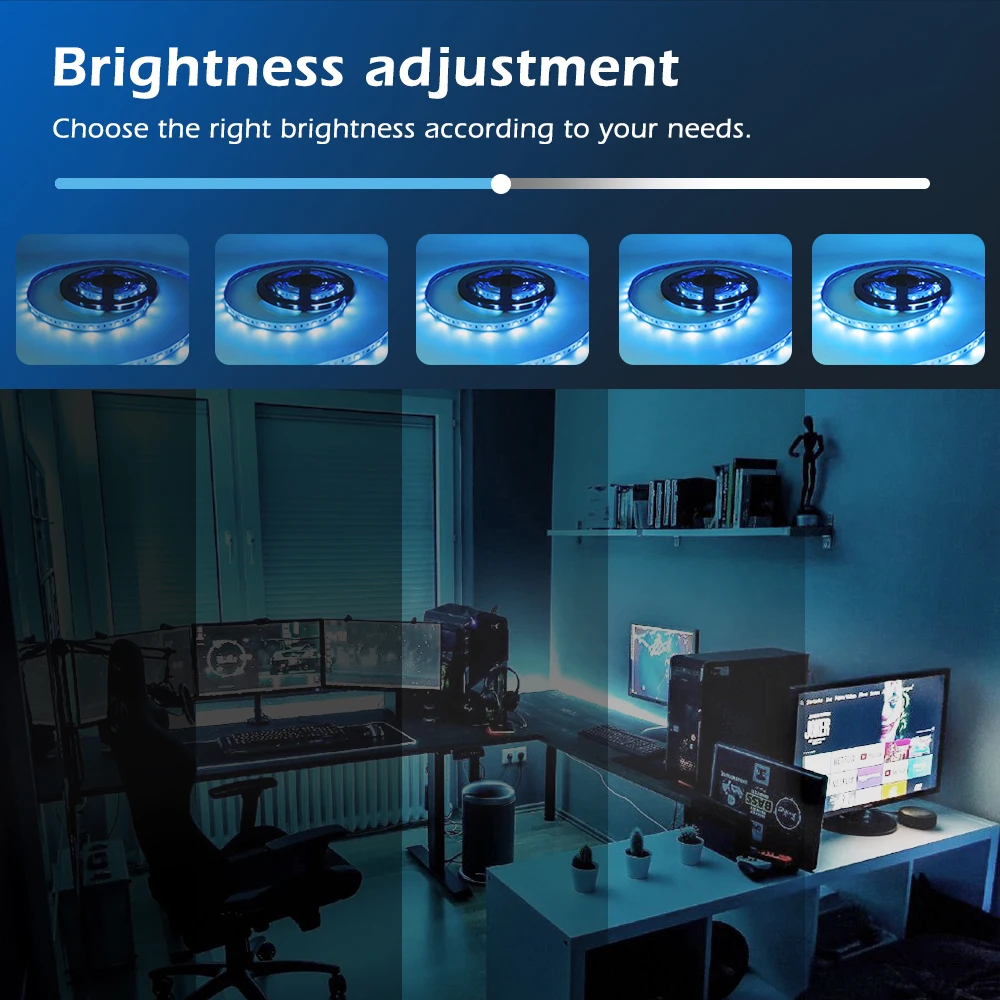
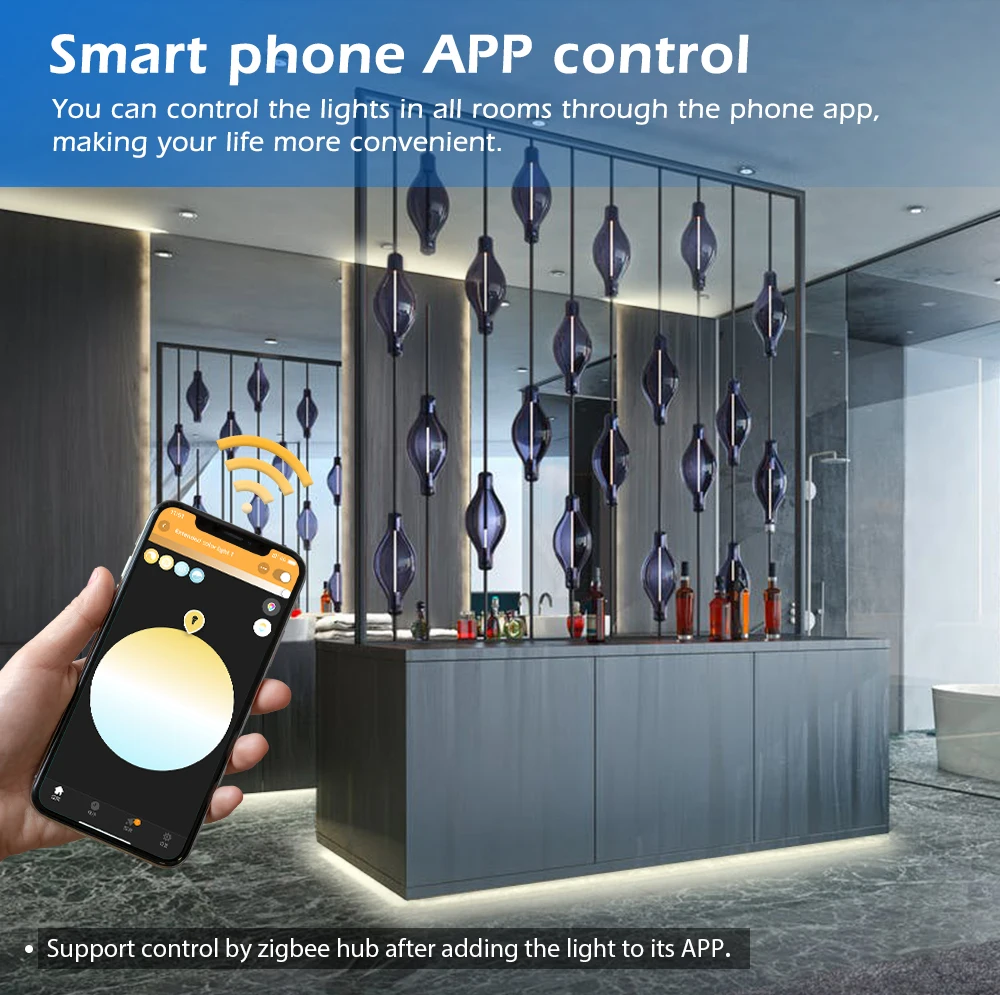
11. Research after reset: much easier.Matching with DC 12V-24V CCT and WW/CW led strip light, led tape light, led neon flex light or other 12V-54V DC led products, need a 12V-54V DC output voltage power supply/ transformer, power source for led products what you have purchased.Wireless controlWith wireless control on your smartphone or tablet, choose the perfect light setting for any mood or activity, such as reading or relaxing, concentrating or energizing.
Set timers for convenienceHave your Gledopto lights turn on automatically by setting schedules or use sunset/sunrise routine. And of course, you can also turn off or dim your lights this way.
Dimming and brightening features at your fingertipsControl your Gledopto lights with the Gledopto 2.4G RF dimmer indoor switch for on/off and dimming functionalities.
Paint your outdoorsPlay with all shades of white light to create the effect you want. Highlight objects, trees or pathways to make your space stand out.
Control it your wayConnect your Gledopto lights with the ZigBee Bridge and start discovering the endless possibilities. Pair it for home automation with your existing Hue products or SmartThings system.
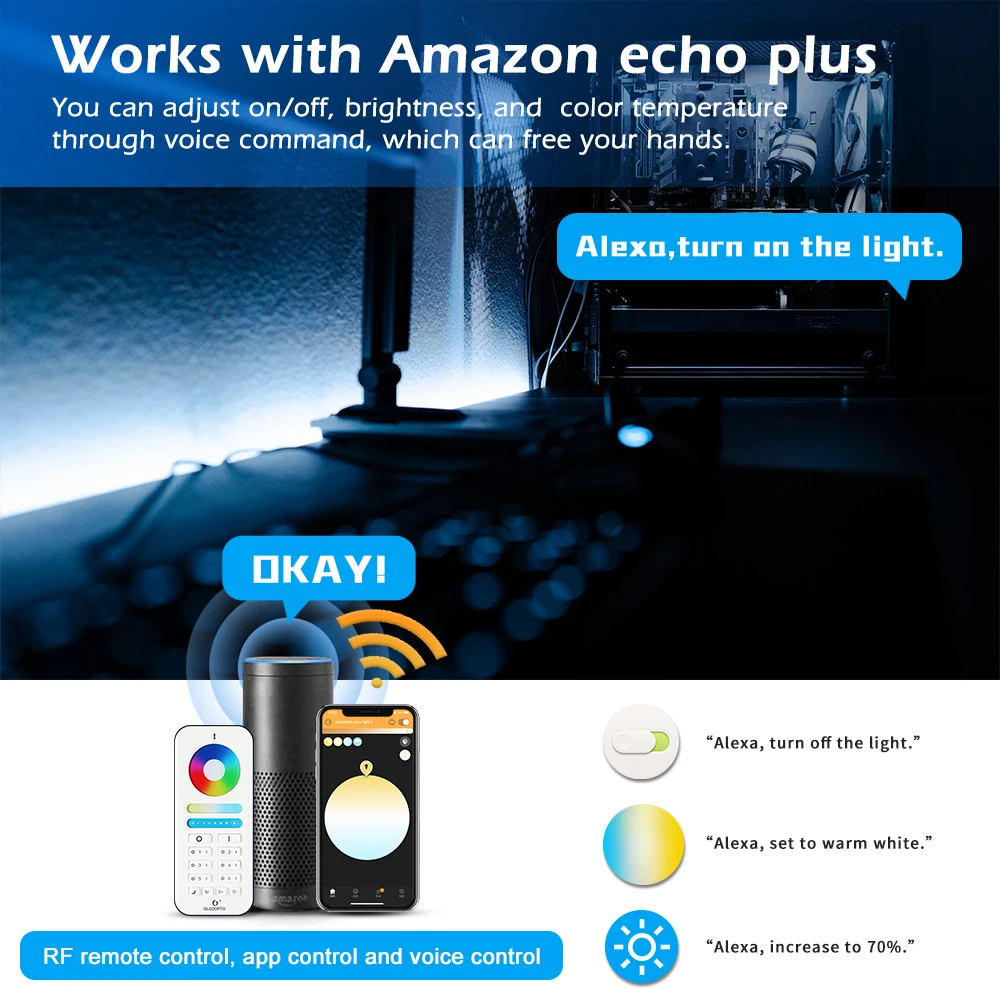
Control your lights with your voiceWorks with Amazon Alexa and the Google Assistant.
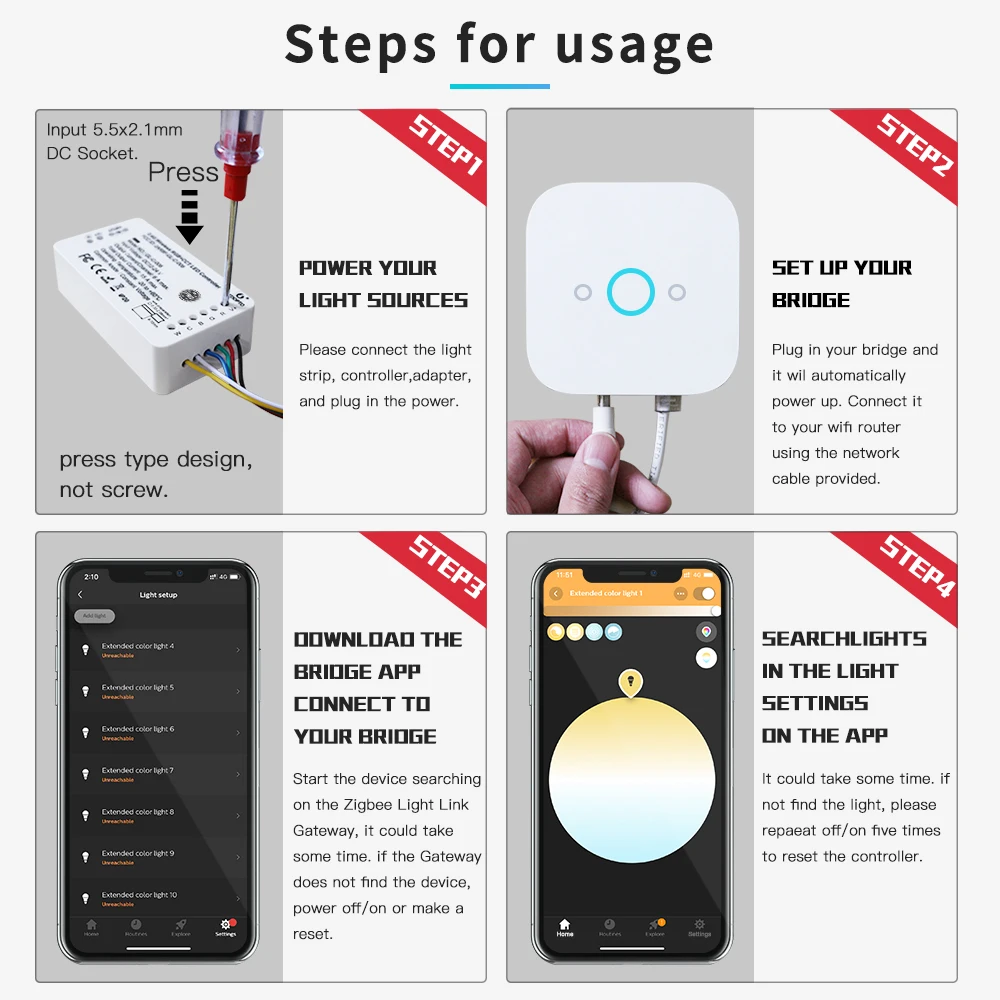
Easy installationSimply use the screw to press the button of led strip controller, input the wires accordingly, connect it with the DC12V or DC24V power supply, and pair it to your hub.
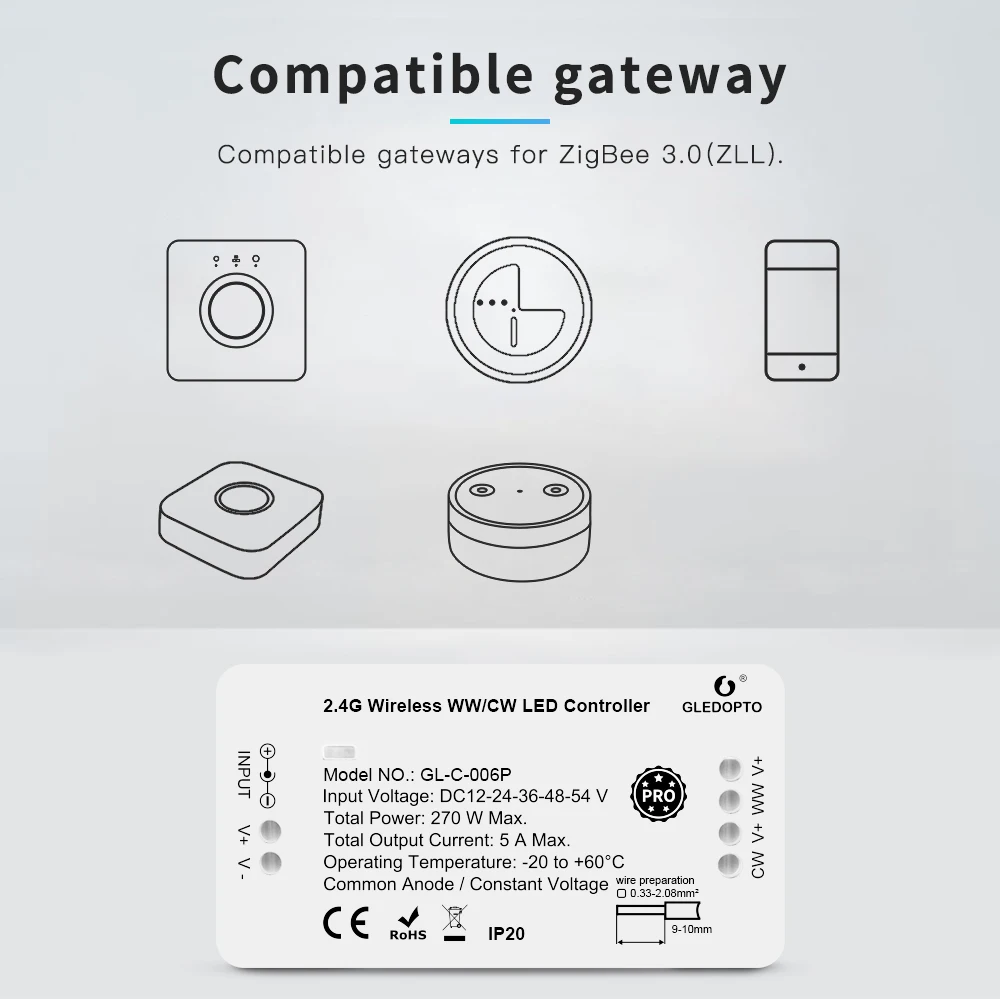
Requires a ZigBee 3.0 or ZigBee Tuya hub/bridge/gatewayConnect your Gledopto lights/controllers/receivers with the Hub/Bridge to control the controllers/receivers from your smartphone or tablet via the ZigBee smart app.
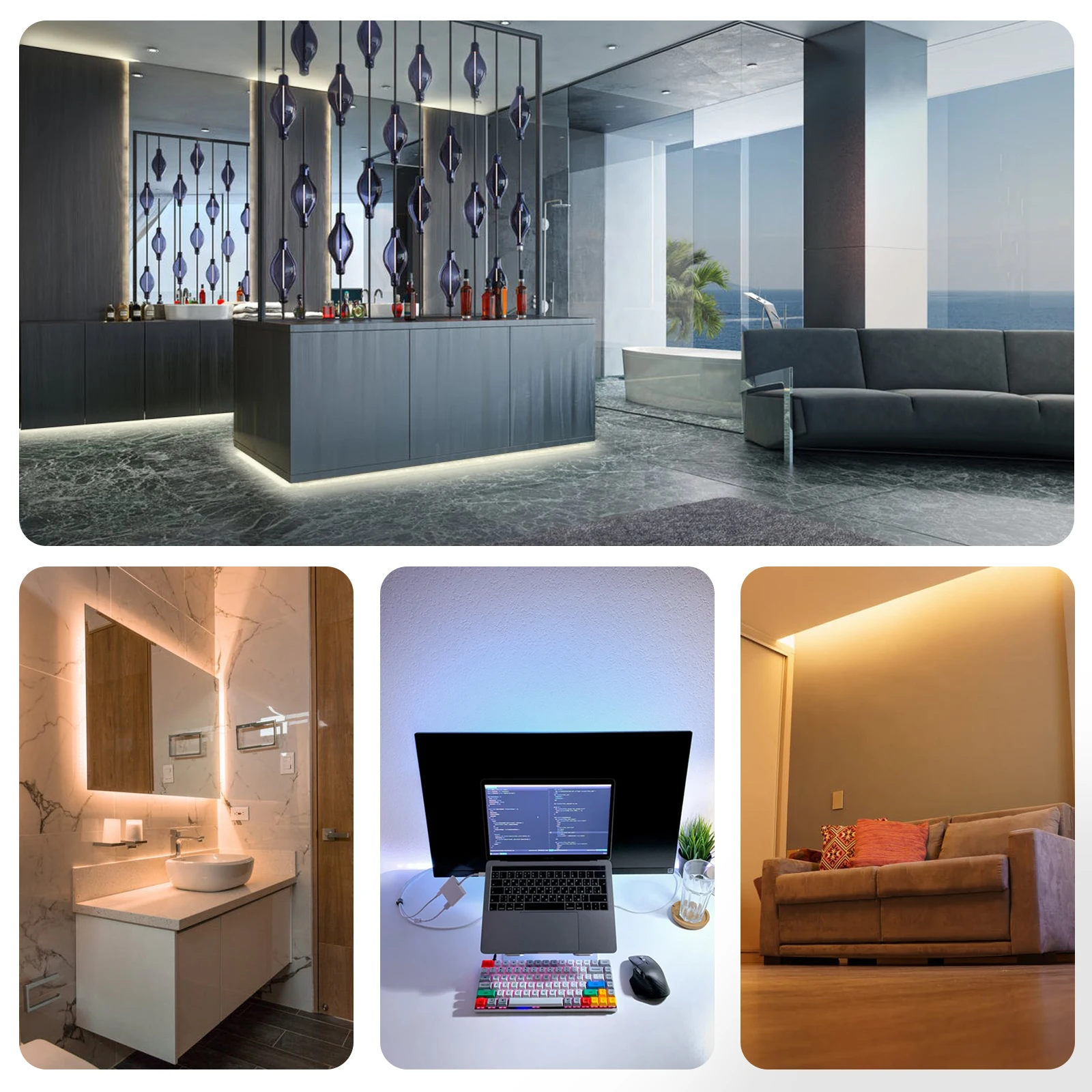
Lighting Features of ZigBee 3.0 WW/CW LED Strip Controller/Receiver Pro1. Switch between multiple lighting modes at will.
2. Tunable White
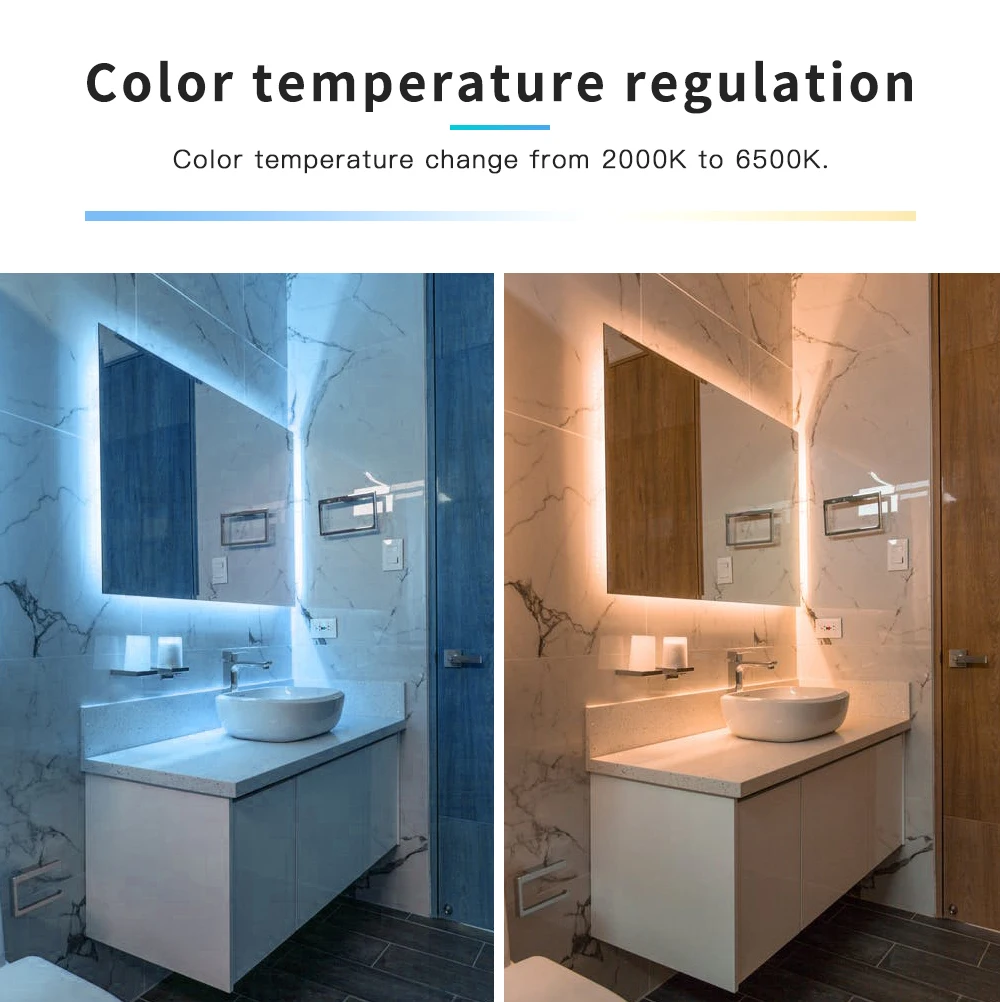
Switch white light from range 2700-6500K, could be use as a function lighting or ambient lighting.
3. Functional RF Remote Controller
Control all modes, brightness, colour temperature with Gledopto 2.4GHz RF remote control.
4. Home or away lighting mode, to remote control the smart LED bulb even away from home, to ensure the safety of your home.
ZigBee 3.0 Protocol Lighting Control FeaturesGledopto ZigBee LED Lamp and Controller/Receivers directly work with Philips Hue, Amazon Echo Plus, Smartthings, Osram Lightify, Philips Hue, Homee, Google home & all other Alexa devices. Apps work with Hue gateway: Hue, Hue party, Hue Disco, iConnectHue, Hue Widget, Light DJ, etc.
Work with Home assistant & HomeKit.Please visit Reddit and search for "GLEDOPTO" for more detailed introduction of how to link to different ZLL/ZigBee 3.0/Tuya ZigBee bridges, gateways and hubs.
Housing Material1. Fireproof ABS meteral.
2. Press type design: connect the wires of led strip light by press the button of zigbee 3.0 led strip light controller/receiver, simple and easy.
3. ZigBee 3.0 Protocol controlling technology, multi signal transmitted at the same time, lonng smart remote control distance, anti interference feature.
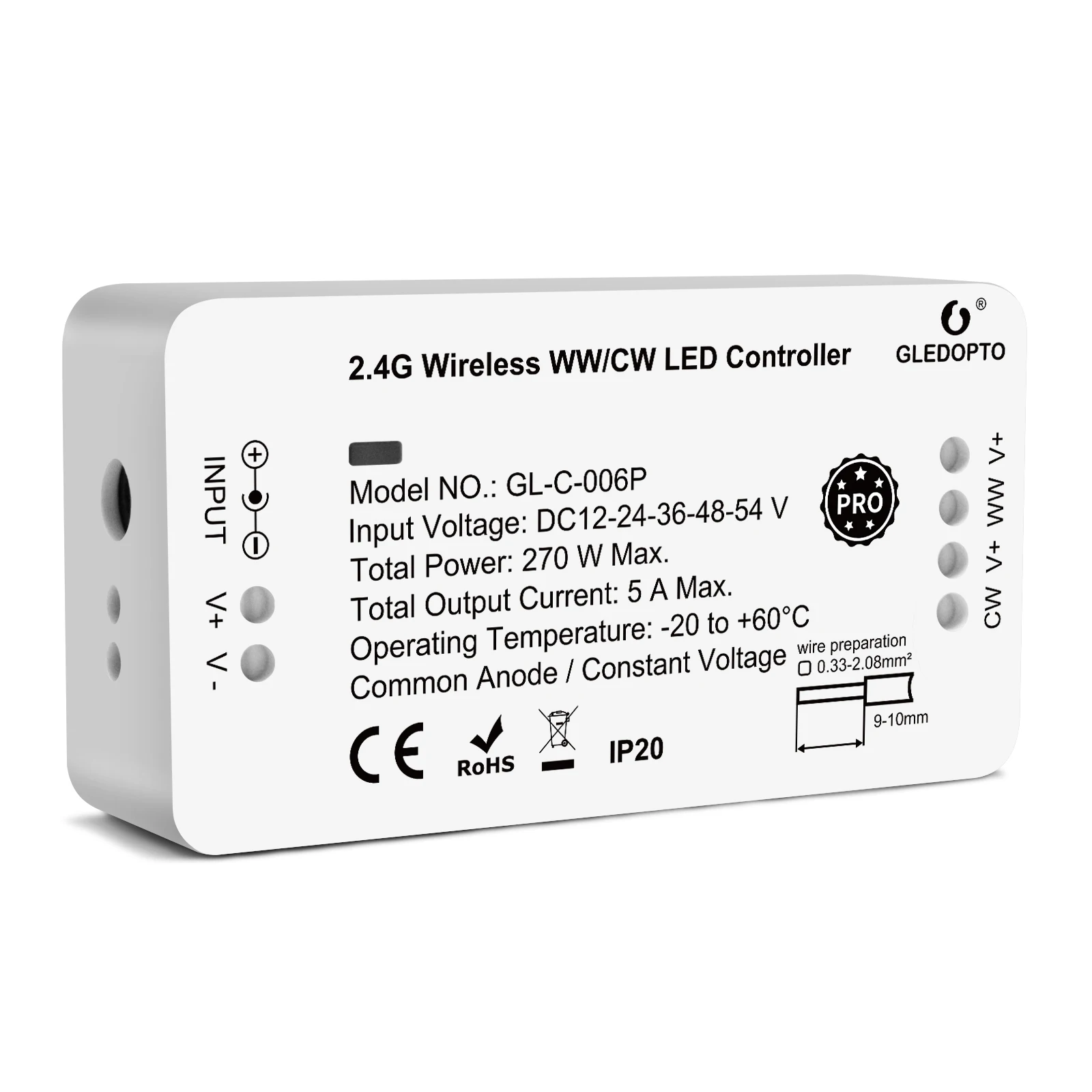
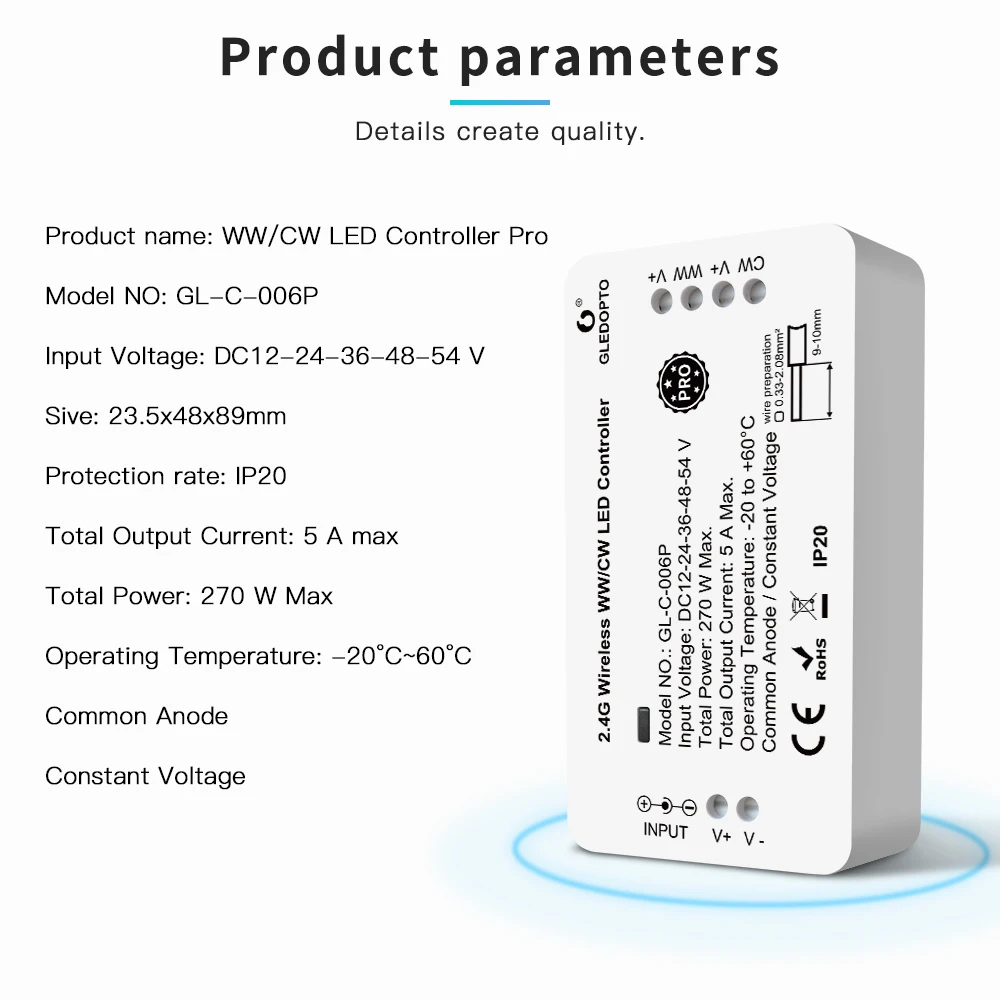
4. DC 12V, DC 24V, DC 36V, DC 48V, DC 54V input voltage, low voltage design, more secure.
Sync Effect with screenbloom/Gledopto Play HDMI Sync BoxSync your lights with movies, music, and games, Enjoy the lighting effect which synchronizes with the plot of the picture immediately, and experience the more delicate atmosphere lighting effect
How to work with RF remote
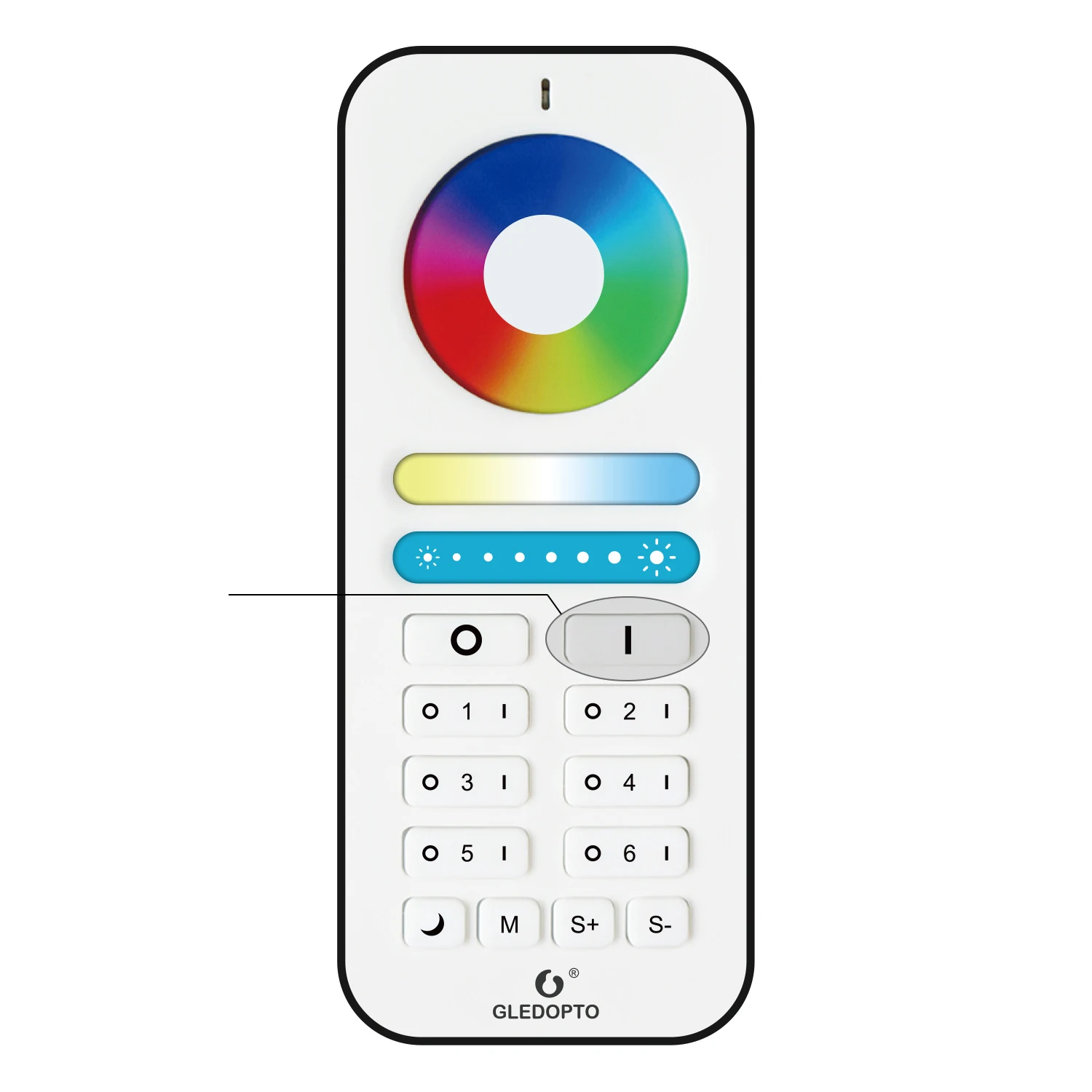
How to pair it with RF remote
1.Power on the device, short press the "I" button (or “ I ” button of Zone 1-6 of remote control which you have paired with the device).2. the led lightstrip turns green.
3. pairing is done.
How to reset by RF remote1. power on the light, within 4 seconds, short press the “ I ” button for 5 times. (or “ I ” button of Zone 1-6 of remote control which you have paired with the device).
2. the light will flash for 4 times.
3. Reset is done.
Function of RF remote
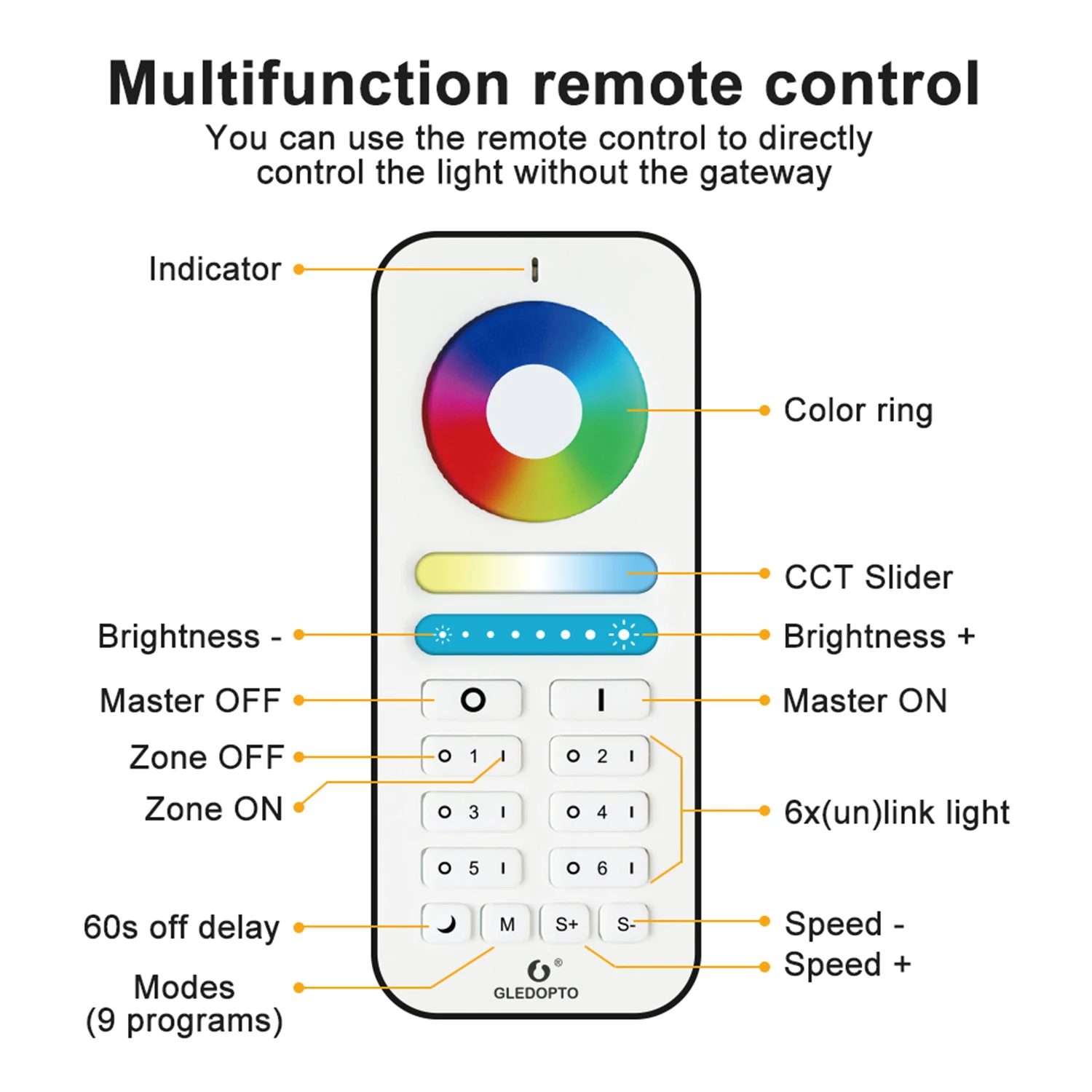
1. Master ON( I )/OFF(O)Acts as a master ON( I )/Off(O) control for all zone-linked RGB+CCT/RGBW/WW&CW lights. Also activates the “Master” function, which allows the remote to control the RGBW lights of all zones. If a zone is currently active, pressing the master On( I ) button restores the “Master” function to the remote.
2. Color Selection RingDirectly selects color along a circular spectrum. To obtain white light only, keep the “Zone On” (|) button depressed until the light changes to a steady bright white.
3. Selection LED IndicatorFlashes once to indicate when a command has been selected.
 4. Brightness Touch Slider - Increase(Right Side)/Decrease(Left Side)
Increases(right side) or decreases(left side) the brightness level. Changing the active mode resets the brightness level to full.
5. Mode Start/Scroll(M)Modes feature different color combinations, light transitions, and patterns, with 9 distinct modes. This button initiates the Mode function and scrolls through the modes in ascending order.
6. Mode Speed - Increase(S+)/Decrease(S-)
Increases (S+)/decreases(S-) the tempo of the mode pattern currently active.
7. Zone On(|)/Off(O) - Zones 1-6Allows up to Six “zones” (i.e. channels) of RGB+CCT lights to be separately linked and controlled by the remote. Pressing one of the Zone On(|) buttons activates that zone; commands will affect only lights in that zone. Once linked to a zone, lights remain linked until they are unlinked. Steadily depressing the Zone ON( | ) button restores the lights in that zone to white.
Note:The wireless remote operates using 2.4GHz radio frequency. The remote controller’s use is not restricted by normal obstructions, such as walls, doors, etc. Once programmed they can be installed anywhere in range of the remote (up to 65 ft. or 20m).
Lighting Application