Brand
EVA LOGIK
color
white
NO.
ZW36
size
83*67*32.5mm
Operating Voltage
120Vac,60Hz
Range
Min 30m line of sight
Relay
10Amp*1(smart),15Amp*1(Always-on)
Frequency
908.42MHz
Standard/Approval
Z-Wave Plus Certified
Maximum load for the Z-Wave controlled outlet:
600W Incandescent, ½ HP Motor or 1200W Resistive
Range
Up to 100 feet line of sight between the Wireless Controller
Operating Temperature Range
32-104 F (0-40 C) For indoor use only
Z-Wave Library Type
Routing Slave / Repeater
Z-Wave Device Type / Role Type
On/Off Power Switch / Always On Slave
Chip
500 series
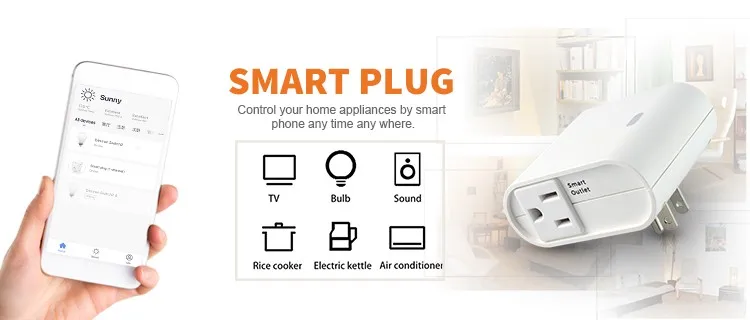
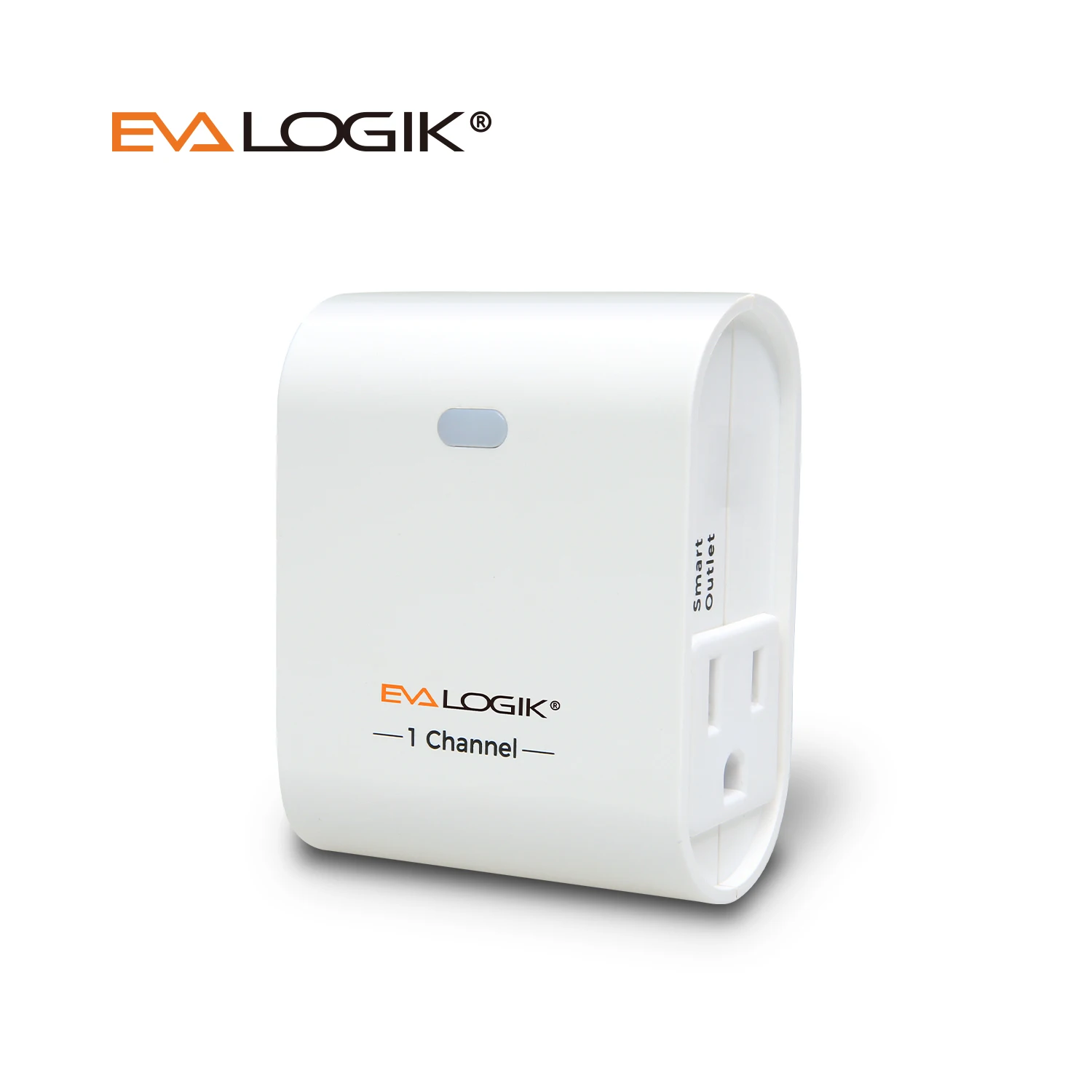
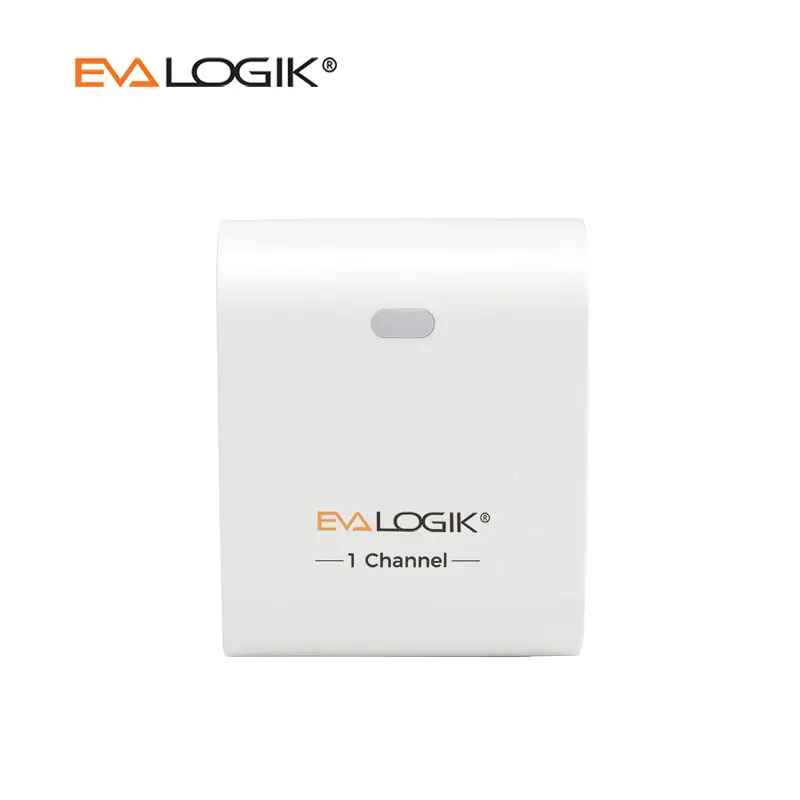 Z-Wave Plus Indoor Smart Plug (US)
This's a switch plug-in and is used between a standard wall outlet and electrical loads connected to a wall outlet by cable. The unit is rated IP 20 and can therefore be used in dry environments only. The device switches all kinds of loads. The unit is included into a Z-Wave network by a remote control, PC software or any other kind of Z-Wave controller.
•1 Smart Outlet & 1 Normal Outlet
•In case of overload, the plug can proactively shut down electronic devices and turn off specific components.
•When in the "away" mode, your lights will turn on and off randomly to confuse potential intruders and make it look like somebody is home..
If you like this product, please click here.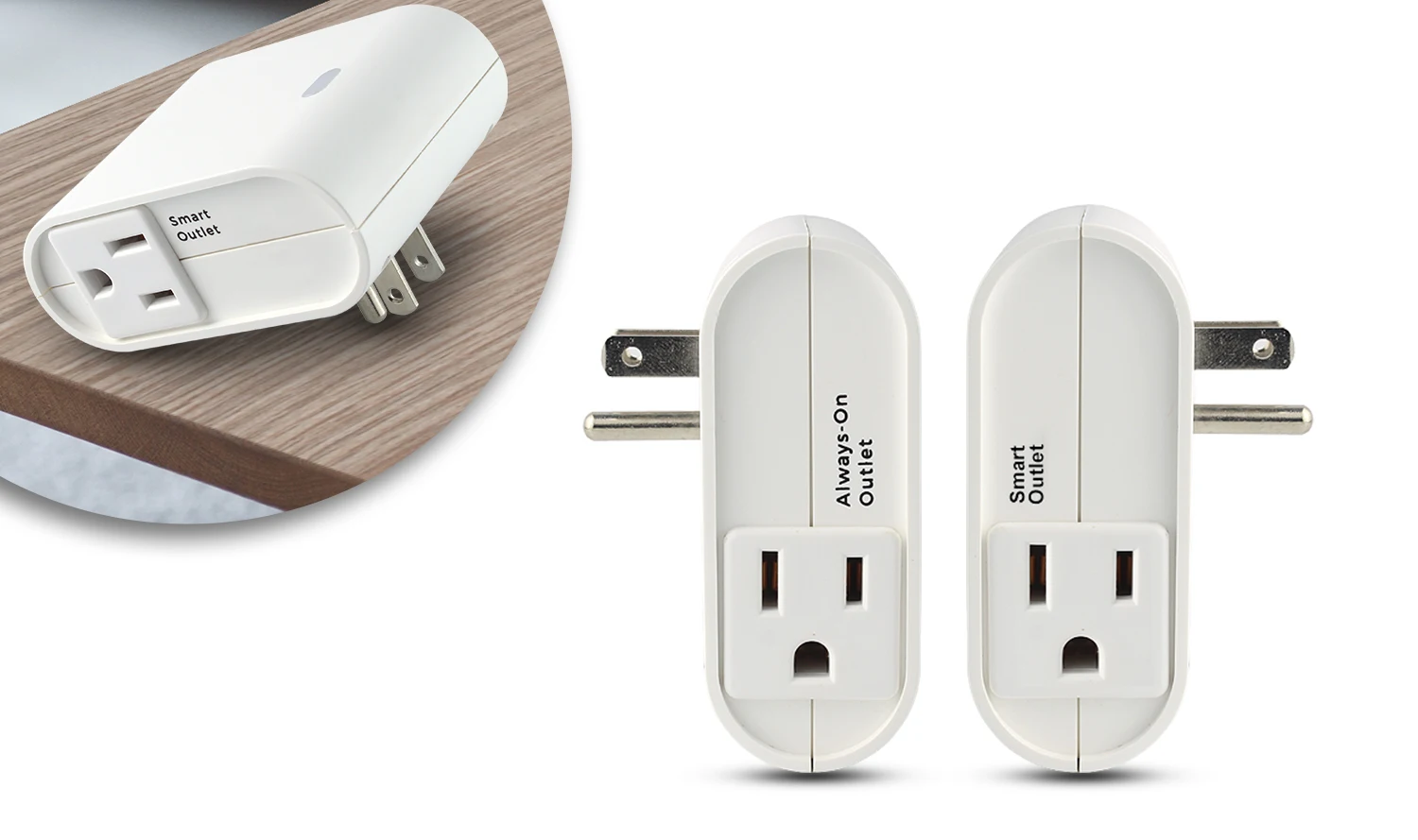
Installation
1.Getting To Know Your New Z-Wave Device
Must not exceed 600 watts (Incandescent): 1200W (10A) Resistive or ½ HP
Motor. Total load capacity for both outlets is 1200W (10A) Resistive.
• One Z-Wave controlled AC outlet for standard incandescent light, CFL/LED, fans or small appliances
• Remote ON/OFF control via the Z-Wave controller
• Manual ON/OFF control with the front panel push button
• One always-on pass-through AC outlet
• Space efficient design
• Does not block the lower outlet when plugged into the upper outlet of a duplex wall receptacle
(This assumes that the duplex receptacle is mounted with the ground pin down).
• Plugs and cords for connected devices route to the side allowing close placement of furniture
• Grounded 3-wire power connection for safety
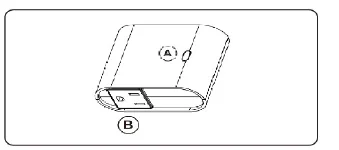 2.
2.
A. Manual/Program button
Single press - turn the lamp On/Off
Single press - include or exclude in Z-Wave network
B. Z-Wave controlled outlet
This outlet can remotely turn On/Off the connected device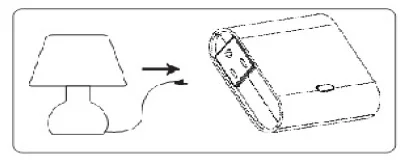 3.1) Plug the light you want to control into the Z-Wave Smart plug controlled outlet
on the wireless switch as indicated by Z-Wave logo
NOTE: Plug directly into outlet, do not use with extension cords
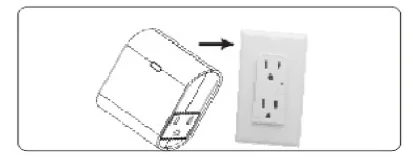
2) Plug the Z-Wave smart plug directly into an available
grounded outlet (Top outlet recommend if possible).
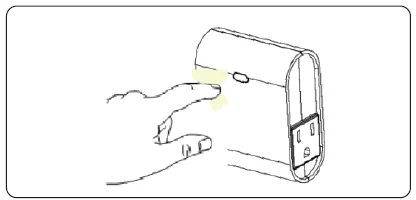 4.Adding device to Z-Wave network:
Reset Plug to factory default:
Use controller to remove device from network will reset it to factory default
Adding device to e network:
1) Follow the instructions for your Z-Wave certified controller to include a device to the Z-Wave network.
2) Once the controller is ready to include your device, quick triple press the button to include it in the network.
3) Once your controller has confirmed that the device has been included, refresh the Z-Wave network to optimize performance.
4.)The device is associated in the same group when it included in setting process.
Now you can control your Z-Wave device according to groups, scenes, schedules and automation programmed. If your controller features remote access, you can now control all devices in Z-Wave network from mobile devices.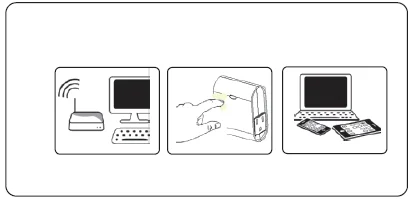 5.To exclude the device
1) Follow the instructions for your Z-Wave certified controller to exclude a device from the Z-Wave network.
2)Once the controller is ready to Exclude your device, quick triple press the button to exclude it from the network.
