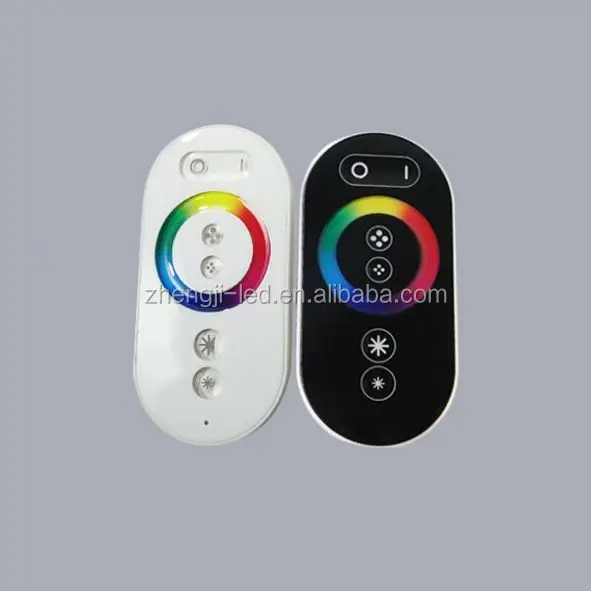
new product innovation!zigbee dimmer switch for led panel 35w
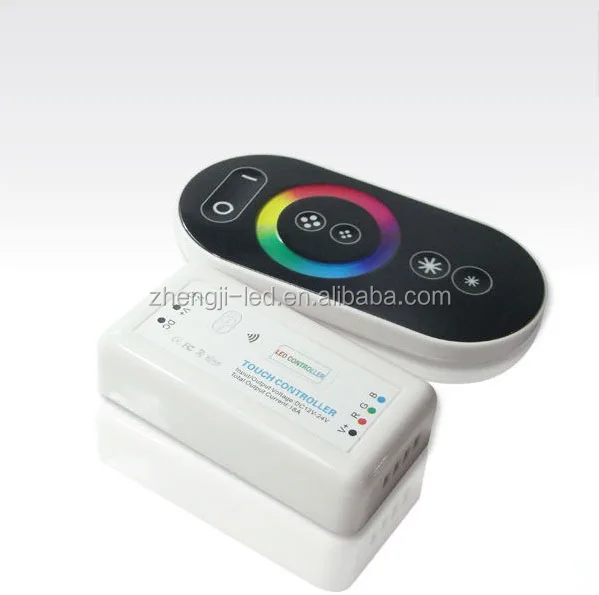
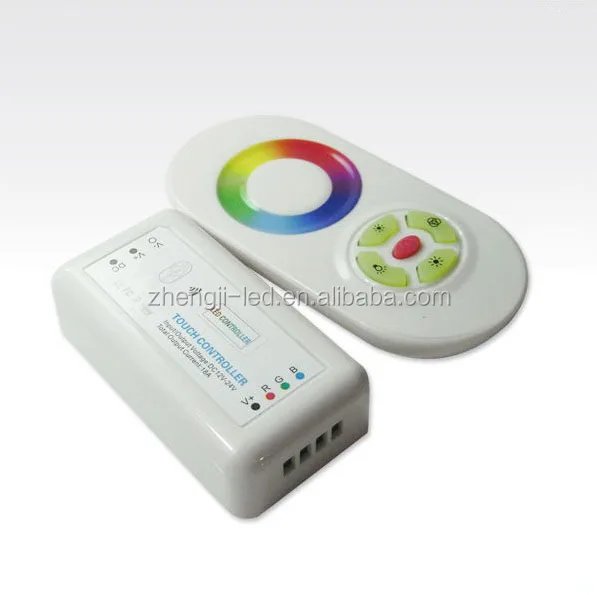
Specifications of zigbee dimmer switch
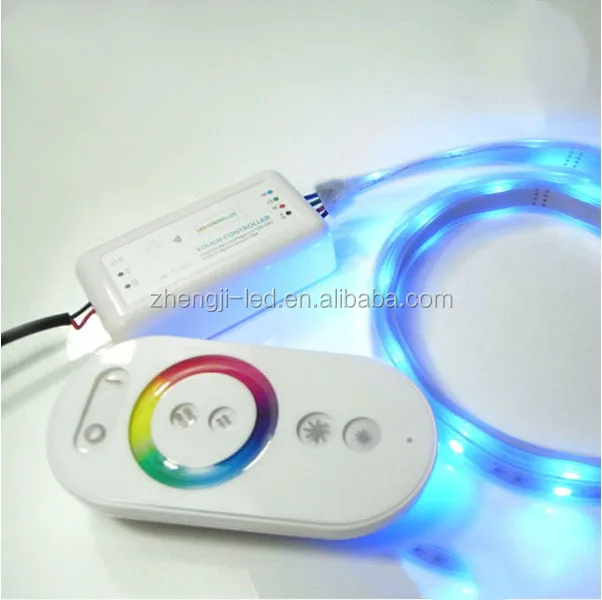
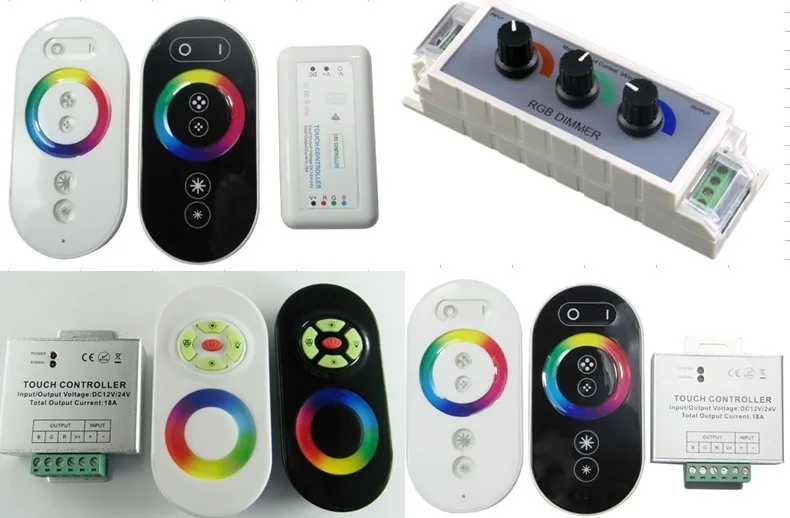
I.Technical Parameters(remote control) of LED RGB controller RF remote/RF Wireless RGB LED Controller
1 Power supply: AAA battery * 3pcs
2 Cover material:ABS
3 Fabrication processing: multicolour printing & UV varnish
II.Technical Parameters(controller) of LED RGB controller RF remote/RF Wireless RGB LED Controller
1 Working voltage: DC12V
2 Output control: 3 circuits(R/G/B)
3 Control current: 6A/circuit
4 Connecting mathod: common anode
5 Dimension: L66*W64*H24
6 Receiving range:20meters
III.Functions Keys of LED RGB controller RF remote/RF Wireless RGB LED Controller
1 Key 1: on/off
2 Key 2: light changing mode(15 modes)
3 Key 3:color light/white light switching mode
4 Key 4: turn up(brightness/speed)
5 Key 5: turn down(brightness/speed
IV.How to use LED RGB controller RF remote/RF Wireless RGB LED Controller
1 Press Key 1 to turn on/off in any state
2 Press Key 2 to activate light changing mode, a new mode each press,15 modes in tota
3 Press Key 3 once to activate white light mode, changing brightness by pressing Key 4/Key 5. Press Key 3 twice to activate color light mode, changing brightness by pressing Key 4/Key 5 or changing light color by touching the color ring
4 Resume fuction. The previous settings will be resumed while power on again
5 Matching code
Press Key 4 once within 3 seconds when power on again,the light will blink 3 times if matching is successful.
Clearing Code
Press Key 4 five times within 3 seconds when power on again,the light will blink 6 times if clearing is successful
zigbee dimmer switch
1 Auto color changing 8 grades of brightness to adjust by pressing Key 4 or Key 5.
2 three colors jumps to change 8 grades of speed to adjust by pressing Key 4 or Key 5 9 Gree color jumps to change 8 grades of brightness to adjust by pressing Key 4 or Key 5.
3 seven colors jumps to change 10 Yellow color jumps to change
4 three colors jumps to gradual change 11 Cyan color jumps to change
5 seven colors jumps to gradual change 12 white color jumps to change
6 red color jumps to change 8 grades of brightness to adjust by pressing Key 4 or Key 5. 13 Red/blue light twinkles alternately 8 grades of speed to adjust by pressing Key 4 or Key 5.
7 Blue color jumps to change 14 Green/blue light twinkles alternately
8 Purple color jumps to change 15 Red/green light twinkles alternately
V.Connecting chat of zigbee dimmer switch
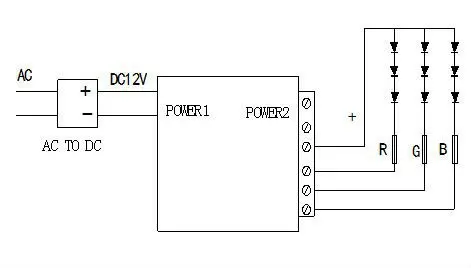
Application of new product innovation!zigbee dimmer switch for led panel 35w


Thanks for your time browsing our products
Any questions,please contsct me.
