
Features
Link Unlink
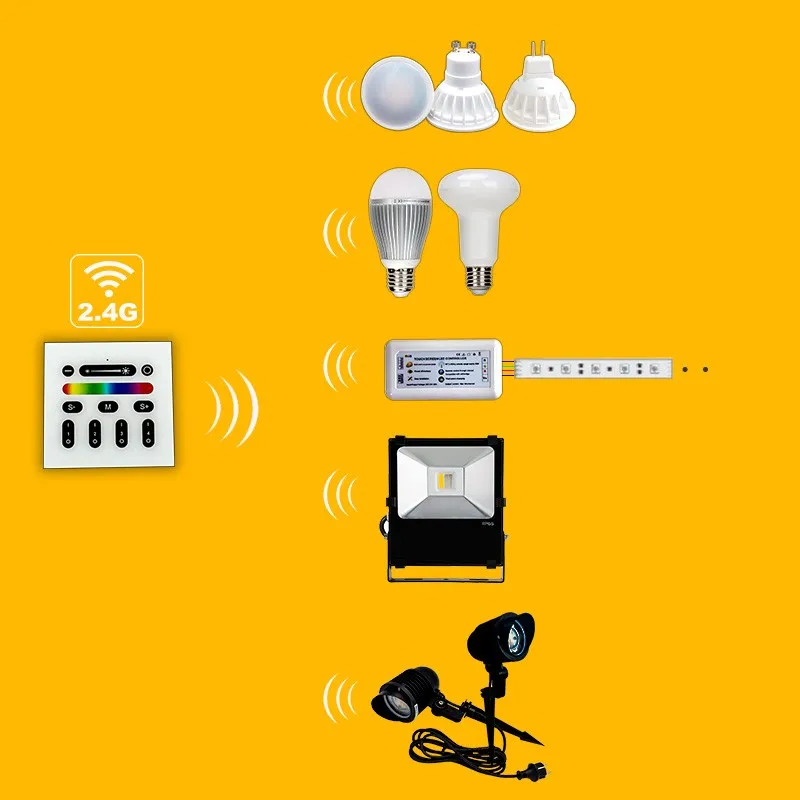
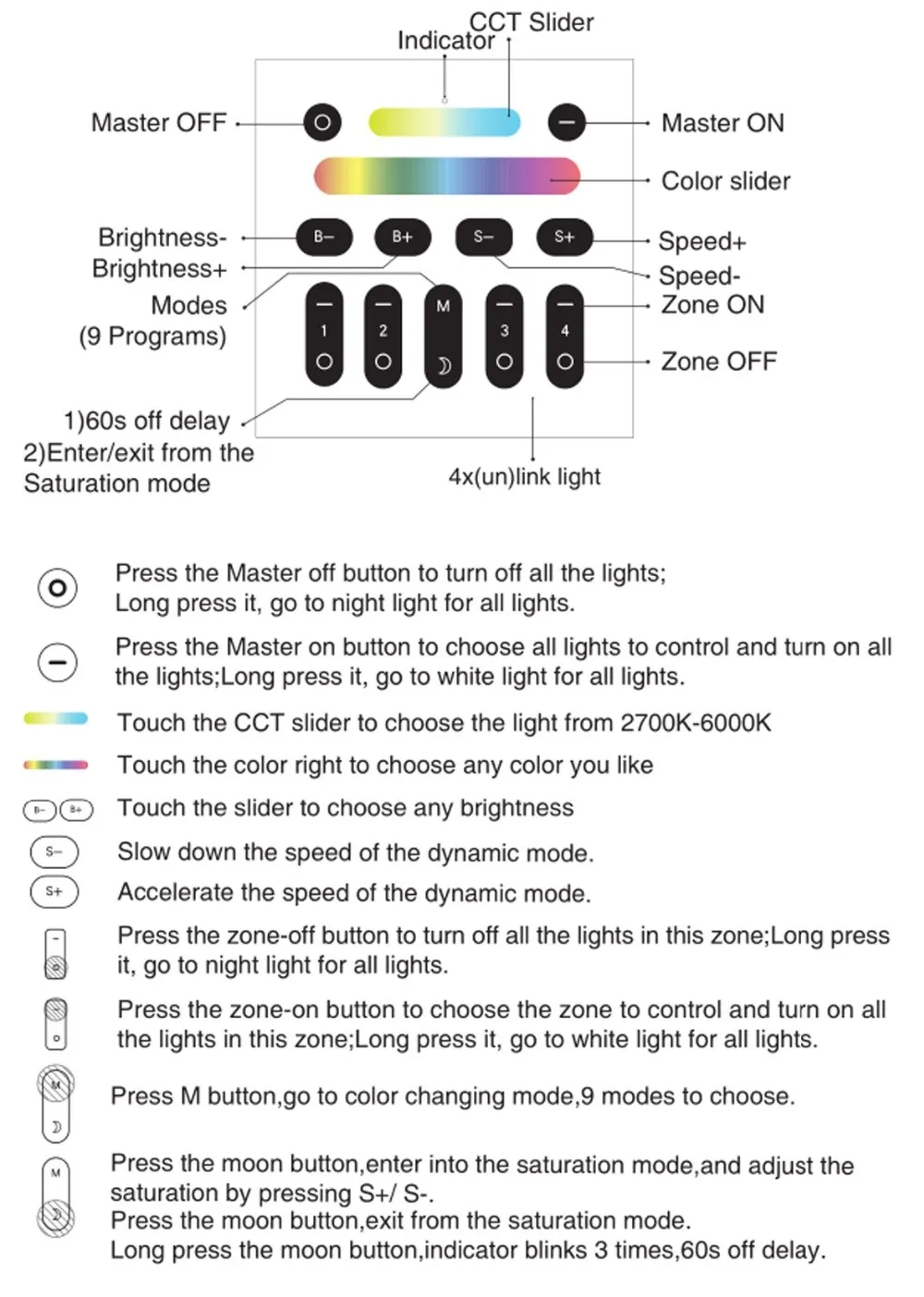
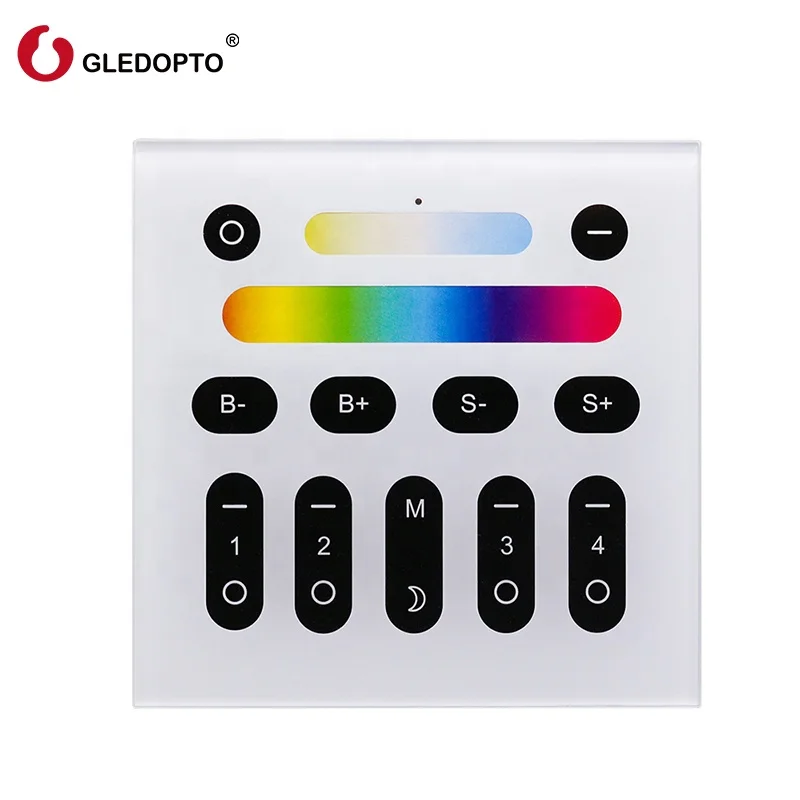
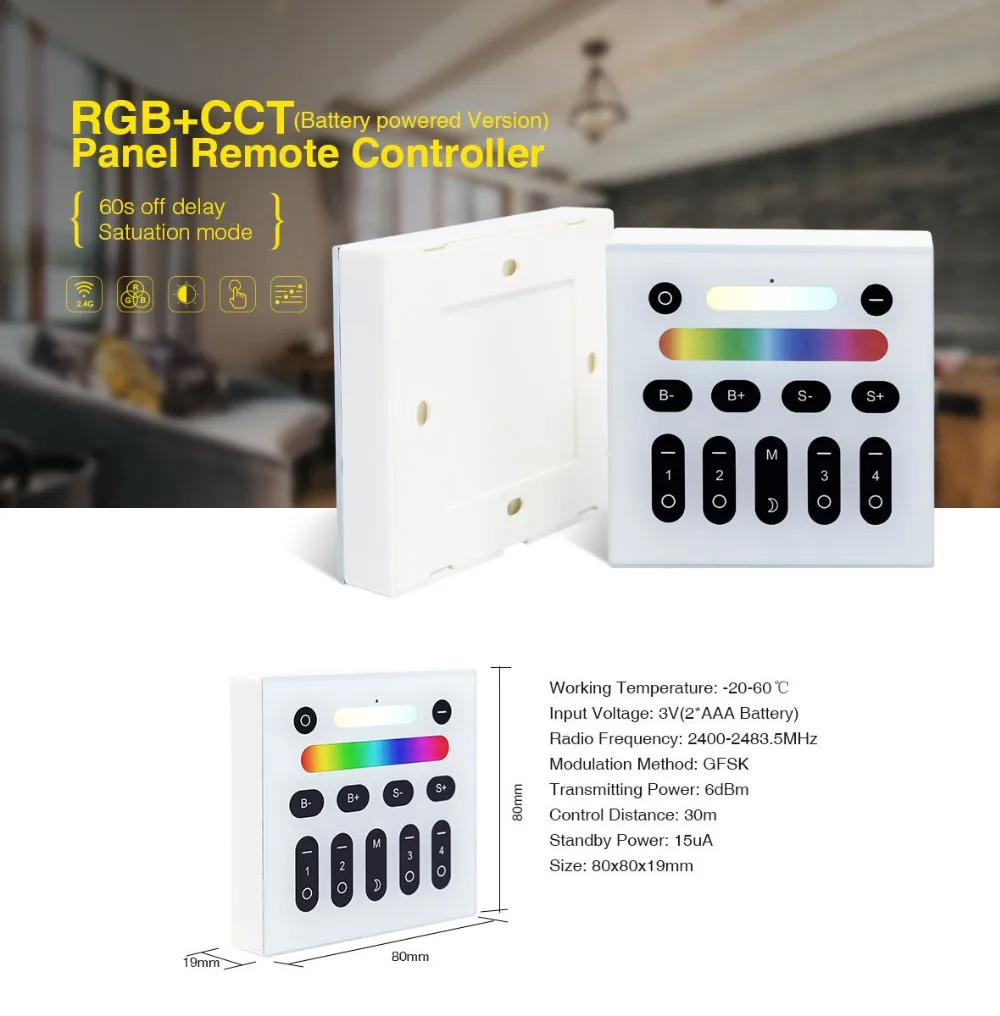
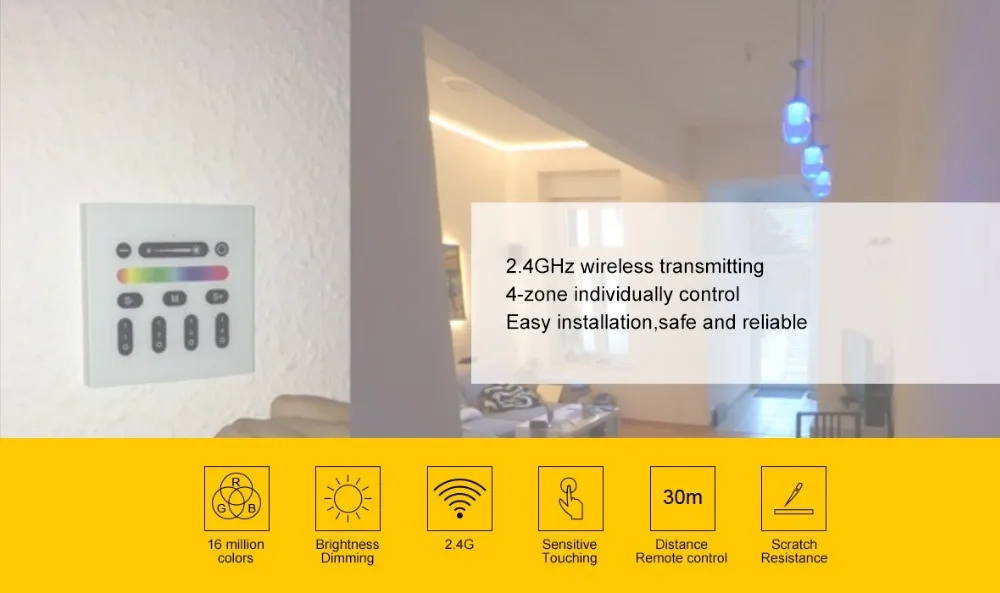
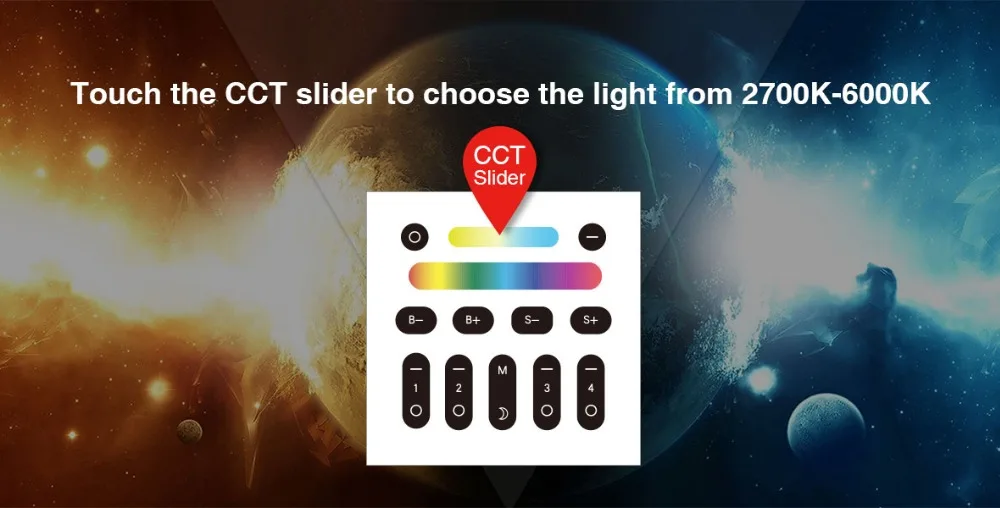
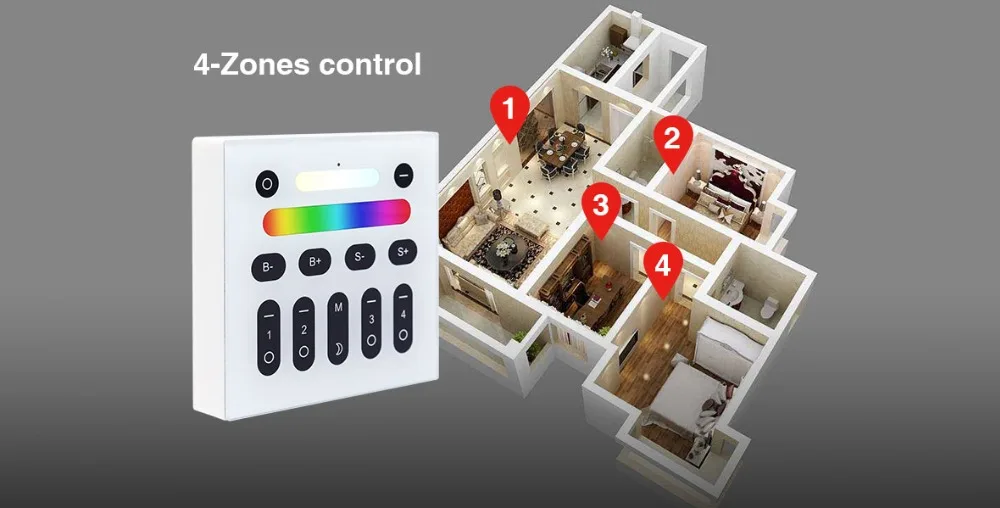
--Pairing a Light to the Remote1. Switch offthe main power supply to the light.2. Restore powerand within 3 seconds, choosing one of the "Zone On" (|) buttons, depress the button. It will Flash white 3 times, indicating that the light is now paired to that numbered zone and can be controlled via the remote.--Activating a ZoneTo activate a specific zone, depress the "Zone On" (|) button. The zone is now active and remote commands will only affect lights paired to that zone. Unpairing a Light to the Remote1. Switch off the main power supply to the light.2. Restore power and within 3 seconds, depress the "Zone On" (-) button until the light Flashes 10times, indicating that the light has been unpaired. An unlimited number of RGBW lights can be paired to a zone, and all lights paired to that zone will respond to the commands entered on the wireless remote. Conversely, a single RGBW light can be paired to up to five remotes. Note: The wireless remote operates using radio frequency. The remote controller's use is not restricted by normal obstructions such as walls, doors, etc. Once paired they can be installed anywhere in range of the remote (up to 100 ft. or 30m)