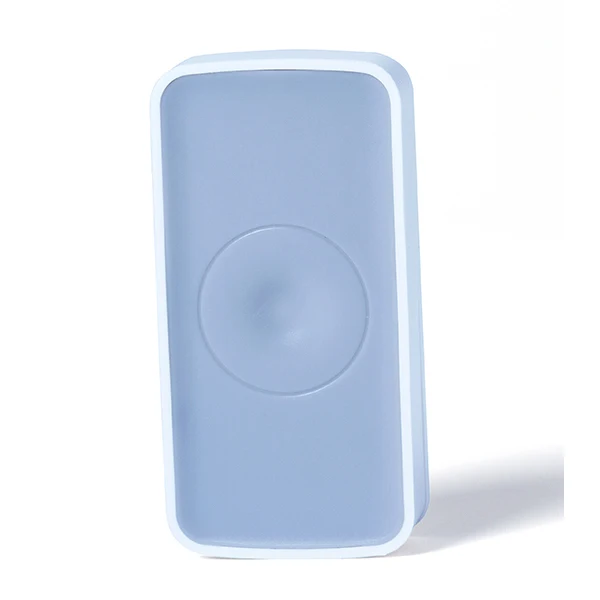
High quality smart detector smat home automation security zigbee door sensor

Introduction:
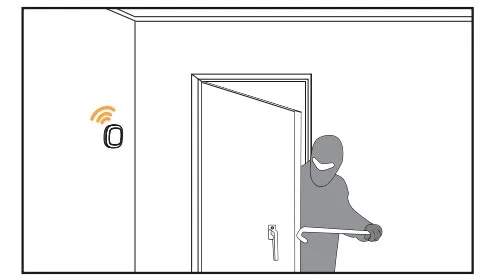
This Zigbee ZWave Motion Sensor with Smart Home Technologies adopts super low power consumption ZIGBEE wireless network design and automatic threshold adjustment technology to enhance the stability of the detector, efficiently anti-false alarm. Automatic temperature compensation technology, can efficiently prevent detectors from the decrease in sensitivity resulted from the temperature variation. Suitable to be used for safety protection of residential, villas, factories, shopping malls, warehouses, office buildings, banks, computer room and other places.
Features:
Zigbee ZWave Motion Sensor with Smart Home Technologies
iOS, Android system connected
Mobile phone APP remote controlling
Low power consumption zigbee module
Standard ZIGBEE ZHA protocol adopted
Super low power consumption circuit design, makes a longer battery life
Super thin appearance design
Support automatic threshold adjust technology, increase the stability of the detector, efficiently anti-false alarm
Double temperature compensation technology, efficiently prevent the sensitivity of the detectors from being dropped because of the influence of temperature
Low power indication and report
Super thin appearance design
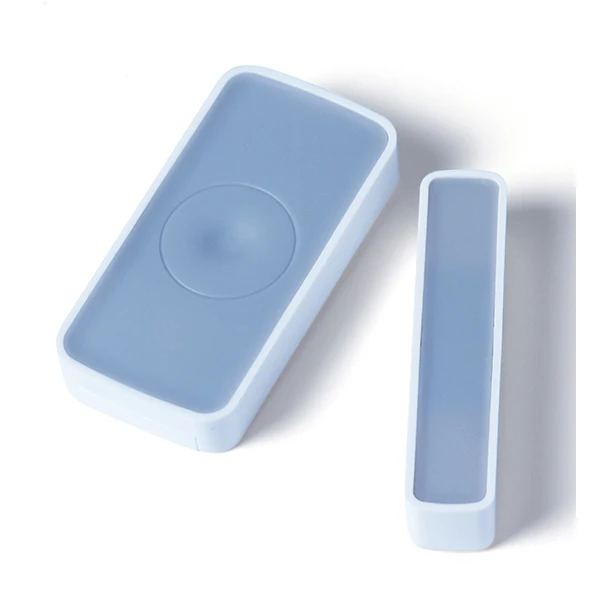
Remote controll through APP
Standard ZIGBEE ZHA protocol adopted: HA1.2
Specifications:
Working Voltage: 3V DC
Power Supply: CR2450
Battery Lifespan: 8-12 months
Static Current: <16uA
Alarm Current: < 30mA
Sensitivity: 12m, 90 degrees
Alarm Indication: Red LED
Network Connect Indication: Green LED
Network: ZigBee Networking
Distance (line of sight in unobstructed environment): 100M
Sound Intensity: /
Working Temperature: -10-50
Working Humidity: 5% - 95%
Low Battery Indication: 2.4V
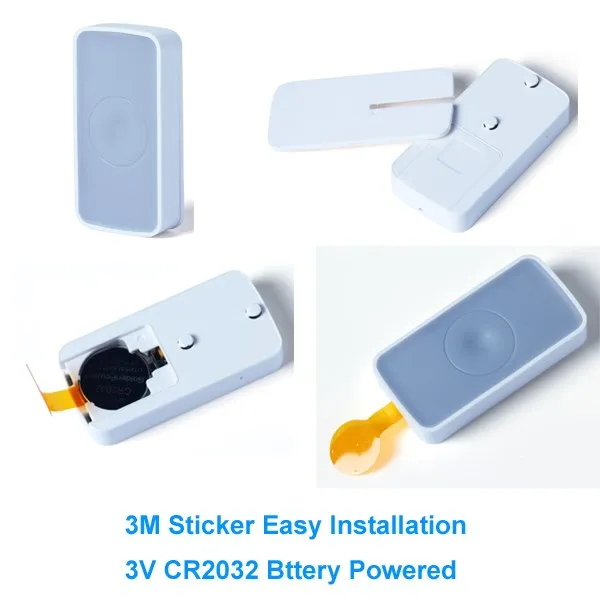
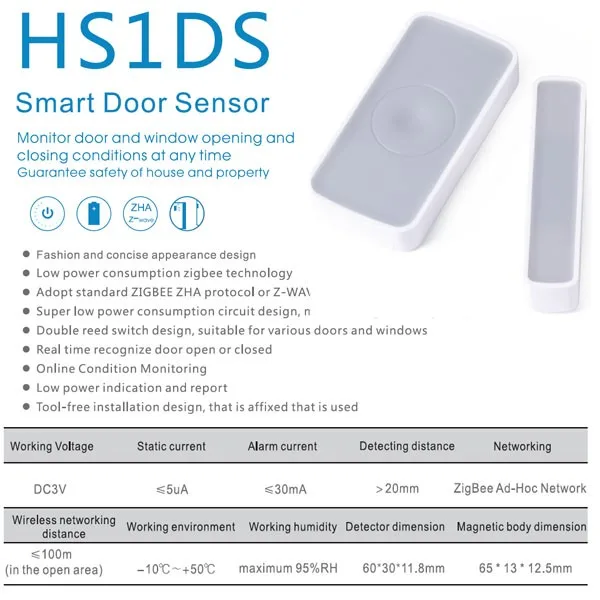
Installation: 3M Stickers
Dimension: 64.5*64.5*28mm
How to Use Notice before installation
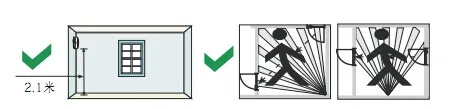
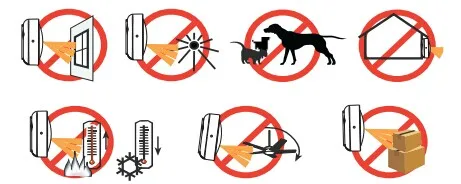
Please avoid install at ion in outdoor, places with pets, air -condition, heat source nearby, places with direct sunshine and places under rotating objects.
The installation surface should be solid without vibration.
Please install the detector in places where an intruder may passes easily.
Step 1
Removing insulator make device on power. Device will in warm-up state when red LED flashes, after 30 seconds LED off, warm-up complete.
Step 2 :
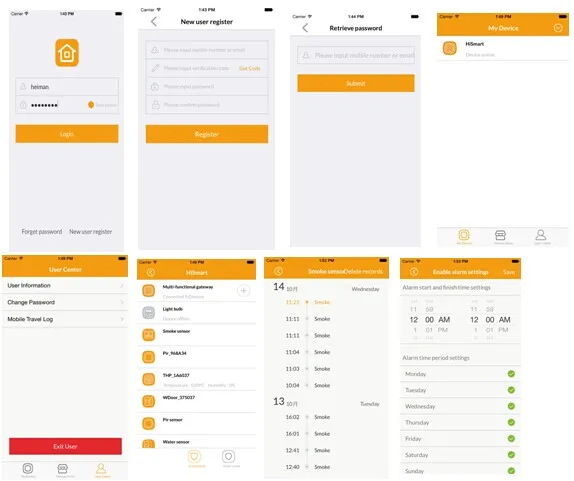
Detector will enter the network mode by clicking adding devices in the APP
Step 3:
According to APP prompt, press the button for 2 seconds after the networking equipment, green flash, APP Interface prompted, networking success. (Blue dot in the picture shows the position of networking button, the green dot shows the position of network indicator)
Step 4:
Paste device in the area required after removing double-side tap on the back side.
Step 5:
Note: Pls keep arrow part in the picture upwards.Put the detector into the bracket.
APP Interface
Packaging & Shipping
Color Box, Carton
