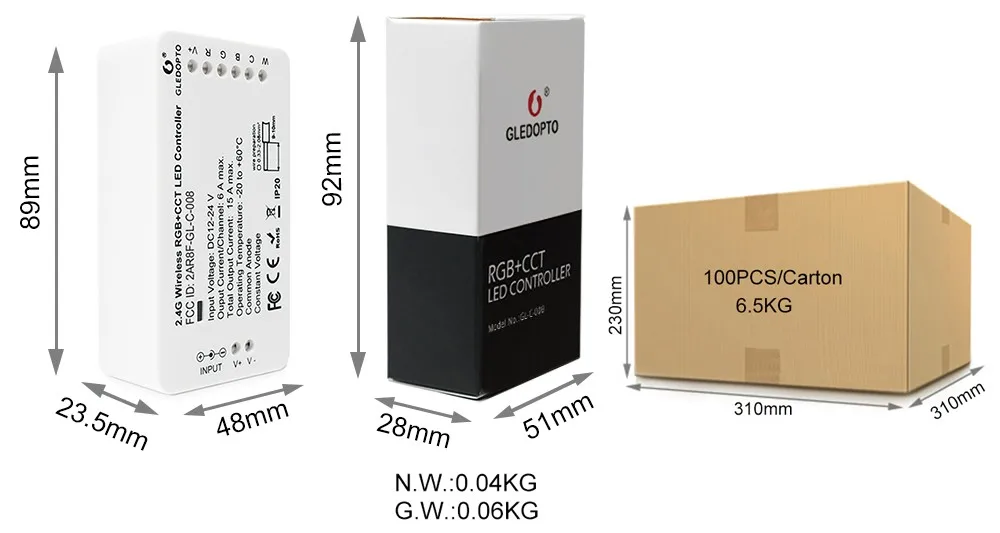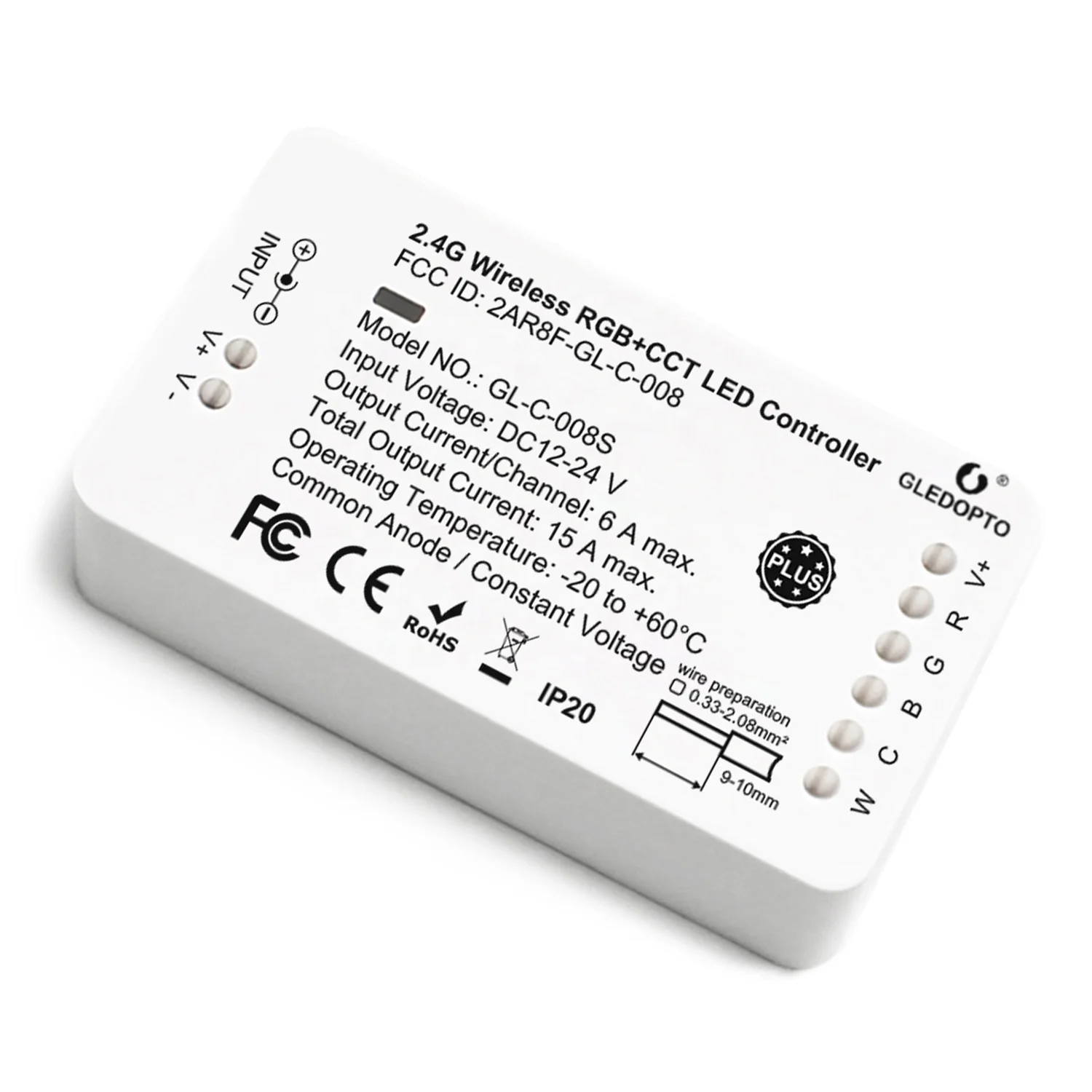
Product Paramenters
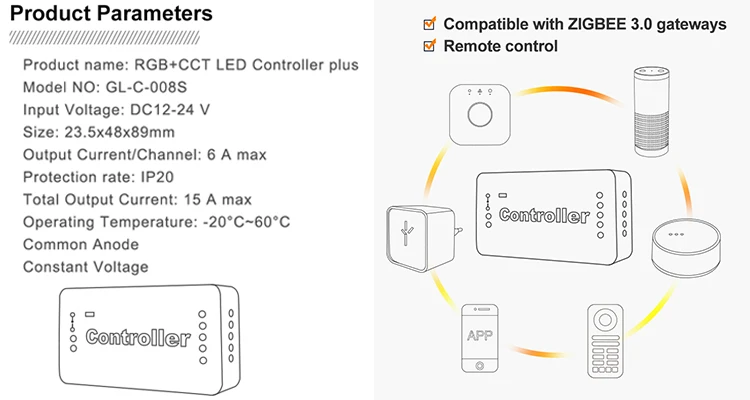
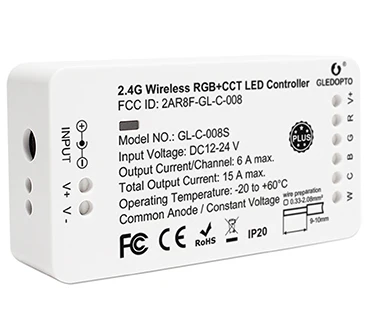 Main Specs of ZigBee LED Strip Controller PlusInput Volt.
 12V ~24V DC
Output Current Total 15A max.
Common AnodeYes
Control Tech. ZigBee 3.0
Lighting Color RGB+CCT
Remote Distance ≤30Meter
Shelf Material ABS
Working Temp. -20C~60C
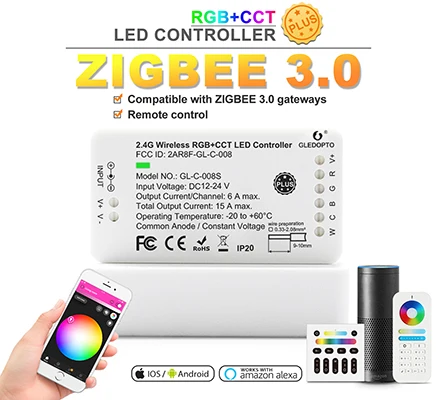
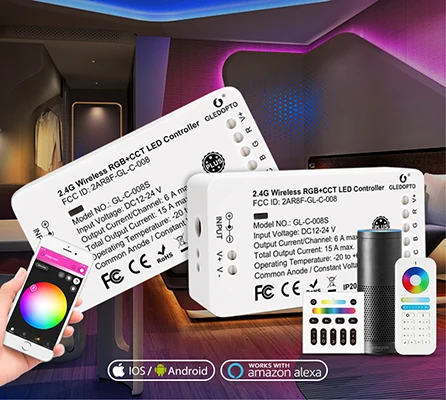
Product FeaturesGledopto ZigBee RGBW/RGB+CCT LED Strip Controller Plus series is the newly developed LED controller available to be controlled by 6-zone or 8-zone remote control and via ZigBee 3.0 hubs.
It is made of delicate & fashionable ABS housing body, based on standard ZigBee protocol which compatible to ZLL gateways such as Philips Hue, Amazon Echo Plus, Ikea Tradfri, etc. for common LED lighting with RGB color change, RGB + WW, RGB + CCT, CCT and single color LED lighting with 12V or 24V DC voltage.
This Plus serie controllers orLED lamps are designed for purpose of considering the users who are not familiar with ZigBee controlling, so alternatively it is can be controlled by the remote directly and much easy to manage the multiple lighting control functions.
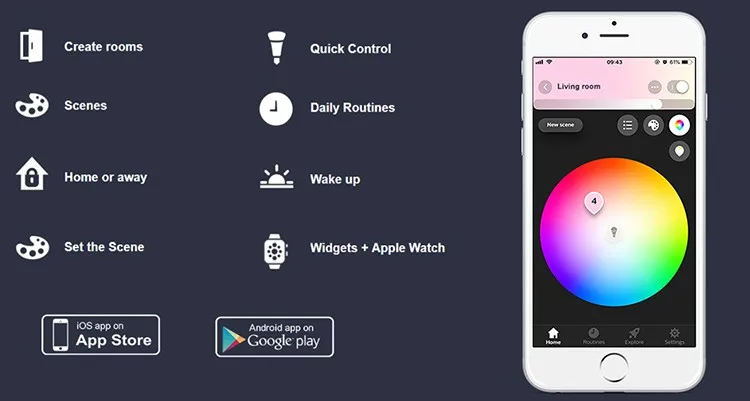
Main features to be controlled by different ZigBee Gateways△ Creat Rooms, divide your lamps into one or several rooms, to control lamps in each room together or seperately
△ Set the Scene, Scenes that automatically adjustto the lights in your room according to environment
△Home or away, set time to turn on your lights automatically even you are away from home, as a reminder there's people at home
△Wake up, set time to turn on light gently, to wake you up in the morning
△ Sync Effect with Screenbloom, sync your lights with movies, music and games, to enjoy the lighting effect which synchronizes with the plot of the picture changes

Easy Guide to Connect with ZigBee Home Automation Gateways
Installation:1. Tuen off the power
2. Plug in the controller
3. Now you can connect it with the gateway
Connection with Gateway:1. Connect the LED product to the controller see section "wire connection"
2. Start the device searching on the ZigBee Light Link gateway, it would take some time to complete.
If the gateway does not find the device, power on/off or reset it again.
3. After finding the device, the light will turn green, then you can save it to the rooms/groups
4. Now you can use the device
Reset:1. Switch on your device
2. Now within 2 seconds on/off again
3. Repeat off/on four times
4. Reset is done when the device is switched on at the 5th time, and the LED light will be fully bright, then flashing for 5 times.
Compatibility - to work with different ZLL Gateways and Apps
App work with Hue gateway:Hue, hueparty, hue Disco, iConnectHue, Hue Widget, Light DJ, etc.
Work with Home Assistant:https://www.reddit.com/r/Gledopto/comments/ad9mbh/how_to_use_home_assistantha_to_control_gledopto/
Work with Homekit:https://www.reddit.com/r/Gledopto/comments/amp3v9/i_wrote_a_little_guide_on_getting_the_gledopto/
Sync effect with screenbloom:Sync your lights with movies, music and games, enjoy the lighting effect which synchronizes with the plot of the picture immediately, and experience the more delicate atmosphere lighting effect.
How to sync?Please follow this website:http://www.screenbloom.com/
Demo Show of Sync:https://youtu.be/zZjtJMy_774

2.4G RF & Zigbee 3.0 Hub ControlQuick Start to Connect ZigBee LED Controller to ZigBee 3.0 Light Link Bridge

GLEDOPTO® 2.4G RF Remote Control LED Controller Connection


Applications Cases


Gledopto ZigBee LED Strip Rope String Light Controller Packing Details