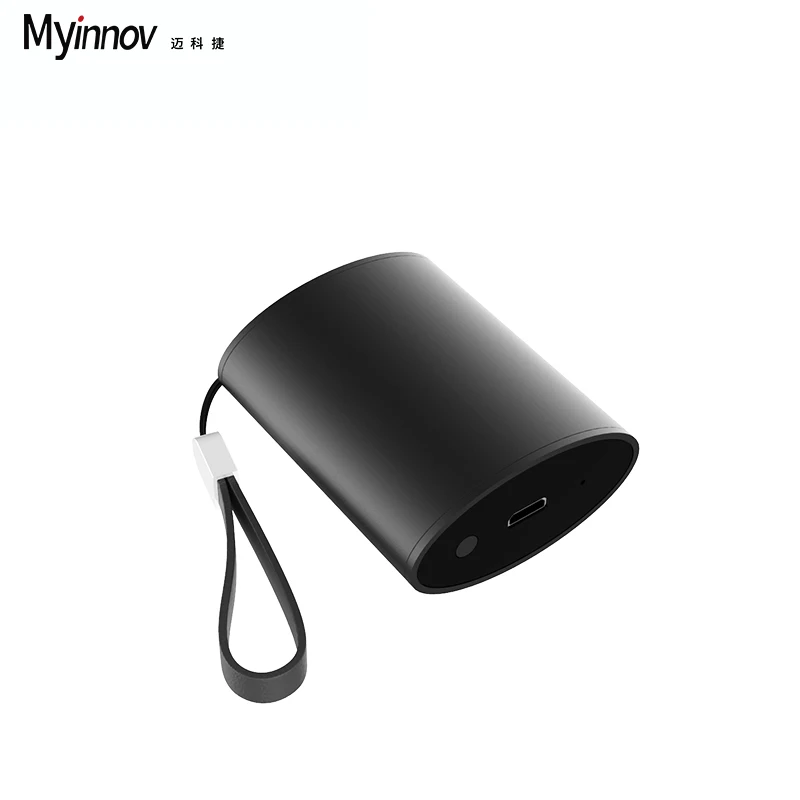
2019 BT5.0 OEM i9s Wireless Earphone Mini Headphone Custom Blue Tooth Earbuds Product name 2019 BT5.0 OEM i9s Wireless Earphone Mini Headphone Custom Blue Tooth Earbuds
Case Material ABS
Chipset Solution Airoha/Realtek
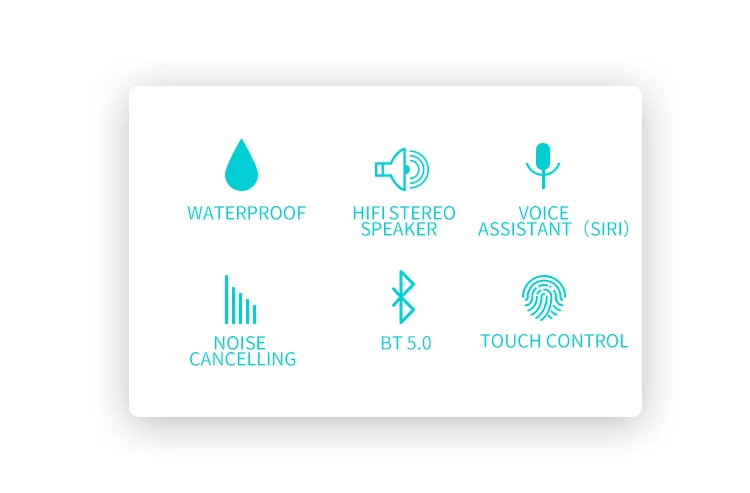
Headphones Connection Wireless Blue-tooth V5.0+EDR
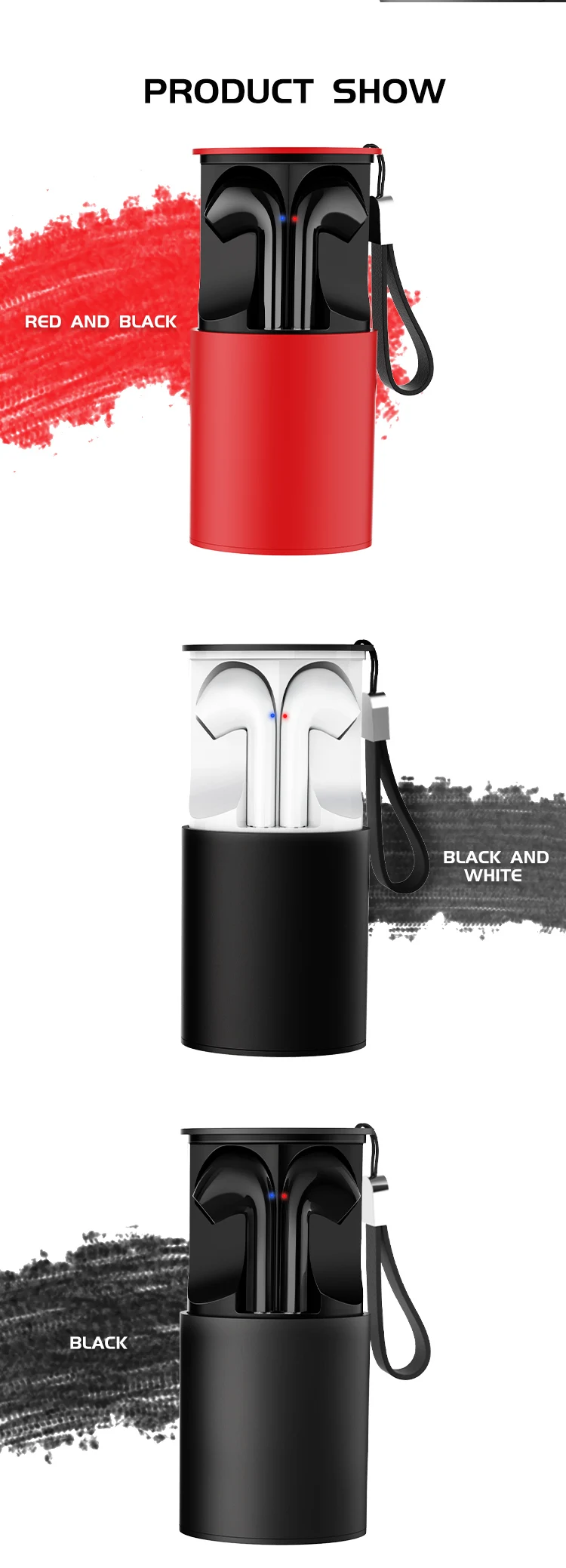
Multiple Colors Options White, Black, Champaign Gold, Rose Gold, Red
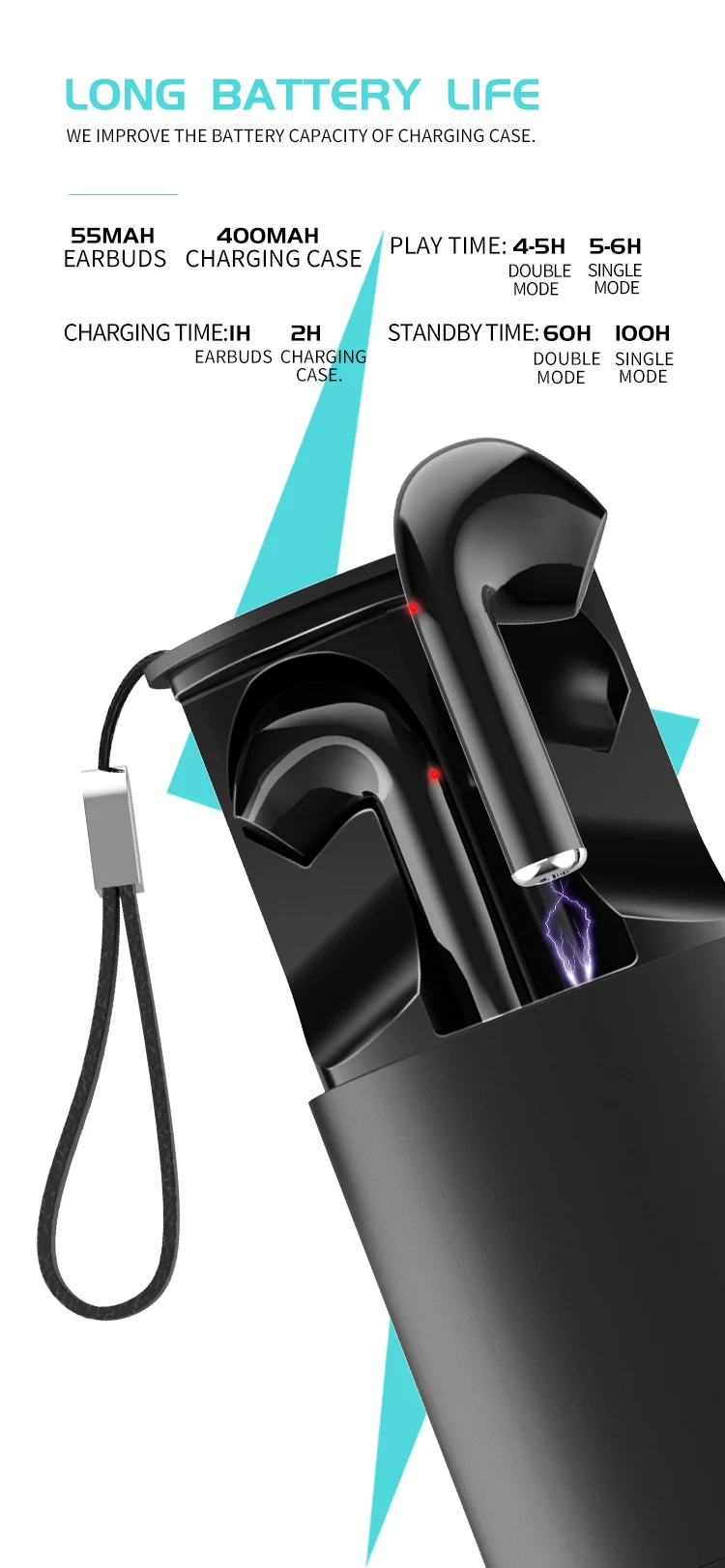
Standby Time 100 hours
Playing Time 3.5-4 hours/6-7 hours
Battery 55mAh
Charging dock battery 550mAh, can charge earphones 10 times normally
Usage Mobile phone, laptop, tablet, MP3, PC, Car music players and other multi-media audio video players
Delivery 1~5days after deposit, up to actual order volume
Payment Options Paypal , T/T, L/C, Trade Assurance, Western Union, Moneygram
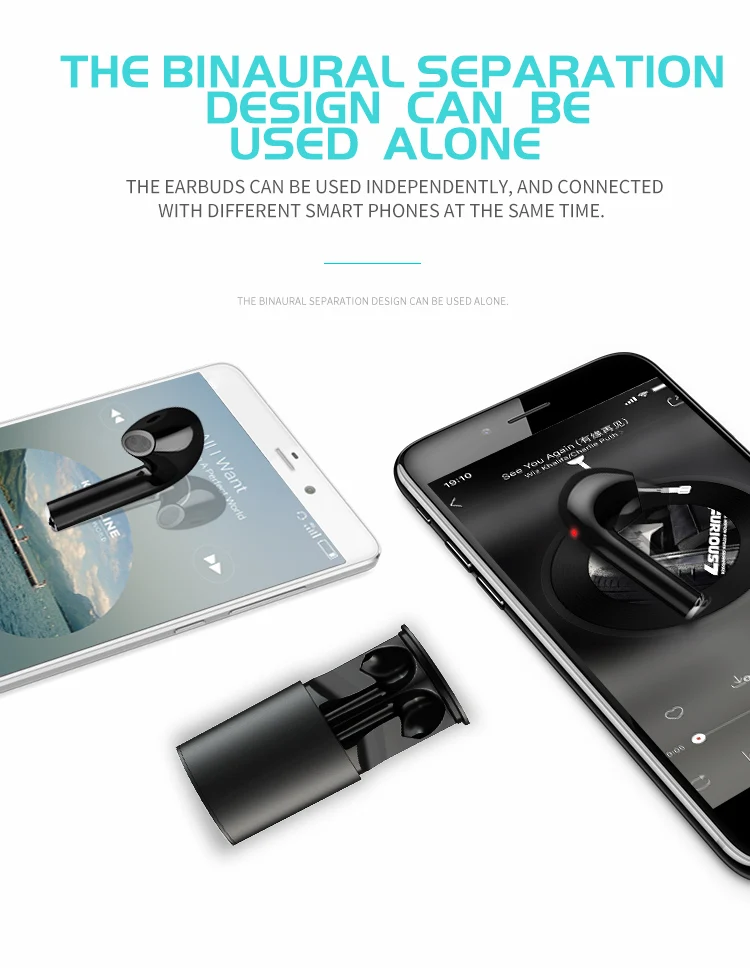

How To Pairing:
Twins Pairing:
1. Long press the power button of the pair of earphones at the same time until the led flash in blue and red alternately.
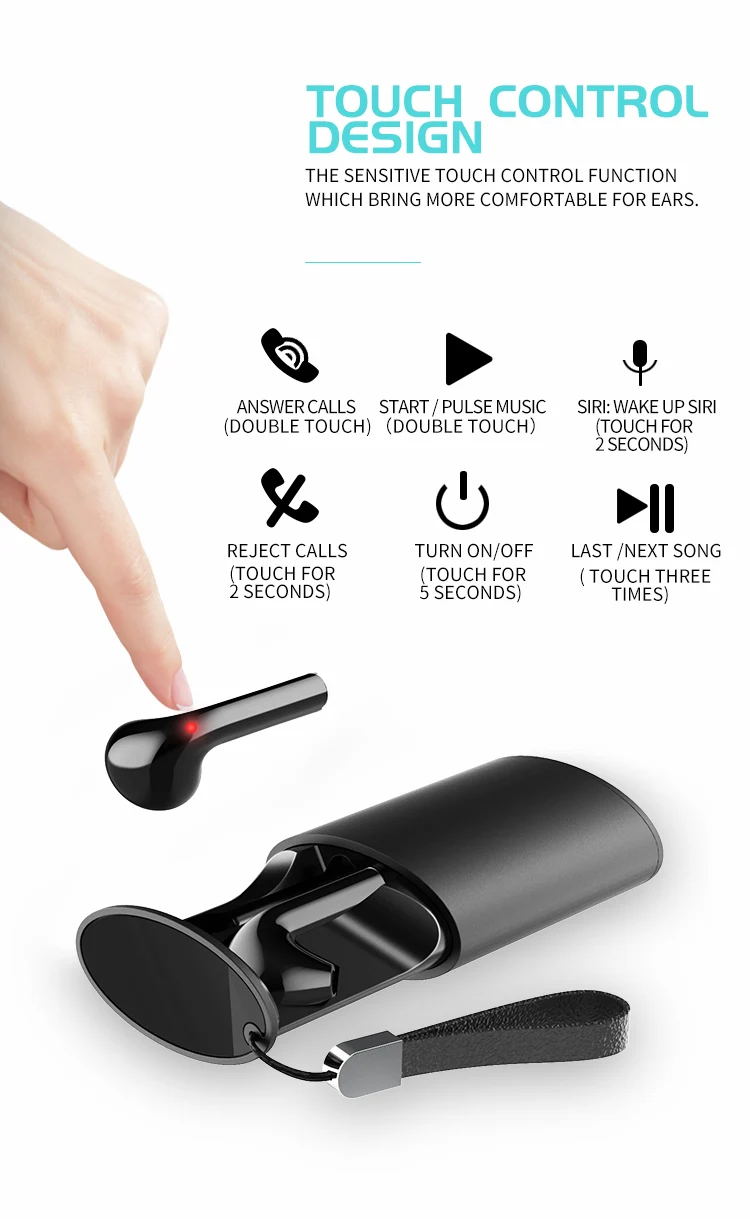
2. Then double click EITHER side to enter pairing mode,or press the button for 3 seconds,there would be reminding voice"ready to pair".
3. Turn on the Bluetooth on your device and search "tws-x9" to connect.When the led flash slowly in blue,they pair successfully.
Single Pairing:
1. Long press the power button of the earphone until the led flash in blue and red alternately, then it is ready to pair.
2. Please turn on the "Bluetooth" on your cellphone and choose "tws- x9" on your list, there would be reminding voice from the earphone saying "pairing success".
