high quality mini dp to hd-mi adapter cable for 4k audio/vedio output
Specification
Product Name
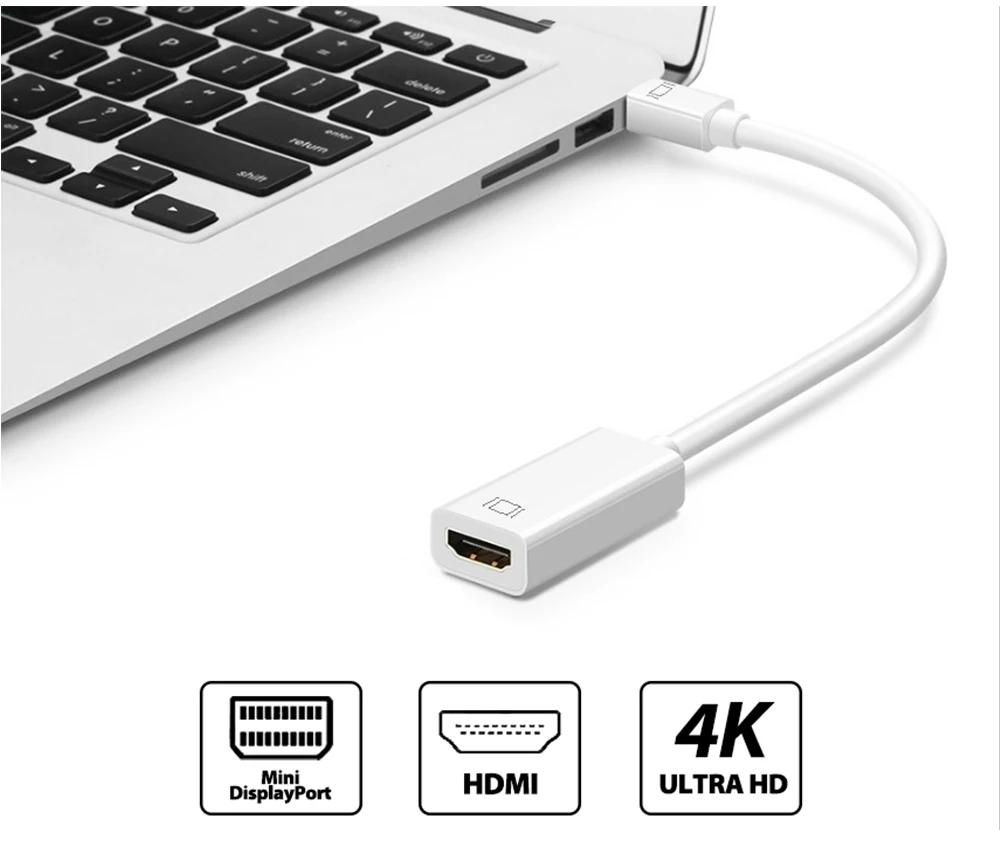
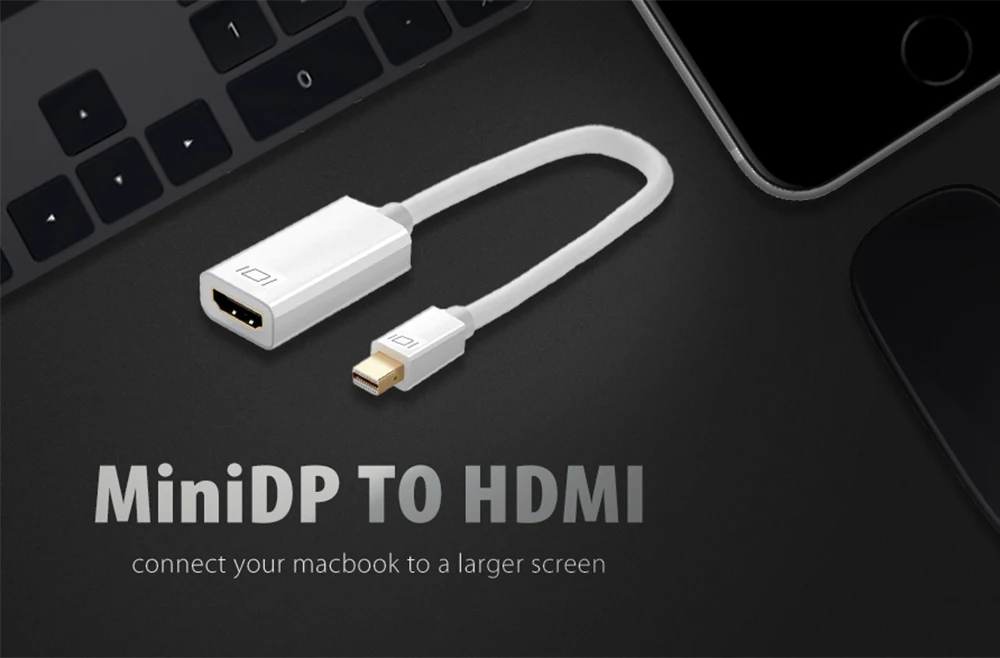
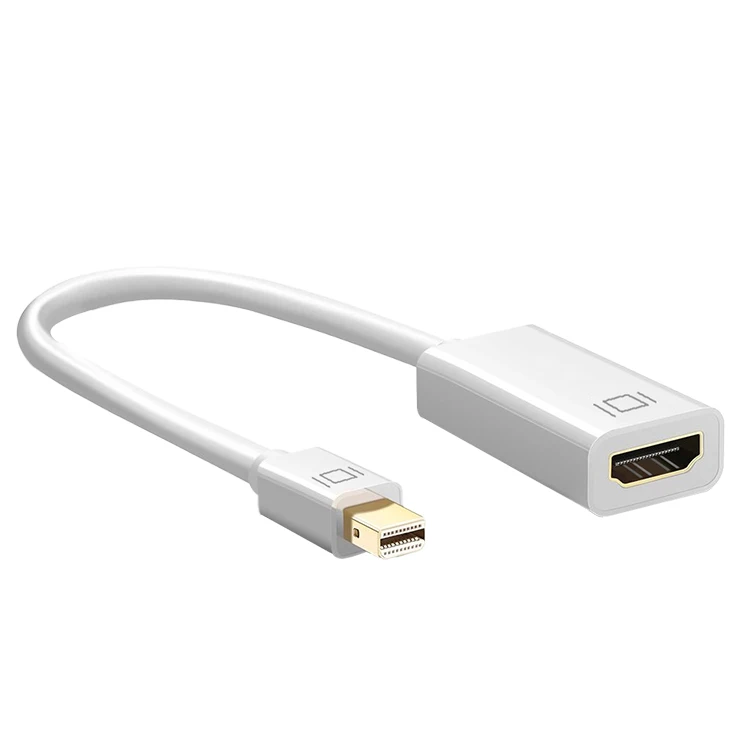
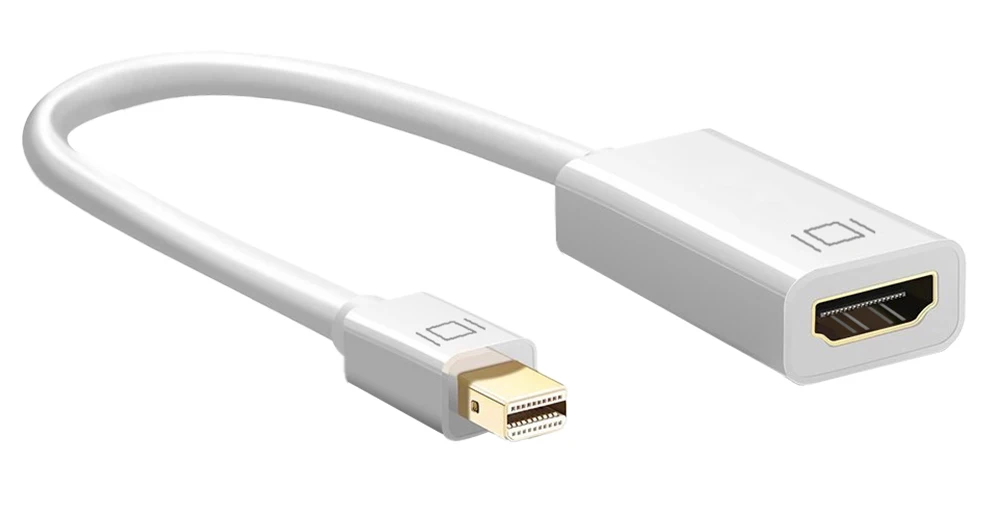
4K@60Hz Mini DisplayPort Male to HD-MI Female Adapter
Wire Spec.
32AWG, OD: 5mm
Connector
Gold plated
Material
ABS casing
Color
White, Black
Length
17.5cm
MOQ
100 pcs
Customization
OEM/ODM
Packaging
Polybag
Item Weight
30g
Quality Testing
Electrical test & Visual inspection
Warranty
One year
Product Function
Connects a Mini DisplayPort or Thunderbolt port compatible computer or tablet to an HDTV, monitor, or projector with HDMI; A separate HDMI cable (sold separately) is required.
Product Features
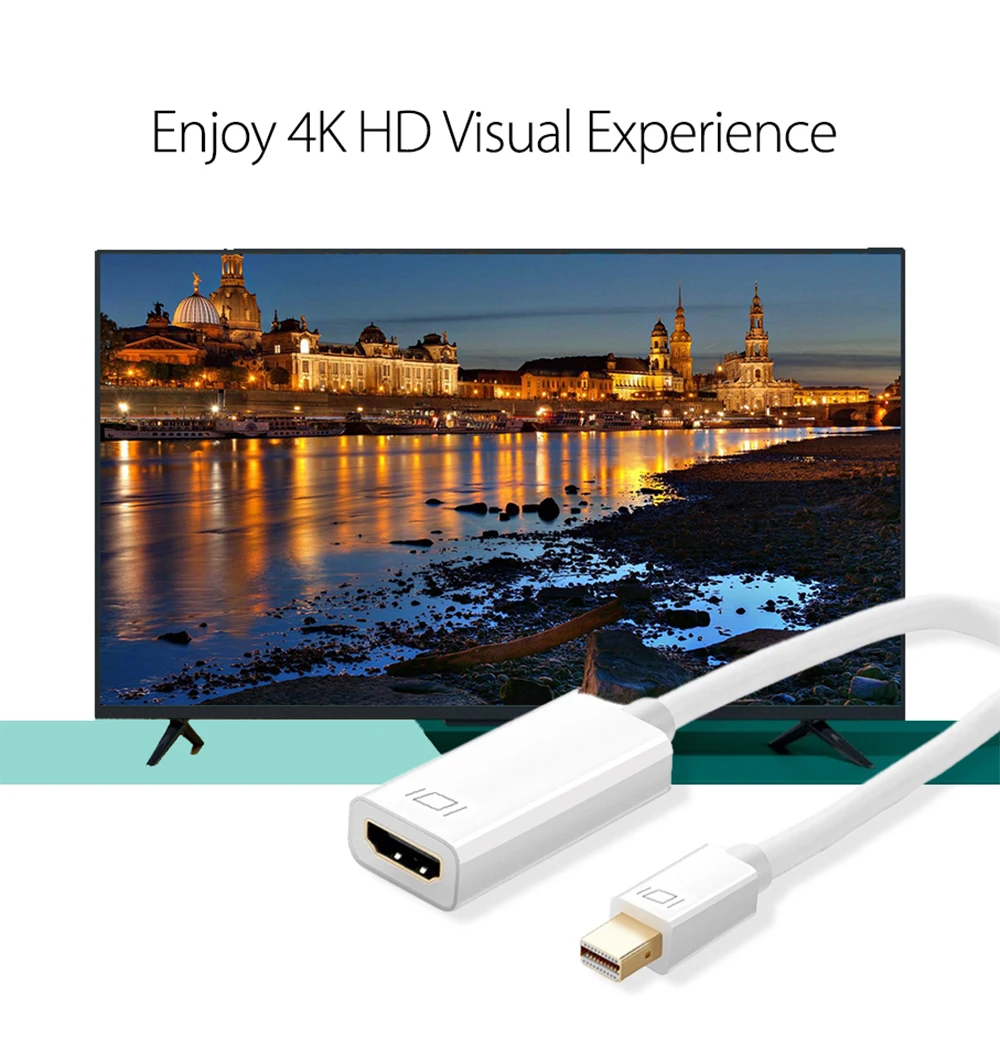
1. Supports video resolutions up to 4K (Full HD)
2. Gold-plated connectors resist corrosion, provide rigidity, and improve the signal performance
3. Lightweight and portable
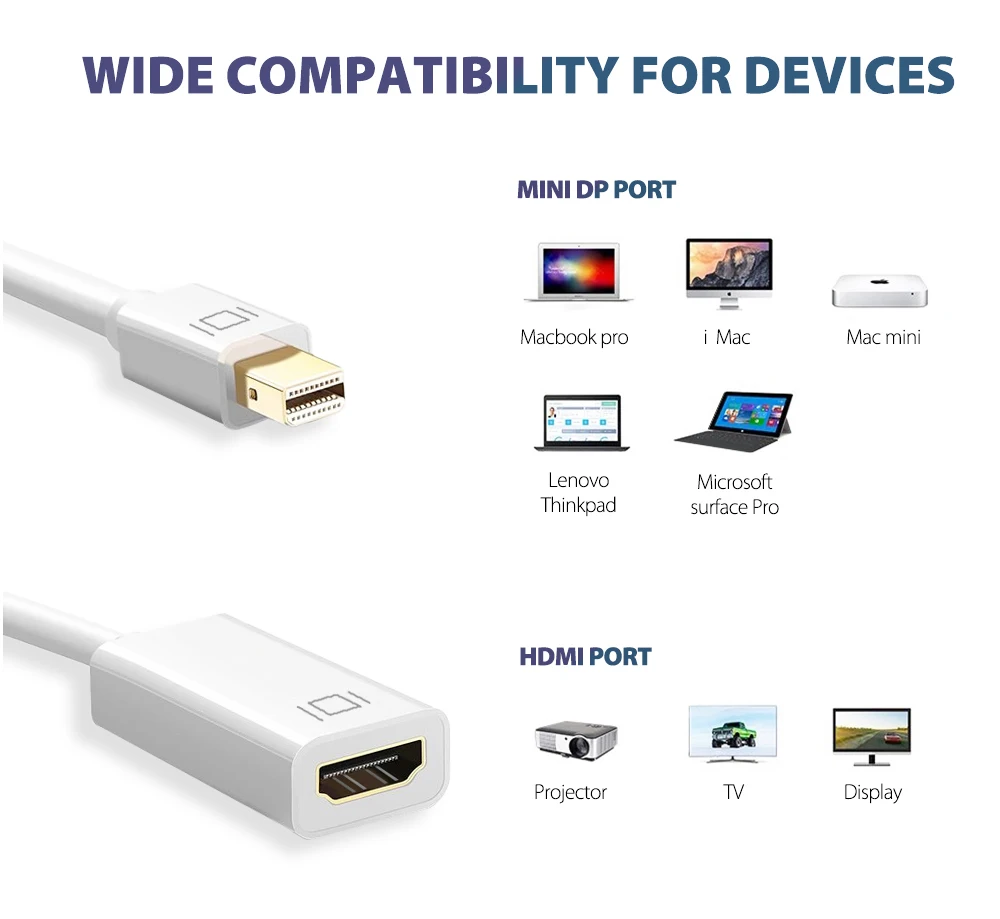
4. Compatible with Apple MacBook, MacBook Pro, MacBook Air, iMac, Mac mini, Mac Pro; Microsoft Surface Pro/Pro 2/Pro 3 (NOT Surface for Windows RT); Google Chromebook Pixel; Cyberpower Zeusbook Edge X6; Toshiba Satellite Pro S500, Tecra M11/A11 and more.
Travel-Ready Mini DisplayPort to HDMI Adapter
Mirror Mode: Makes your holiday photos and favorite films so much more interesting and enjoyable on the big screen!Extended Mode: Works like a charm for multitasking.Durable & Unique Design:
Lightweight Alu-alloy Shell: Greater portability and convenience.Sturdy Nylon Braided Jacket: Anti-aging, anti-twisting, moisture protection, abrasive resistance.24K Gold-plated Connectors: Corrosion-resistant, extraordinary durability, accurate data transmission.High-Definition Video & Audio:
Utilizes the latest Mini DisplayPort specifications to achieve the highest transmission rate.HDCP, 36-bit Deep Color, 3D and uncompressed/compressed audio formats.HD transmission for an all-in-one A/V solution.Perfect Compatibility:
Apple MacBook Air (BEFORE 2018)/Pro (BEFORE 2016), iMac (BEFORE 2017), Mac Mini, Mac ProMicrosoft Surface Pro/Pro 2/Pro 3/Pro 4/Pro 5/Pro6, Surface Laptop/Laptop 2 (NOT Surface 2), Surface 3 (NOT Surface), Surface Dock, Surface Book, Surface StudioLenovo ThinkPad Helix, X230, L430, L530, T430s, T430, T530, W530Dell XPS 13 (BEFORE 2016)Mirror and Extend Mode Settings:
1. For MacOS, Top left corner Apple icon-->System Preferences-->Displays-->Mirror or Extend Displays;
2. For Windows 10, press Windows key + P combination command--> choose Duplicate or Extend
3. For Windows system laptop, if the external monitor could not work, please update the BIOS and graphic card driver from laptop official website.